Zangi Messenger
- 1.28K
- 4.3
- Installs
- 50.00M
- Version
- Varies with device

Screenshots
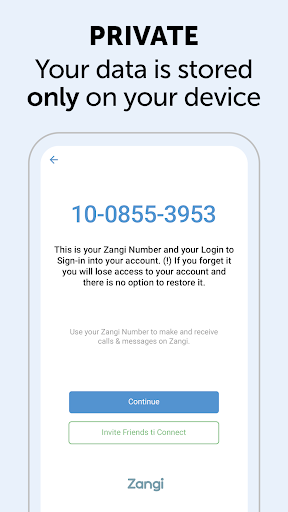
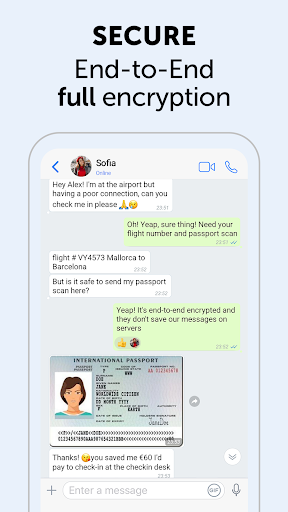
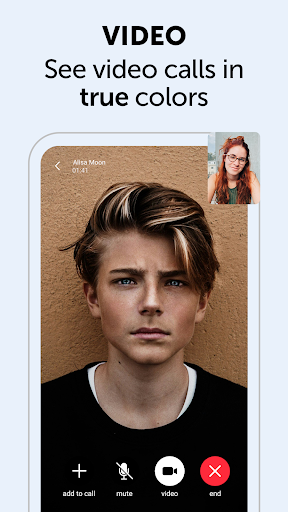
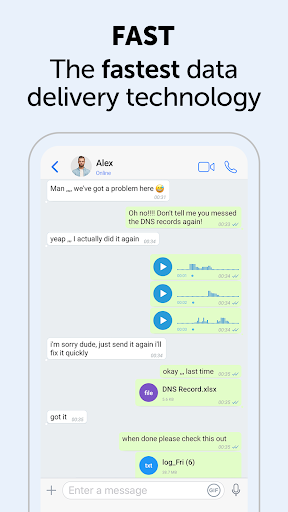

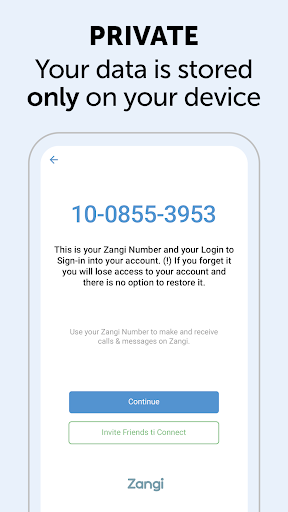
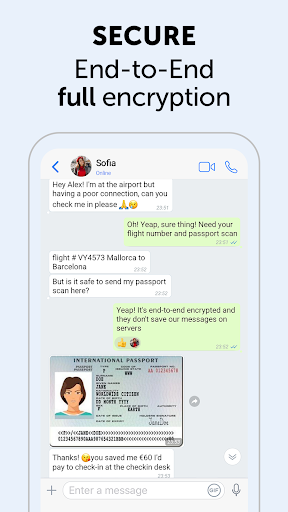
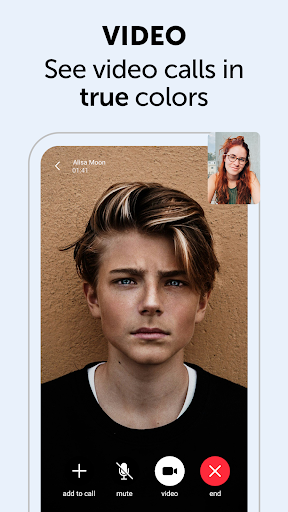
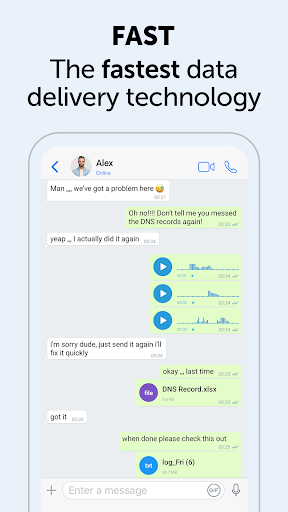
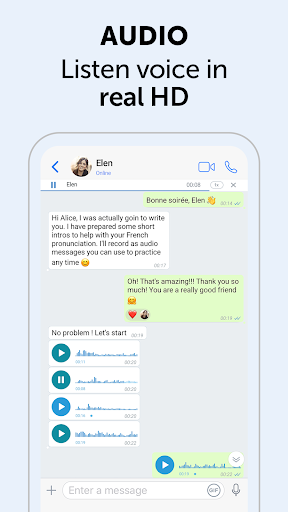
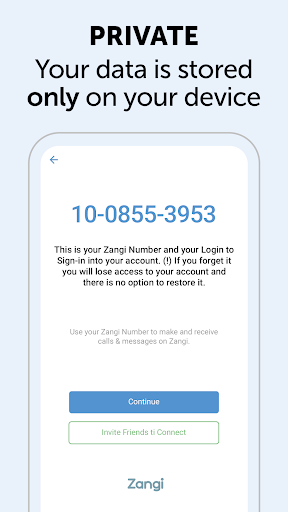
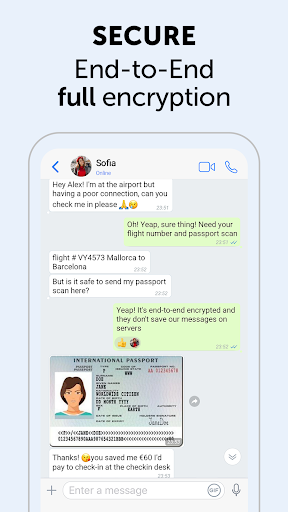
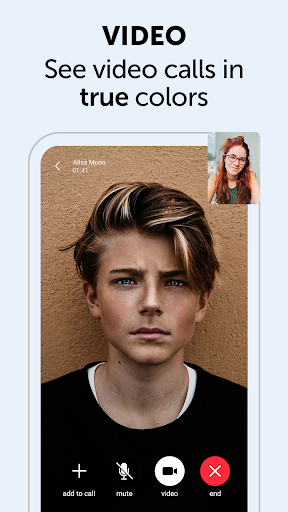
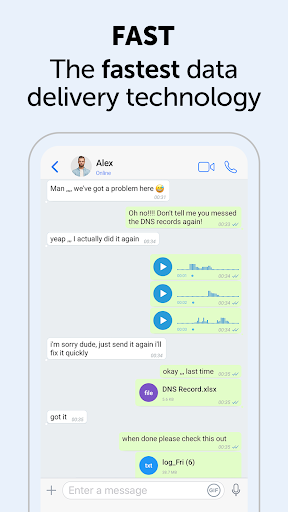
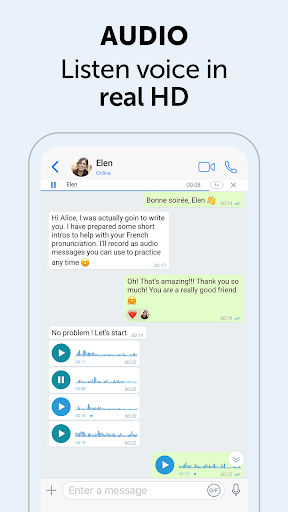
The Zangi Messenger app provides a secure messaging service for users. Zangi Messenger requires no phone number or personal contact to create an account. Data will only be stored on the users' phone. Military-level encryption safeguards all the messages and calls. Download Zangi Messenger and enjoy high-quality, safe and fast communication.
Latest Update: Improved Low‑Bandwidth Calls, Enhanced Media Sharing & Privacy Controls
Zangi Messenger’s latest release improves voice/video call reliability on weak networks, reduces data and battery use during calls, and speeds up connection times. The update also expands media and file‑sharing options (larger attachments and faster uploads), adds clearer privacy controls and settings for message retention, and includes UI refinements and several stability/bug fixes to boost overall performance.
Features:
- Good privacy: This app provides high-level encryption for messages and calls. It requires no personal information.
- Bad connection: Some users report that the voice and image quality of video calls is unstable. Sometimes they lose connection suddenly.
- Message delay: Some users report that the messages they send cannot be received immediately.
How to invite my friend to Zangi?
There are two methods:
Go to your app "Contacts" → switch to "All contacts" → tap on a contact that doesn’t have a Zangi label next to their name → tap "Invite to Zangi".
Go to your app "Contacts" → "Invite Friends" → choose "Invite by SMS" or "Send Invitation via…" or "Share" → choose the contacts you want to invite.


