Among Us
- 2.37K
- 4.5
- Installs
- 750.00M
- Version
- Varies with device

Screenshots
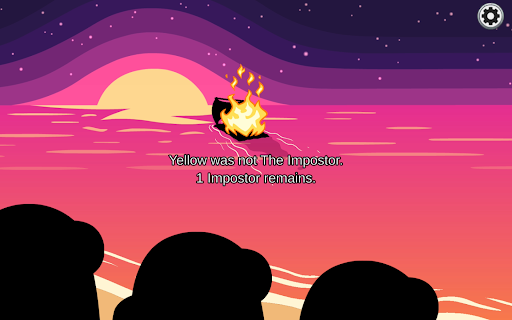
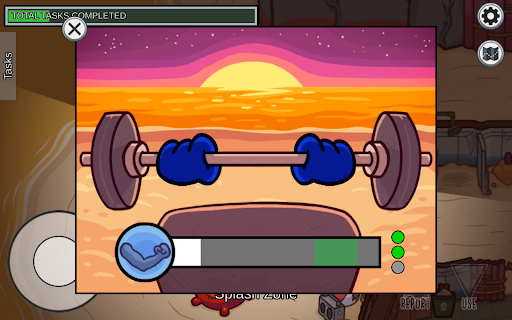
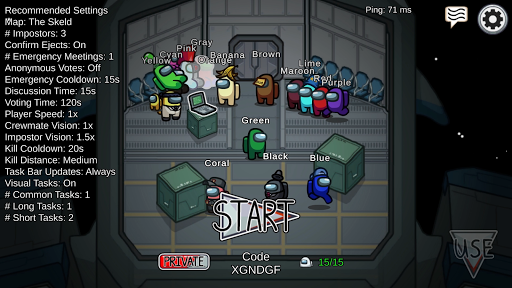
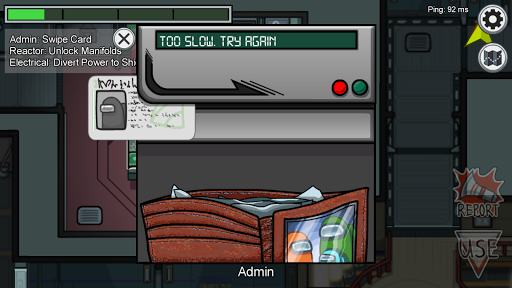
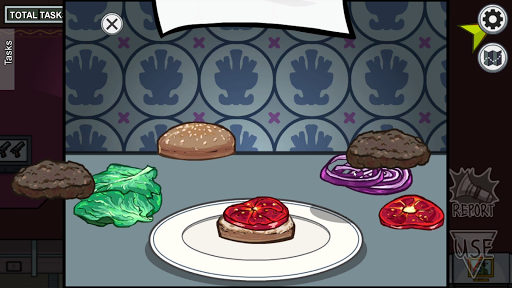
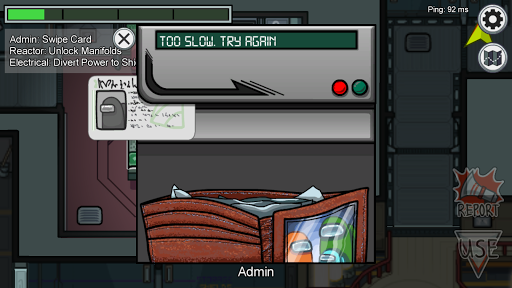
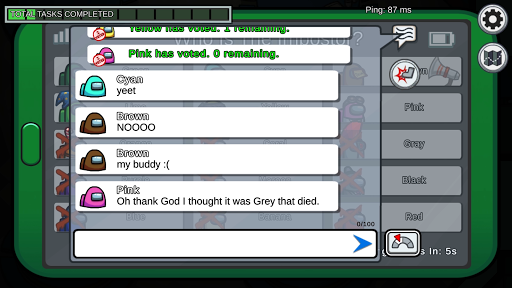
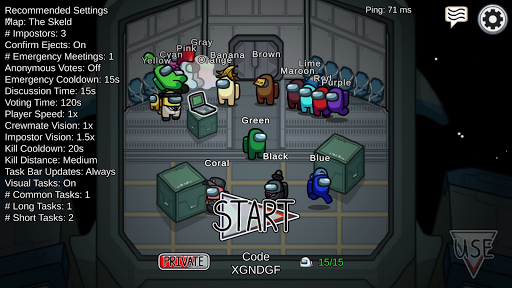
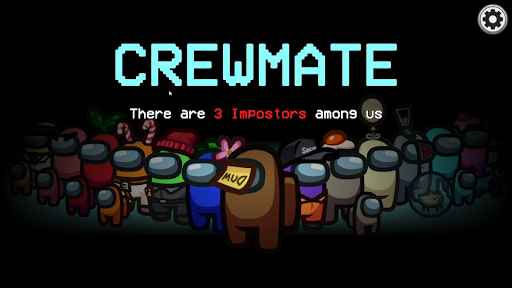
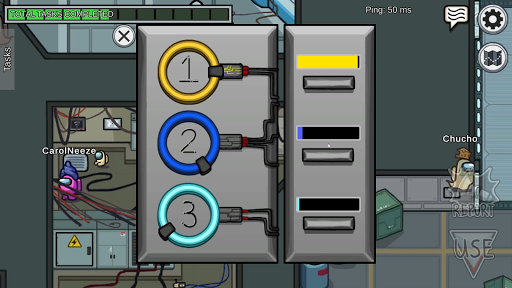

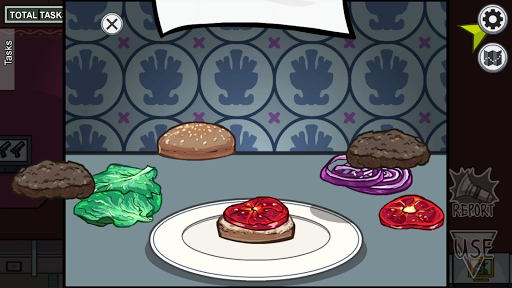
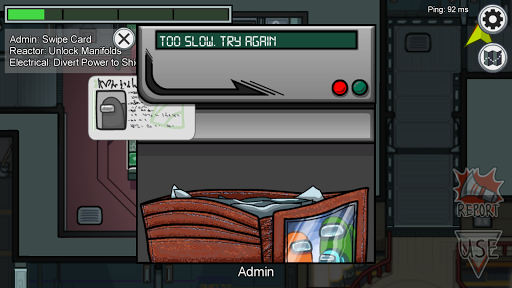
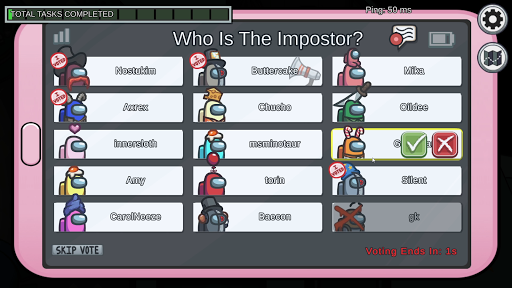
Among Us is going viral! Join your friends in this breath-taking game of teamwork and betrayal!
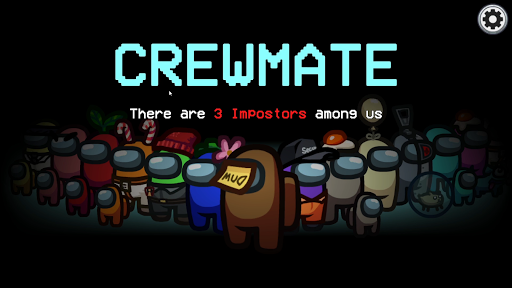
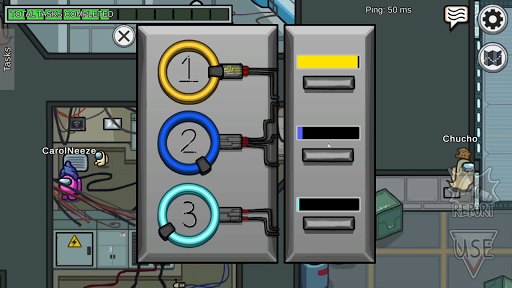
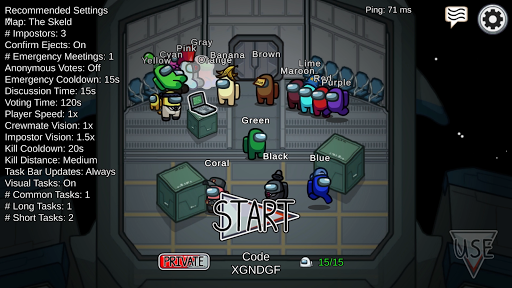
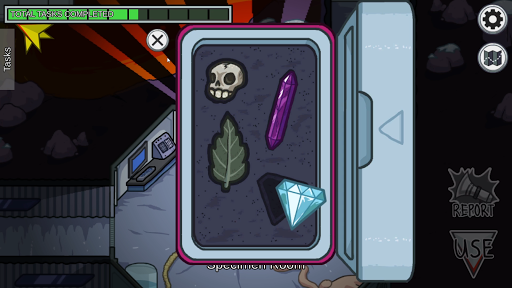
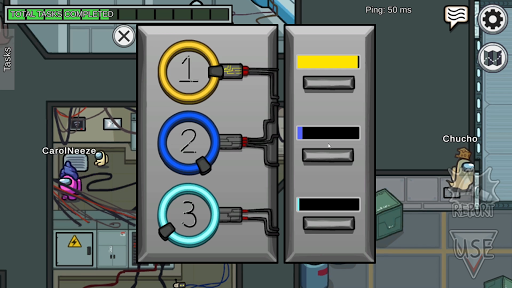
Team with 4-10 players as you go through a bunch of tasks to prep your spaceship for your journey to home, but beware as one of your crewmates is also an impostor whose mission is to sabotage your ship and kill everyone!
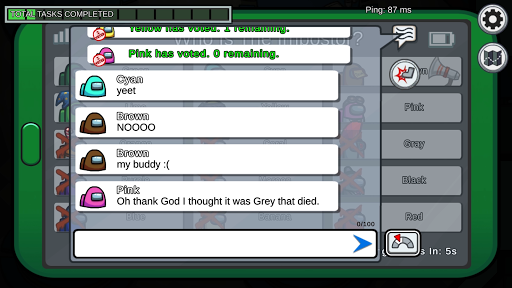
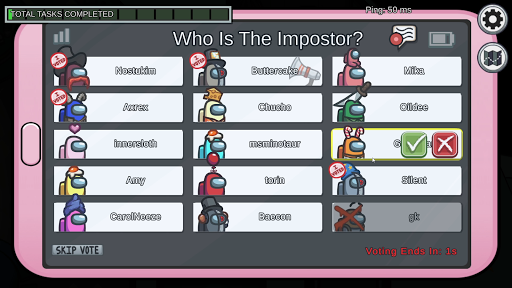
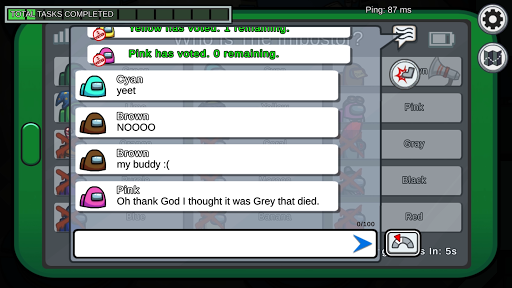
Members are muted to maintain anonymity while fixing the ship, and that’s when the imposter makes his kill! Crewmates win by completing all tasks or voting the impostor off the ship. If not, the imposter wins.
Latest Update: New VR Trailer Reveals In-game Voice Chat
Among Us VR will introduce proximity chat so players can discuss who they think the Impostor is outside of meetings. The information was just revealed by the game’s latest trailer.
Supported Languages
English
Portuguese (Brazil)
Spanish (Latin America)
Spanish (Spain)
Coreano
How to Create a Blank Name
Copy the blank space between the quotation marks “ㅤ”
Paste it into the name field (Do not paste the quotation marks)
And you should get a mysterious blank name!
How to Customize Characters
Walk to the laptop (character creator computer) sitting on the table in the lobby
Tap on the laptop or the customize button, “USE”, on the bottom-right corner
Select your color, hat, skin, and pets if you purchased them
How to Win as an Impostor?
As an imposter, your goal is to pick off the crewmates 1 by 1 – Or 2 by 2. Always memorize your alibi, find someone to trust you and don’t make rash decisions.
Use Discord for Audio Chats
Go to Discord > “Settings” > “App Settings” > “Game Activity” > “Overlay”
With Among Us open, it should show in the list of active games
Click the monitor and it should change from “Overlay: Off” to “Overlay: On”
We would always recommend the official applications offered by the development company on the official website and stores to avoid any potential problems. Please be aware that we cannot assure third-party secureness.


