MacroPoint for Truckers
- 1.08K
- 4.2
- Installs
- 10.00M
- Version
- Varies with device

Screenshots
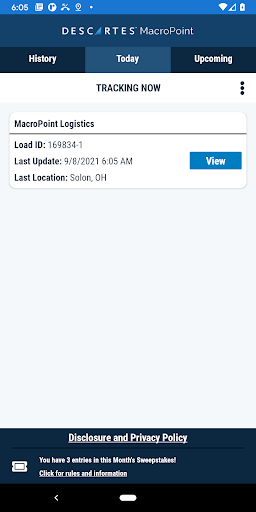
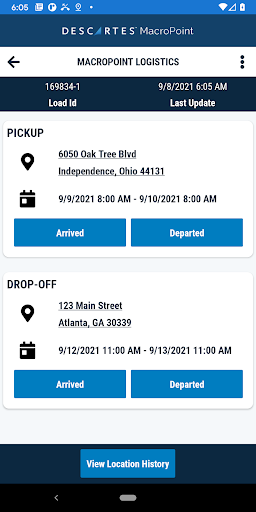
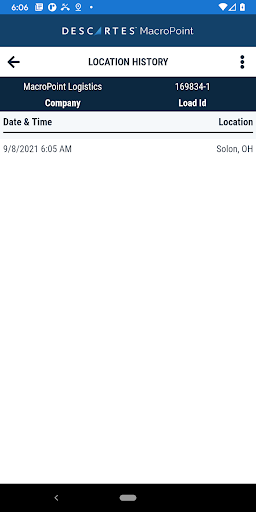
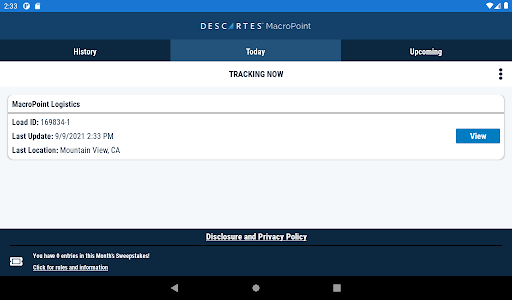
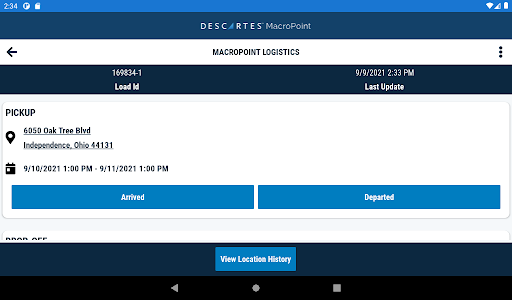
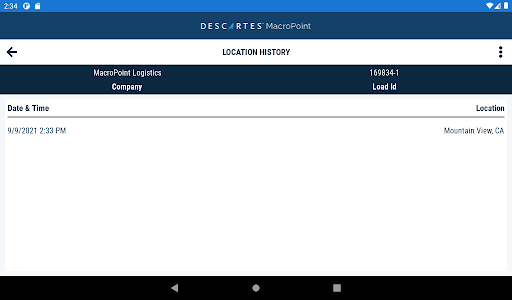
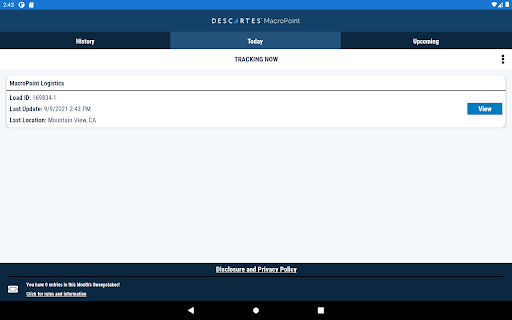
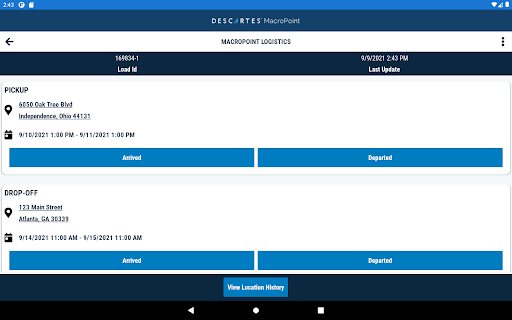
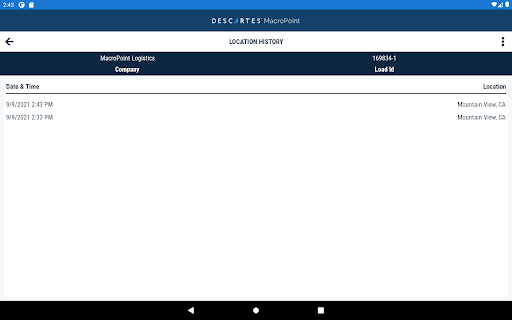
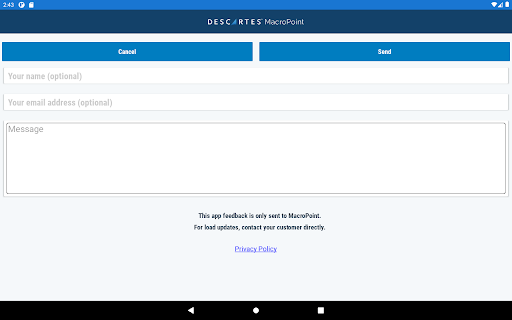
MacroPoint for Truckers is a mobile app designed to give drivers and carriers simple, real‑time visibility into freight movements. Tailored for truck drivers and fleet operators, the app streamlines check‑ins, proof‑of‑delivery capture, geofence‑triggered status updates and basic two‑way communication with brokers or shippers, while integrating with telematics and ELD systems to reduce manual status calls and improve on‑time performance.
Pro
1. Improves operational efficiency by automating status updates and reducing time spent on phone calls.
2. Better ETA accuracy and POD capture speed up billing and help resolve claims sooner.
3. Works with common ELD/telematics systems so much of the tracking can be automated without extra driver steps.
Con
1. Functionality depends on cellular connectivity and telematics integration—coverage gaps can delay updates.
2. Some drivers may be concerned about continuous location sharing; carrier policies and app permissions determine visibility.
3. Feature availability and workflows can vary by carrier or broker setup—some users may need onboarding support to enable full capabilities.
Frequently Asked Questions
Does MacroPoint share my real‑time location?
MacroPoint can share location for loads when enabled by your carrier or broker; location sharing is managed via app permissions and carrier settings. Review the app’s privacy settings and your carrier’s policies if you have concerns about visibility.
How do I upload proof of delivery (POD)?
Open the load in the app, use the Capture/Proof option to take photos, collect a signature if required, and attach any PDFs. The app queues uploads if you’re offline and sends them automatically when you regain connectivity—confirm the upload succeeded in the load activity feed.
Will using MacroPoint drain my phone battery?
The app uses background location sparingly and includes battery optimizations; however, continuous GPS use and frequent uploads can impact battery life. Use the app’s recommended settings, enable Wi‑Fi uploads when available, and charge between stops to minimize impact.


