PixLab
- 1.95K
- 4.6
- Installs
- 110.00M
- Version
- Varies with device

Screenshots

Pro
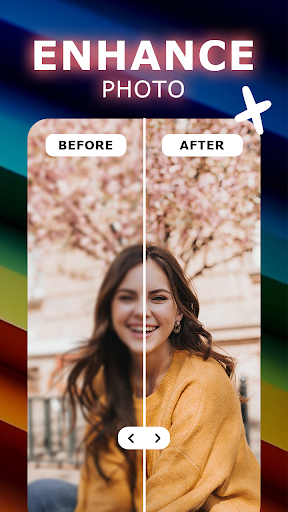
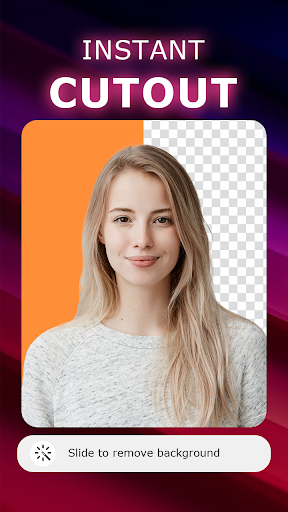
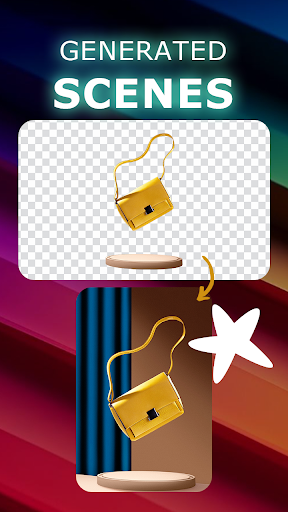
1. Diverse Editing Tools: PixLab offers a comprehensive set of editing tools, including filters, effects, and overlays that allow users to enhance and personalize their photos with ease.
2. User-Friendly Interface: The application boasts an intuitive and easy-to-navigate interface, which is suitable for both beginners and more advanced users looking to quickly edit their images.
3. Real-Time Editing: PixLab provides real-time editing capabilities, enabling users to see instant changes as they apply different edits and adjustments, ensuring a more efficient and immediate editing process.
Con
1. Limited Free Features: PixLab's free version has restricted functionality, pushing users to purchase a subscription to unlock premium tools and filters, which can be frustrating for those seeking a full-featured free editor.
2. Ads and Upsells: The app may display ads and constantly promote in-app purchases or subscriptions, potentially interrupting the user experience and workflow.
3. Learning Curve: New users might find the interface overwhelming with its variety of tools and options, necessitating a time investment to learn how to effectively use the app to its full potential.


