Google Maps
- 1.42K
- 4.3
- Installs
- 550.00M
- Version
- Varies with device

Screenshots


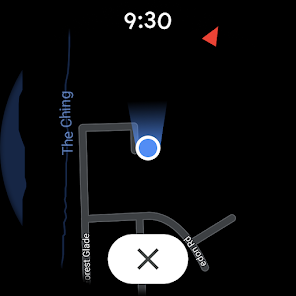
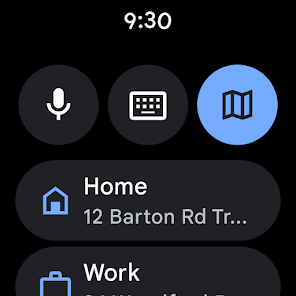
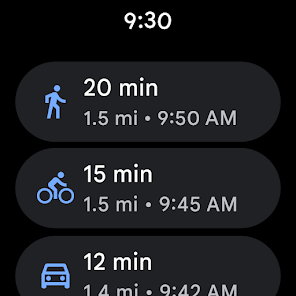
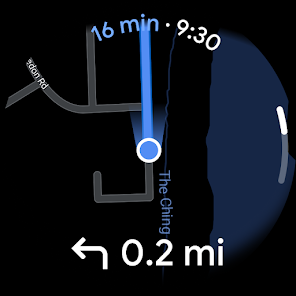
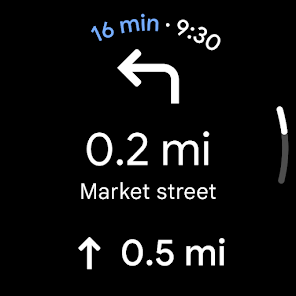
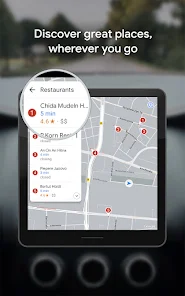
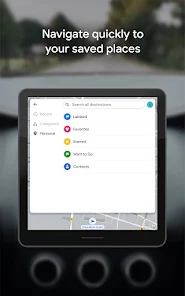
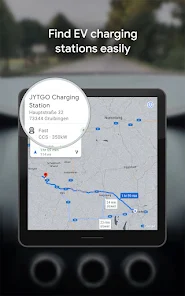
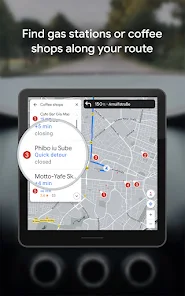
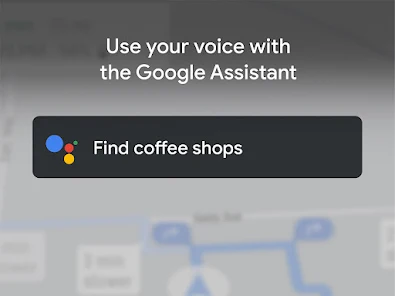
Google Maps is a comprehensive mapping and navigation app from Google that offers turn‑by‑turn driving, walking and transit directions, real‑time traffic updates, local business search, Street View imagery, and a range of tools for trip planning. Available on mobile and web, Maps integrates satellite imagery, user contributions, and Google’s data to help users find places, avoid congestion, and explore neighborhoods worldwide.
Latest Update: Generative AI trip tools, new weather & hazard layers, and enhanced geospatial insights
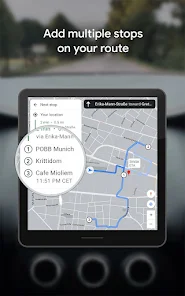
This release brings AI‑powered features and richer context to help you plan and navigate smarter. Key additions include generative AI trip planning (create multi‑stop itineraries, get concise route summaries and suggested departure times), improved search answers with contextual suggestions, and expanded Live View/Immersive visuals for clearer walking guidance. A new weather layer and hazard info (including flood/weather overlays where available) help you see conditions along your route. Behind the scenes, Maps’ geospatial analytics improvements mean more accurate routing, ETA predictions and local insights powered by updated map data—benefiting both everyday users and partners. Update the app via your store, enable location and notification permissions to access these features, and check the layers/menu to try the new tools.
Pro
1. Extremely comprehensive global coverage and frequent updates make it one of the most reliable navigation and discovery tools.
2. Powerful real‑time traffic and transit integration help reduce travel time and improve route choices.
3. Rich ecosystem features—Live View AR, Street View, business integrations and offline maps—cover many travel scenarios.
Con
1. Significant data collection and integration with Google services raise privacy concerns for some users unless settings are adjusted.
2. Coverage and feature parity vary by region—transit accuracy, Live View availability and EV data may be limited in some areas.
3. Continuous background use (location, GPS, AR) can drain battery and mobile data on older devices.
Frequently Asked Questions
Is Google Maps free to use?
Yes—Google Maps is free for general use on mobile and web. Some paid integrations (e.g., promoted listings for businesses) and developer API usage for third parties may incur costs.
How accurate are traffic updates and ETAs?
Traffic and ETA accuracy is generally high where Google has strong data coverage, as Maps uses aggregated location data, road sensors and incident reports. Accuracy can vary with local data availability, unexpected incidents, or rapidly changing conditions.
Can I use Google Maps without an internet connection?
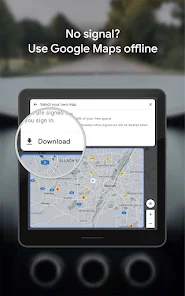
Yes—you can download offline maps for many areas to get turn‑by‑turn navigation and local search without mobile data. Offline features are more limited (less real‑time traffic and fewer business details), and downloads must be refreshed periodically.


