BlueStacks For Android
- 2.15K
- 4.4
- Installs
- 530.00M
- Version
- Varies with device

Screenshots

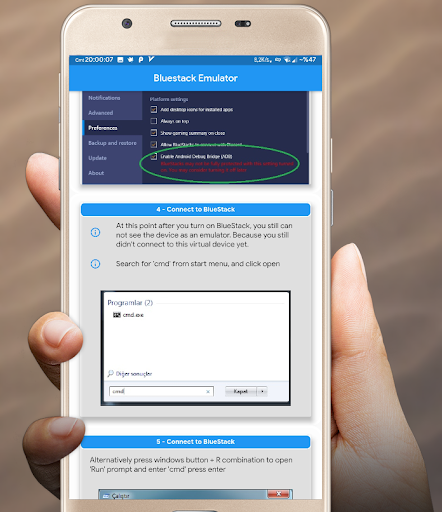


Using Bluestacks for mobile developers, for Android Studio, Visual Studio Code (VSCode), Eclipse or any other tools, the most essential thing is to have a good, fast working android emulator to deploy and test their newly coded applications.
As there are standart Android Studio emulator or similar emulators, they are either slow or in some cases (like i had) you can not make these emulator works because of some hardware problems. If your computer supports virtualization technology but the emulators still give error, this guide can show you an alternative.
The very known BlueStacks android emulator can be used as a debugging/deployment emulator for programming / coding your android applications.
As this emulator is very strong and reliable, it can be a good alternative to standart emulators.
If you have problem running all the other emulators in your PC, you may want to give BlueStack a go for a try.
Unfortunately it doesn't work out of box and you need to use some extra tools and use command prompt and manually connect BlueStack.
This tutorial/guide is showing the steps with pictures and explanations that even a complete new developer can do it.
Best Luck!


