Blackboard
- 1.04K
- 4.8
- Installs
- 90.00M
- Version
- Varies with device

Screenshots
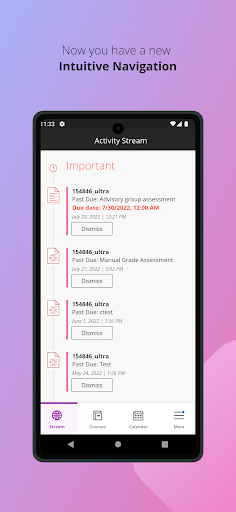
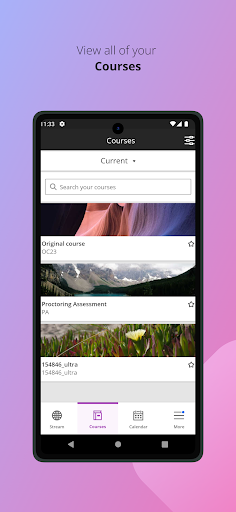

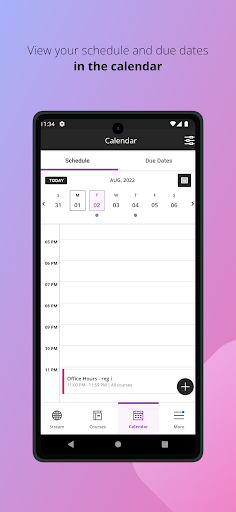
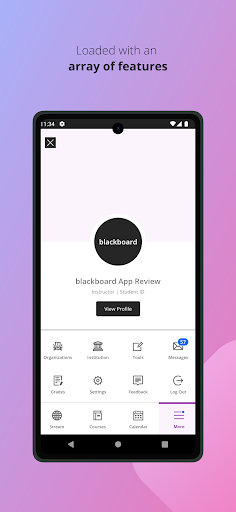
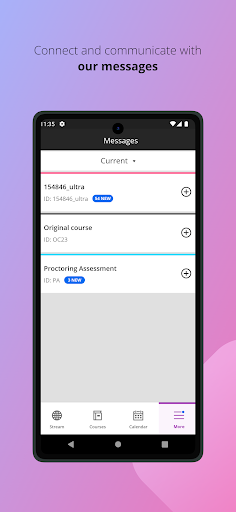

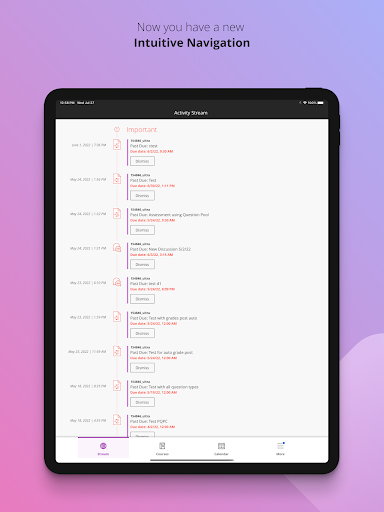

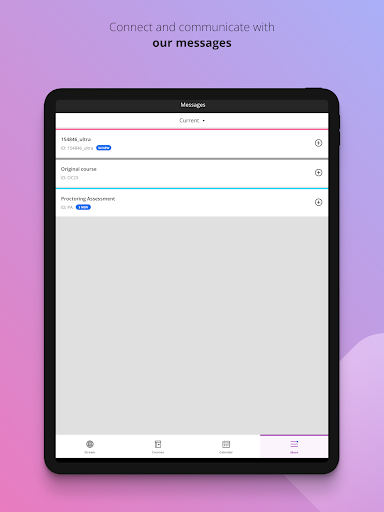


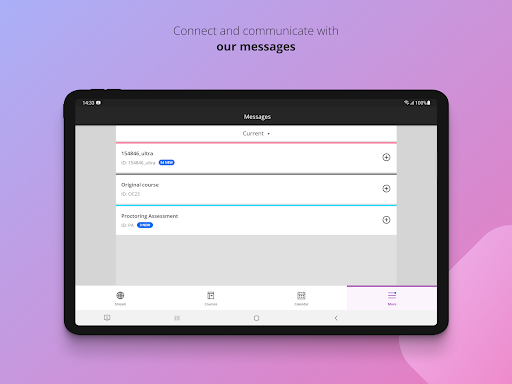

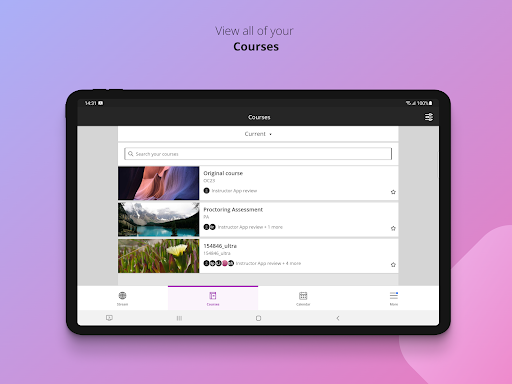


Blackboard is a popular learning management system where you can make students informed and keep up-to-date connections. It is used by faculty across campus in many colleges, departments, and staff training. Students will have their own web page to view lessons, download files, access external links, take tests, and submit assignments.
Key Features:
- Enhanced Cloud Profile.
- View updates to your content and courses.
- Check grades for assignments, courses, and tests.
- Take assignments and tests.
- Calendar
- Group Management
- Data Management
- Blackboard Drive
- Collaborate Integration
- SafeAssign
- Social Learning
- Dynamic Content
Note:
As for the function of collaborating integration, Blackboard cannot guarantee that the content created by instructors or other users can be compatible with this app. If your institution has not updated the proper software or experiences server outages, Blackboard's features and functionality may at times be limited.
When you log in, you will see your course list first. Courses offer a timeline of all your lessons and information, and you can see past and upcoming terms and hide current courses that you don't need. You can see announcements, content items, assessments, and grades through the Dashboard. The Dashboard doesn't include due dates or prioritize items.


