Screenshot
- 1.66K
- 4.7
- Installs
- 440.00M
- Version
- Varies with device

Screenshots
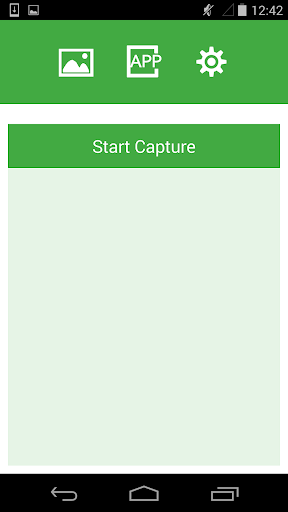
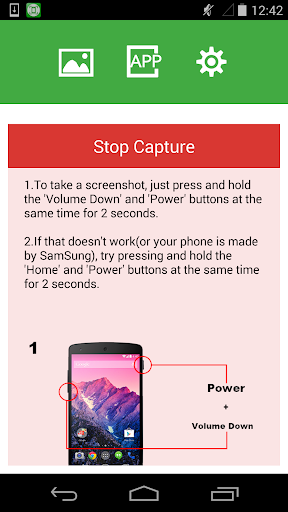
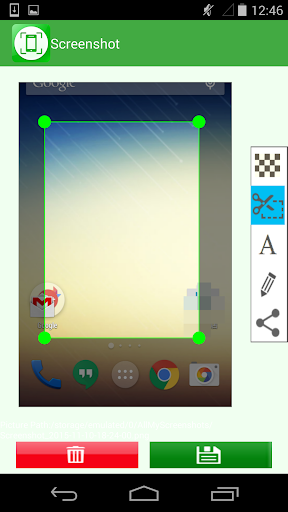
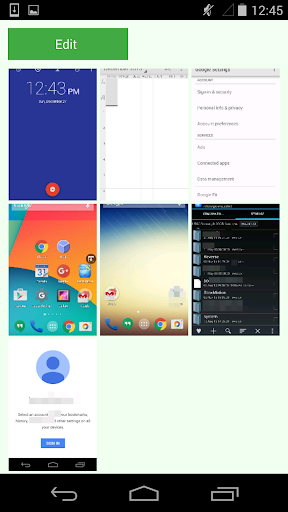

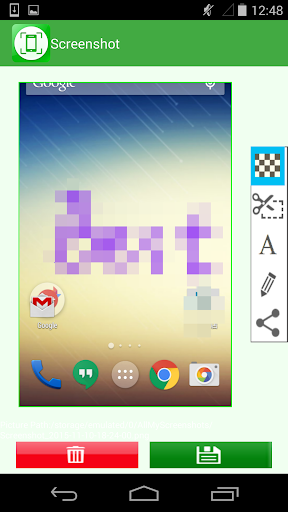
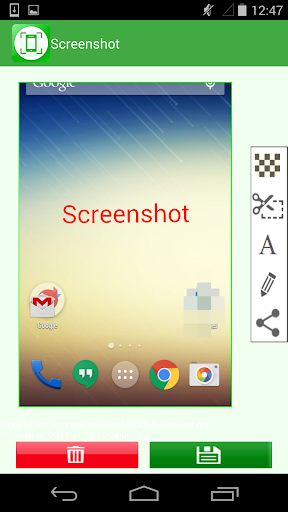
Pro
1. Quick Documentation: Screenshot allows users to capture and save exact visual content instantly, aiding in clear communication and record-keeping.
2. Enhanced Collaboration: Screenshots can be easily shared, enabling team members to swiftly exchange information and feedback with visual context.
3. Error Reporting: Screenshots can illustrate issues precisely, making it easier for support teams to understand and address technical problems.
Con
1. Limited Editing Tools: The Screenshot application often lacks advanced editing features, necessitating additional software for detailed customization.
2. Storage Consumption: Frequent use of the screenshot application can quickly fill up device storage with numerous image files.
3. Privacy Concerns: Screenshots can inadvertently capture and share sensitive information, leading to potential privacy risks if not carefully managed.


