AR Drawing
- 1.22K
- 4.4
- Installs
- 600.00M
- Version
- Varies with device

Screenshots
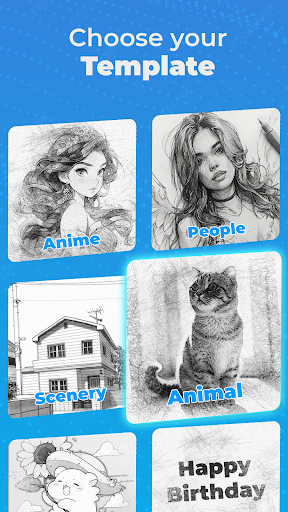
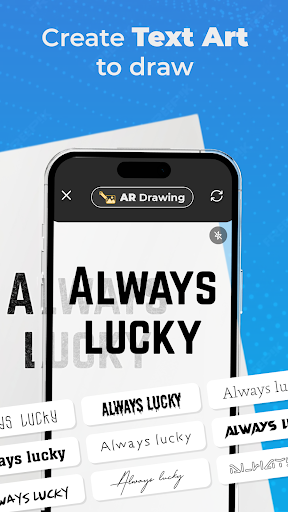


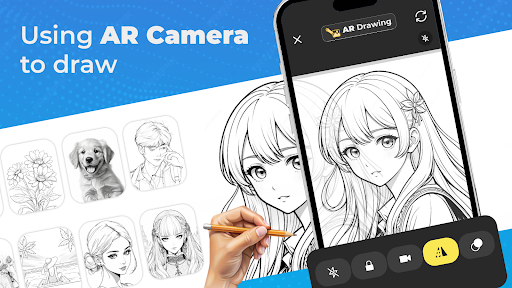
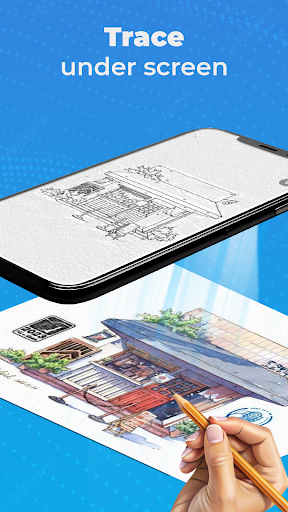
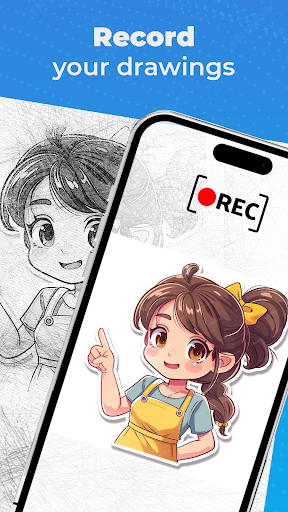
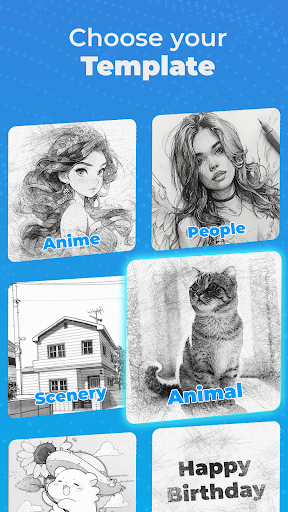
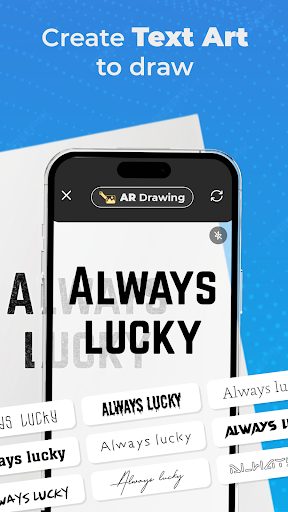
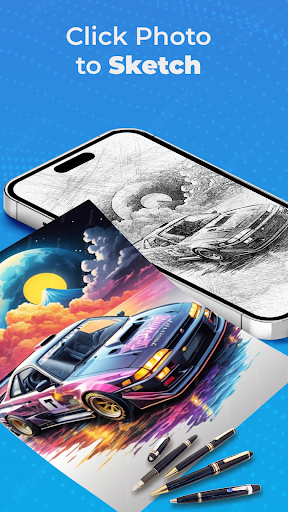





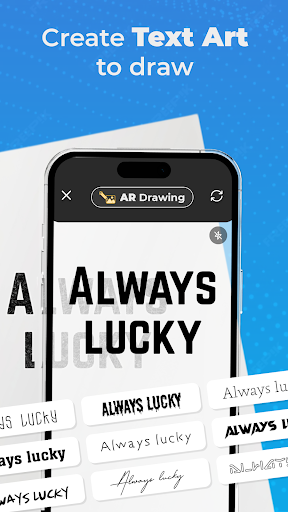
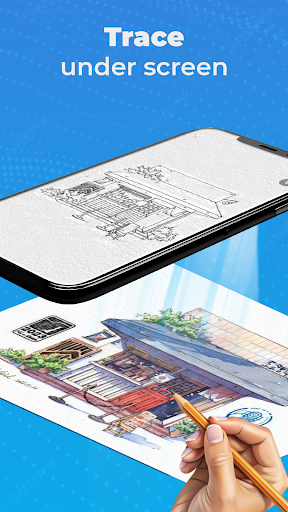
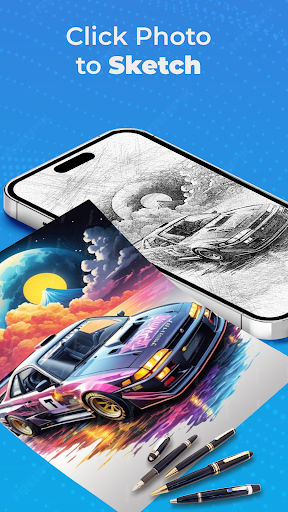


Pro
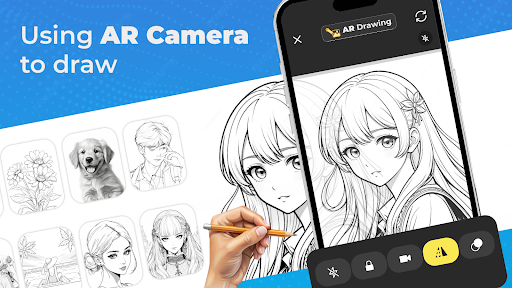
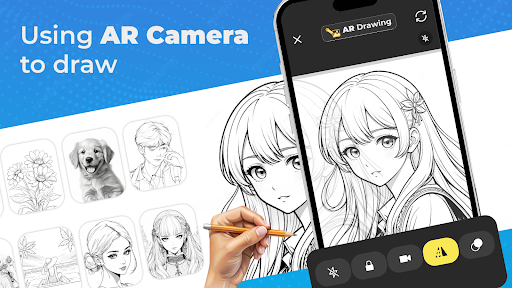
1. Enhances Learning: AR Drawing assists users in learning to draw by providing step-by-step guidance, making complex sketches manageable, and improving overall drawing skills.
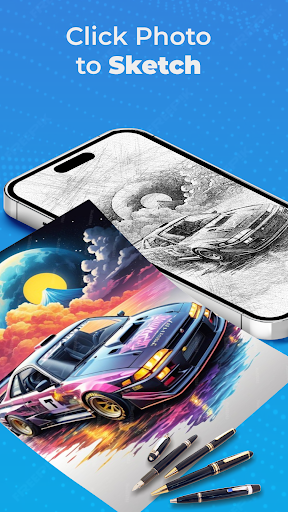
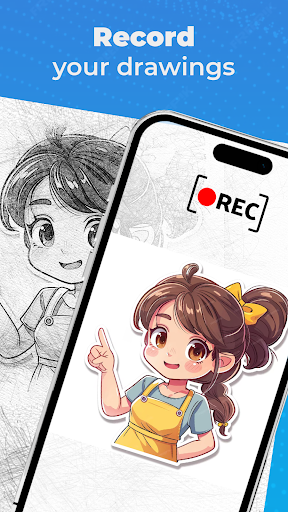
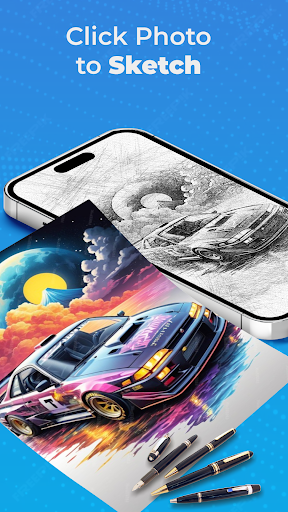
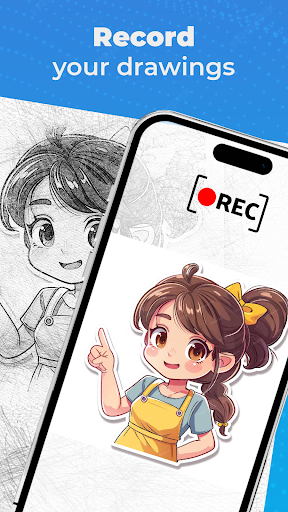
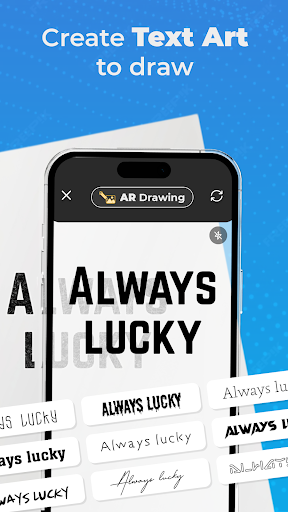
2. Innovative Features: The app offers a variety of tools and options, including layering, transparency adjustments, and color palettes, allowing users to create detailed and vibrant artworks.
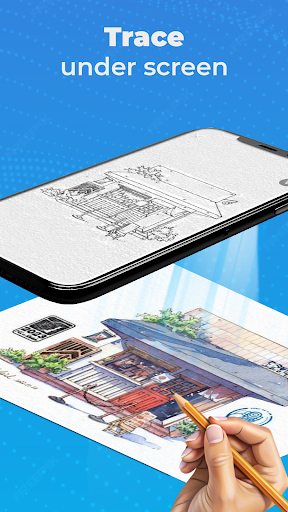
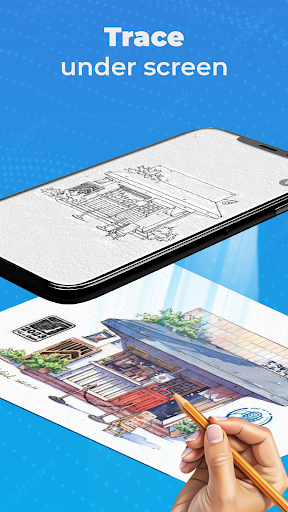
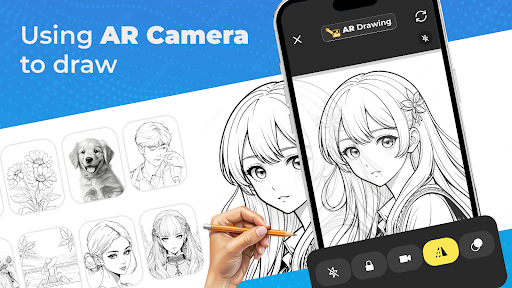
3. Interactive Experience: Utilizing augmented reality, the app projects drawings onto real-world surfaces, providing a unique and interactive drawing experience that traditional methods can’t offer.
Con
1. Performance Issues: The app can experience lag and crashes, especially on older or less powerful devices, leading to a frustrating user experience.
2. Limited Features: It lacks advanced drawing tools and customization options, which may not meet the needs of professional or serious amateur artists.
3. High Battery Consumption: The augmented reality feature consumes significant battery power, reducing the usability time for extended drawing sessions.


