DiDi-Rider
- 2.21K
- 4.9
- Installs
- 910.00M
- Version
- Varies with device

Screenshots

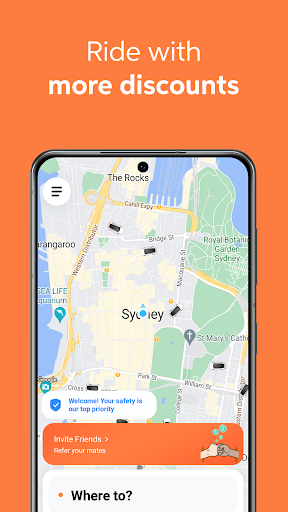

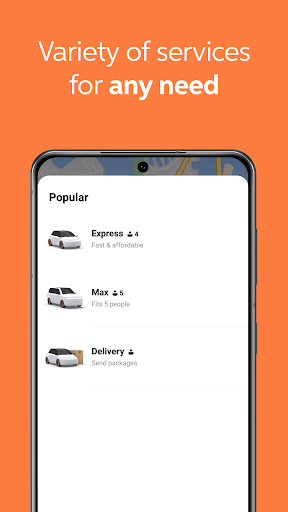



Your ride is just a few taps away in Australia, Japan and selected countries of Latin America through our DiDi Rider app, offered by the world’s leading on-demand transportation network.
To use our service in Brazil, please download the ‘99’ app in the App Store.
To use DiDi in China, please download the ‘DiDi-Greater China’ app in the App Store (China mainland / Hong Kong SAR).
Requesting a trip is simple:
1. Download the app and follow the instructions to create an account.
2. To request a trip, select your pickup and dropoff locations.
3. Once we’ve found a driver, you’ll be shown the driver and vehicle information. Please note: all our driver-partners are vetted before joining our platform. You can also check the driver’s pickup route and estimated time of arrival (ETA).
4. At the end of your trip, pay hassle-free using your preferred payment method directly in the app.
5. Safety first! Take a minute to learn how to set Trusted Contacts, use the Emergency Button or share your ride status using our in-app Safety Toolkit.
Visit https://www.didiglobal.com/international-business for more information.


