Wifi Password Show
- 1.27K
- 4.3
- Installs
- 720.00M
- Version
- Varies with device

Screenshots


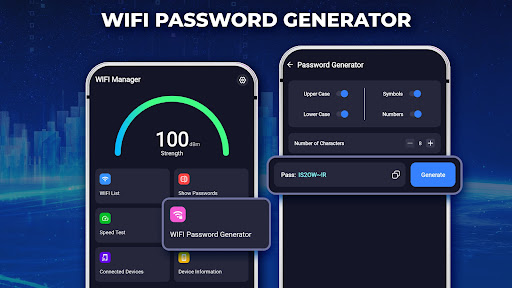
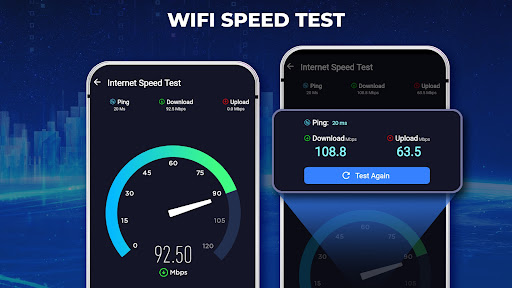
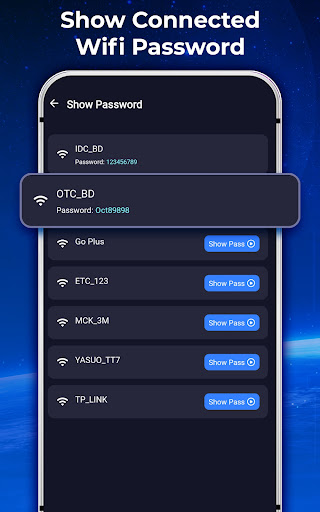
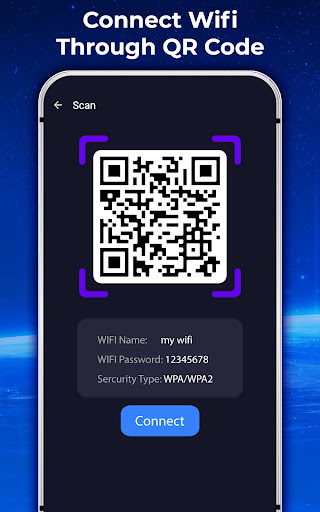

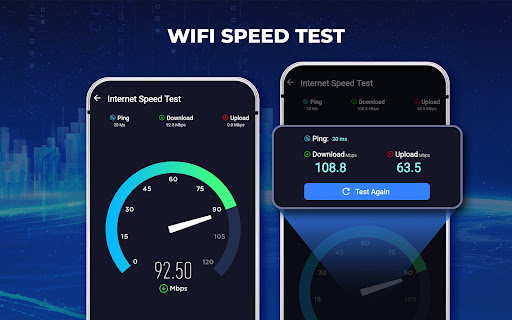
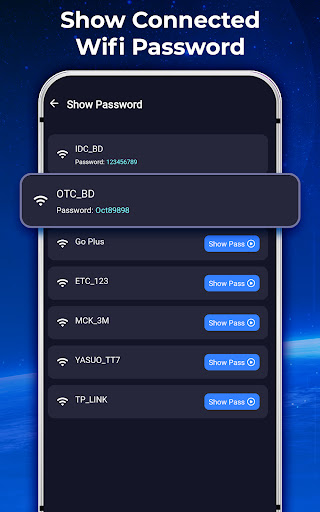

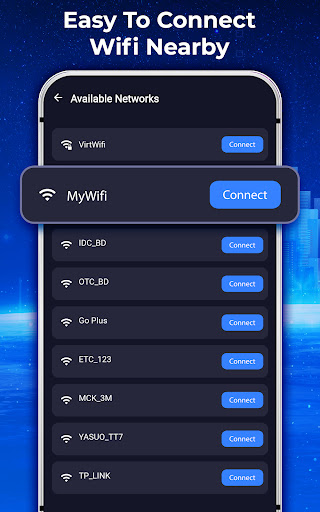
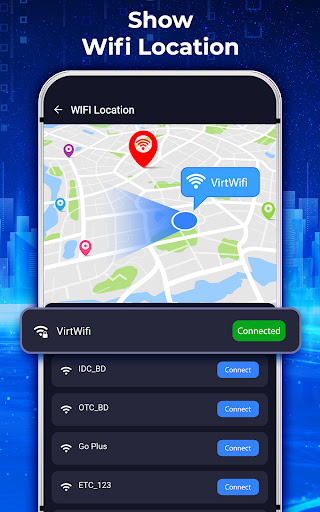
Pro
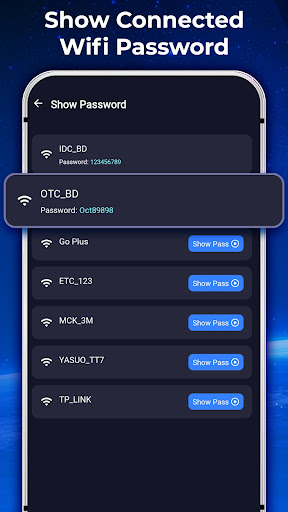
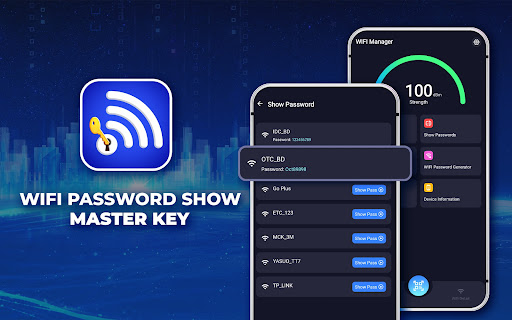
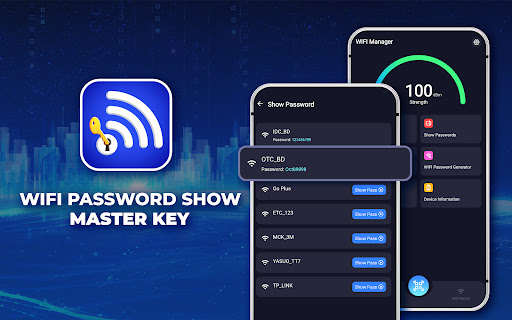
1. Easy Recovery: The application allows users to quickly retrieve passwords for WiFi networks they've previously connected to, ensuring they can reconnect even if they forget the details.
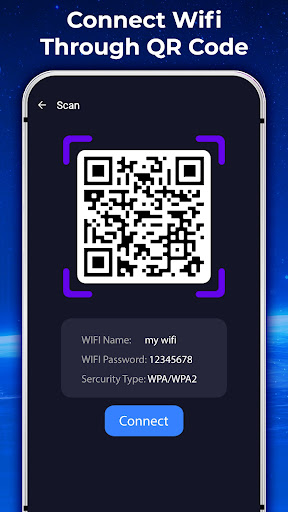
2. Sharing Simplified: With Master Key, users can effortlessly share their WiFi credentials with friends and acquaintances without having to manually disclose the password.
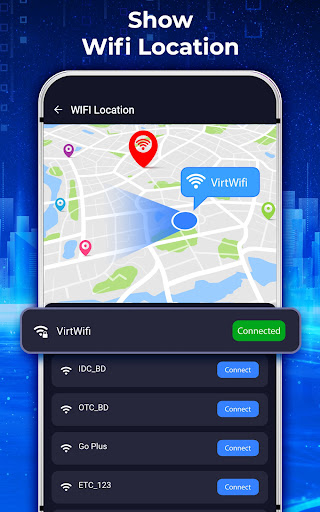
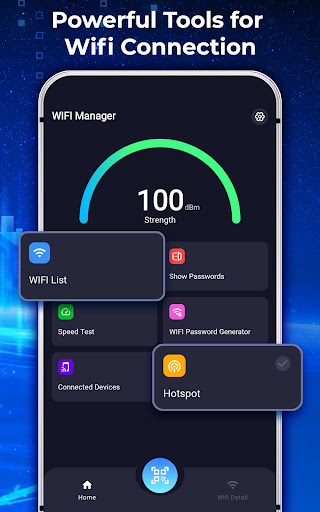
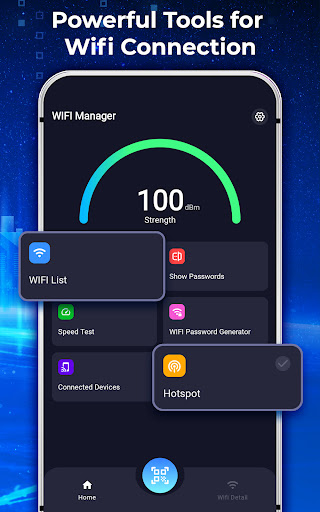
3. Network Insight: The app provides users with a clear overview of all saved WiFi networks and their corresponding passwords, which can be a useful reference for managing and troubleshooting network connections.
Con
1. Security Risks: Wifi Password Show: Master Key may raise security concerns as it can potentially expose your WiFi credentials to unauthorized users, leading to vulnerabilities in your network's security.
2. Privacy Issues: The application may potentially access and store sensitive information, which might be mishandled or inadvertently shared, posing a risk to user privacy.
3. Limited Compatibility: The app might not be compatible with all devices or WiFi setups. Users with newer or less common routers or devices may find that the application doesn't function properly, leading to a frustrating user experience.


