My Spectrum
- 1.53K
- 4.5
- Installs
- 720.00M
- Version
- Varies with device

Screenshots

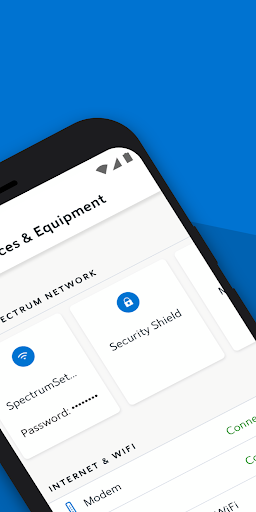
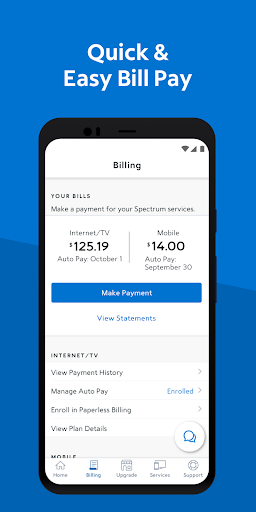
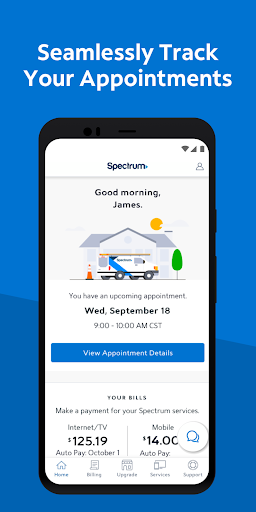
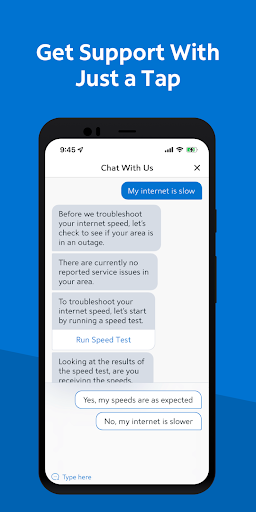
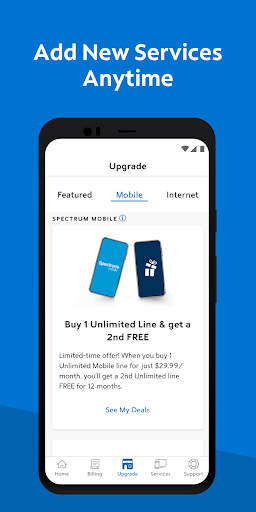


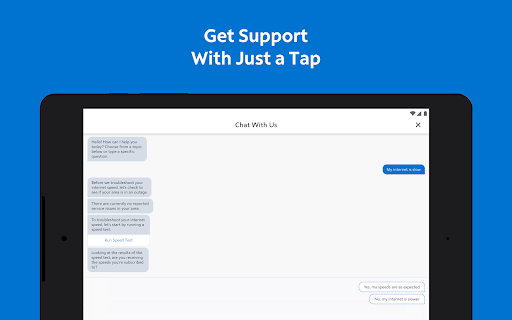
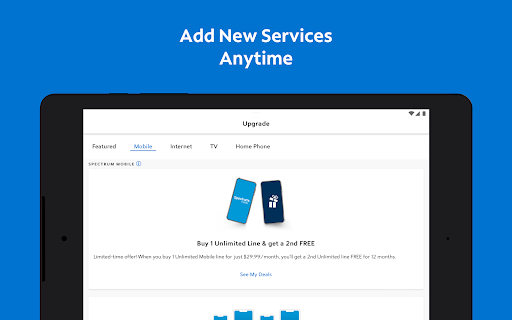

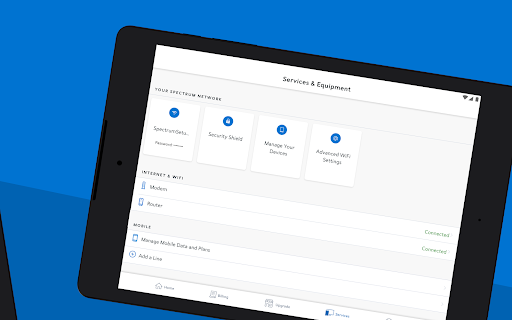

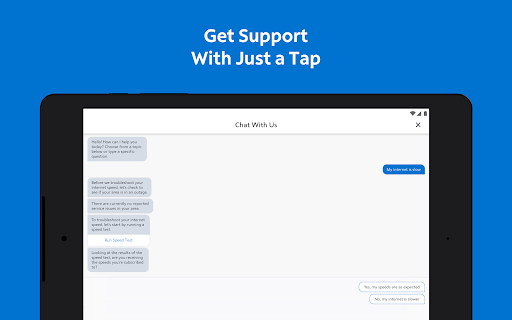

My Spectrum is a mobile app that allows users to pay for their bill and manage their Spectrum account directly from their iOS or Android phone or tablet. To get started, users can simply download the app and sign in to their accounts using their Spectrum username and password.
With this app, users can personalize their WiFi network, pay their bill, troubleshoot their equipment, view package details and channel lineups on their mobile devices. The app also allows users to check their current amount due and make a one-time payment.
Latest Update: Enhanced Digital Self‑Service for Streaming Upgrades
The My Spectrum app now makes managing your streaming experience easier than ever. TV customers who receive ad‑supported streaming services at no extra cost can upgrade to ad‑free versions directly in the app by simply paying the retail price difference. Internet‑only customers can now add their favorite streaming apps à la carte for the first time, using the same streamlined self‑service tools. This update supports Spectrum’s Seamless Entertainment experience by giving you more control over live TV and top streaming apps in one place. With even more services coming soon, including Hulu (With Ads) and ESPN’s new streaming service, you can customize your entertainment with just a few taps.
Features:
- Billing & Payment: Check your current amount due and make a one-time payment.
- Automatic payment: Save time and never miss a payment by enrolling in Auto Pay.
- Billing Statements: View and download current and past billing statements.
- Service Appointments: View your scheduled appointments on the app homepage below the Store Locator.
- Account Information: View and edit your Spectrum account information, including your account number, username and contact information,
- Wifi personalisation: Personalize your WiFi network name and password, and manage the settings for everyone on your account.
- WiFi profile: Install a WiFi profile to use more than half a million Spectrum WiFi access points nationwide.
How do I sign up for paperless billing?
You can get less clutter and less mail by enrolling in paperless billing. To enable the feature, you can simply select the drop-down menu next to your username, and then select Notifications in Settings. Select the toggle button next to Paperless Billing to turn it on, and an "Enrolled" status will appear to confirm.
More:
You can download this app from Google Play Store or Apple Store. For Android users, you can download the apk we offer to you and finish the installation.


