Grammarly Keyboard
- 1.38K
- 4.2
- Installs
- 630.00M
- Version
- Varies with device

Screenshots
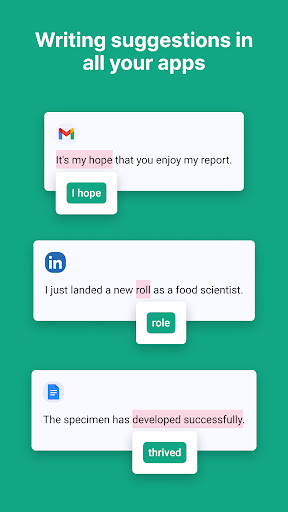
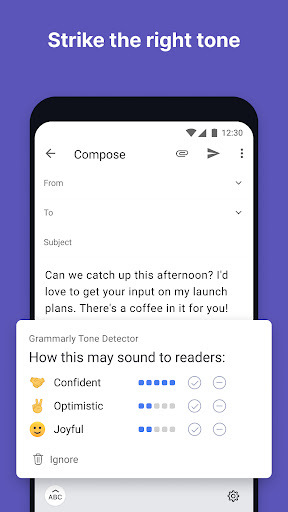
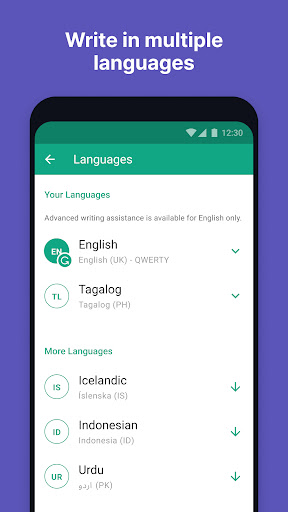
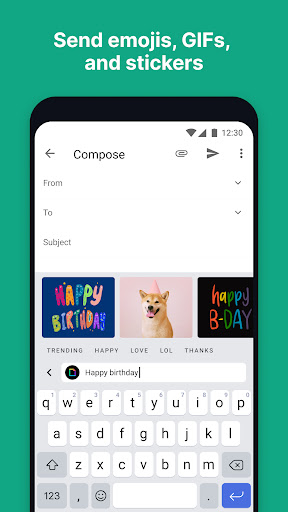
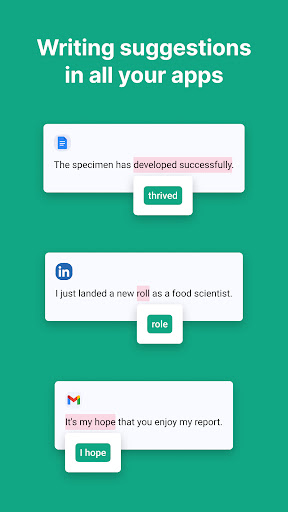
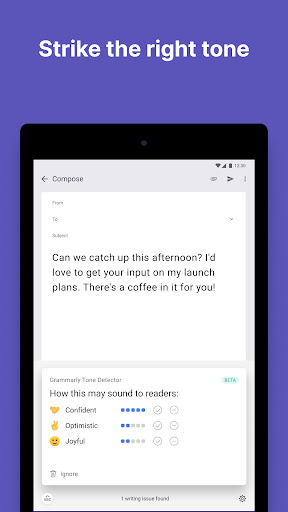
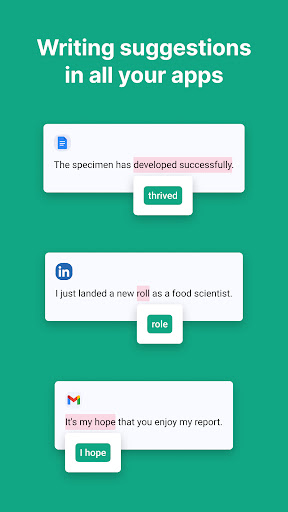
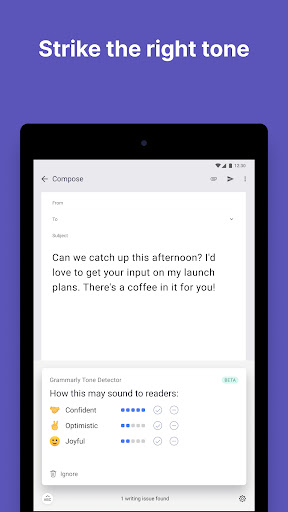
The Grammarly Keyboard goes where you go to make sure your writing always looks great. Whether you’re typing up an urgent email, an important LinkedIn message, or an essential Facebook post, Grammarly lets you write from your mobile device with confidence.
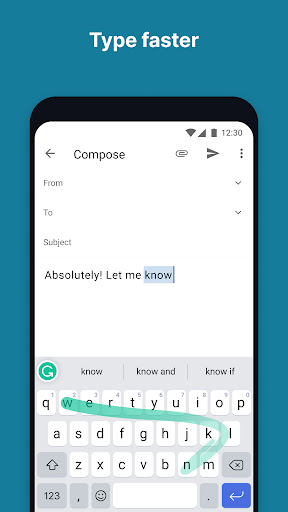
New! Grammarly supports swipe typing, so you can compose quality writing without slowing down.
Clear and Effective Writing
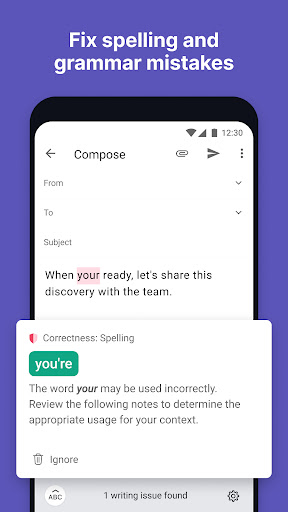
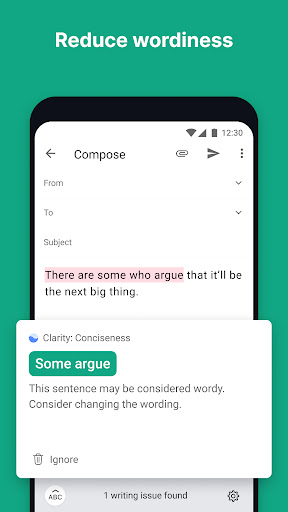
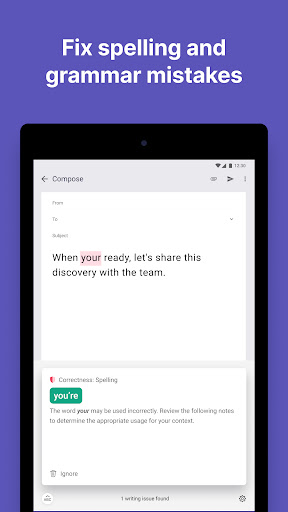
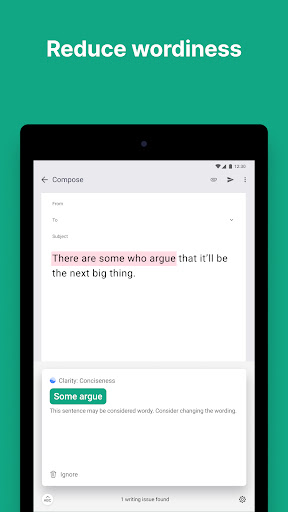
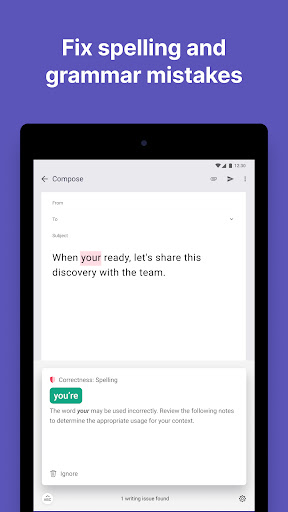
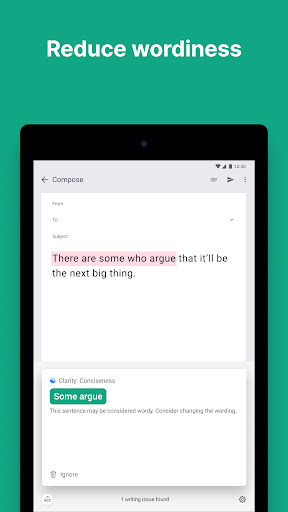
– Sophisticated grammar checker
– Contextual spelling checker
– Advanced punctuation correction
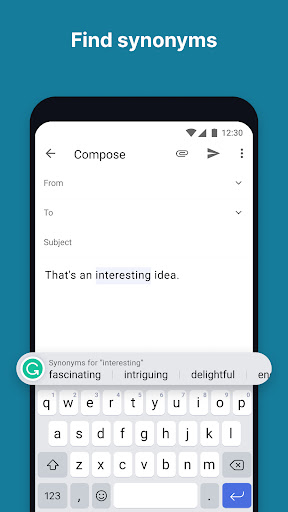
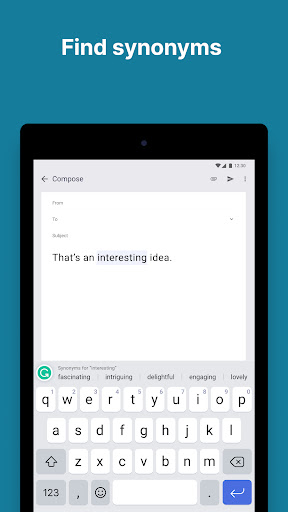
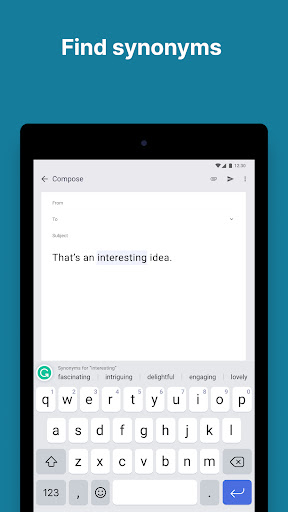
– Vocabulary enhancements and synonyms
Convenient and Fast
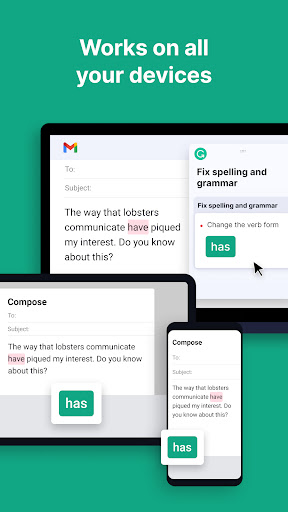
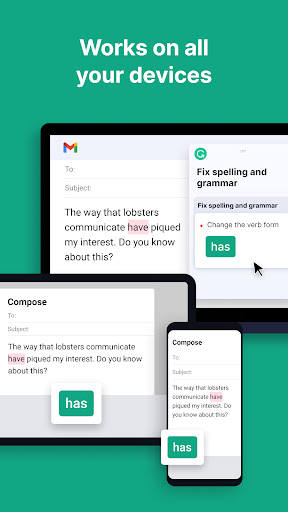
– Smooth integration with all apps
– Predictive text suggestions
– Easy to set up
Improve Your Skills
– Receive short, clear explanations for every correction
– Understand your mistakes and avoid them in the future
Customizable for your needs
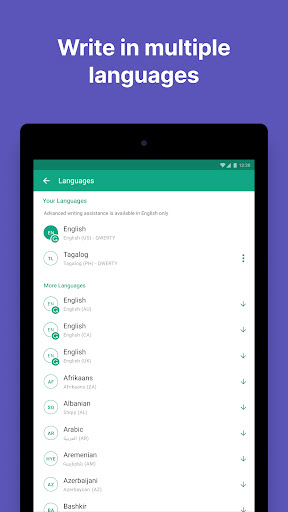
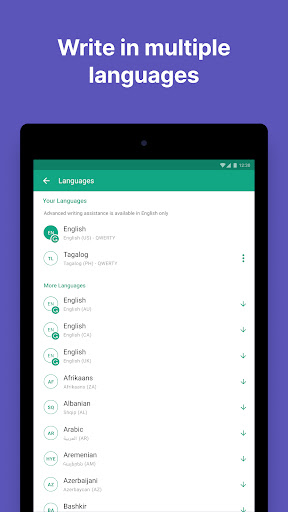
– Dialect settings (American, Canadian, British, and Australian English)
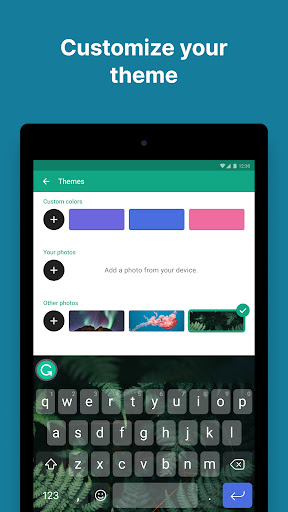
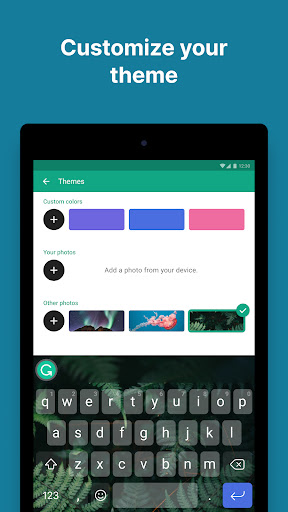
– Light and dark themes
– Personal dictionary
Whenever you type with the keyboard, Grammarly will check your writing and make sure your message is clear, effective, and mistake-free. We designed the Grammarly Keyboard to be a writing assistant that works anywhere you write—no copying or pasting required, no proofreader needed.


