Status Saver
- 1.08K
- 4.1
- Installs
- 580.00M
- Version
- Varies with device

Screenshots
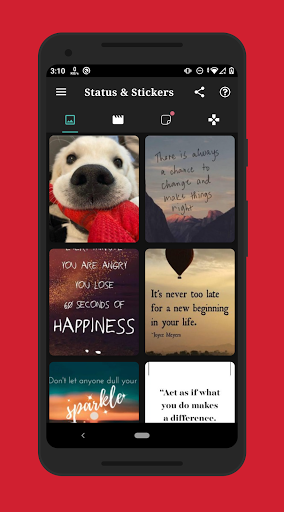

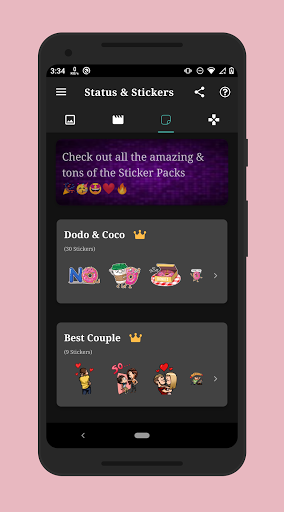

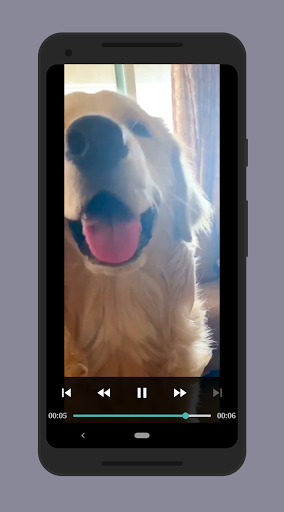

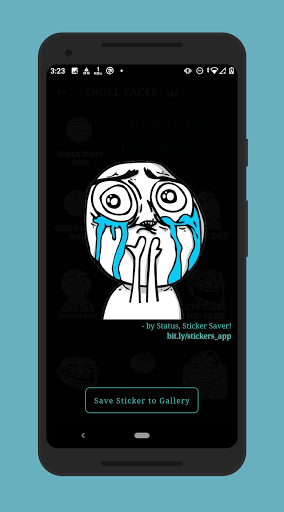
Brief
Status Saver shows you Statuses from 4 different apps/statuses, including Normal Statuses, G.B Statuses, Business Statuses, Normal Statuses from Parallel Space Pro!
How to Use?
1. Check the Desired Status/Story
2. Open Status Saver, Click on any Image or Video to View
3. Click the Save Button
Or
1. Check the Desired Status/Story...
2. Hold on a Status to Enable Multi Selection,
3. Click "Save" from the Toolbar Menu and Save Your Status!
Notable Features:
* Multi Save, Delete, Repost / Share, Delete,
* Easy Repost even without Saving,
* Easy & Fast Saving,
* Built in Image Viewer & Video Player,
* Easy Navigation!
Disclaimer
1. Re-uploading image/video stories is NOT encouraged, please seek owner approval.
2. This app is not affiliated with WHATSAPP.
3. Any unauthorized downloading or re-uploading of contents and/or violations of Intellectual property rights is the sole responsibility of the user.


