Screen Recorder
- 1.34K
- 4.6
- Installs
- 440.00M
- Version
- Varies with device

Screenshots
Pro
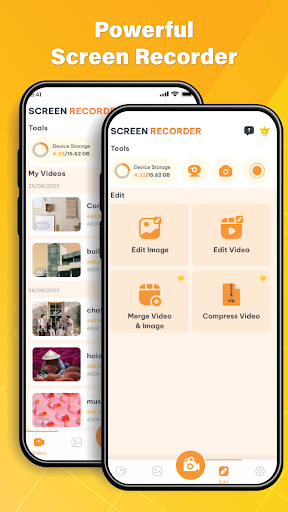
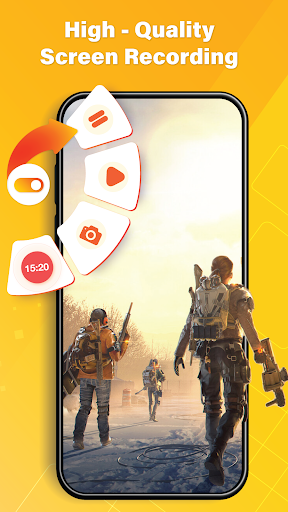
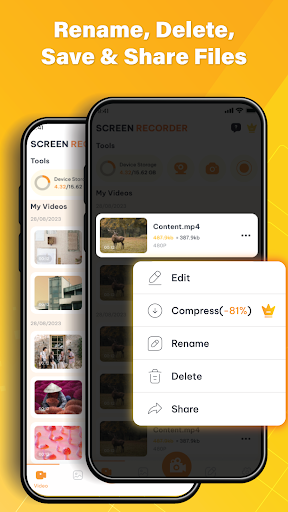
1. High-Quality Output: Screen Recorder - Recorder app offers high-definition video capture, ensuring that the recorded content is clear and of professional quality, ideal for presentations and tutorials.
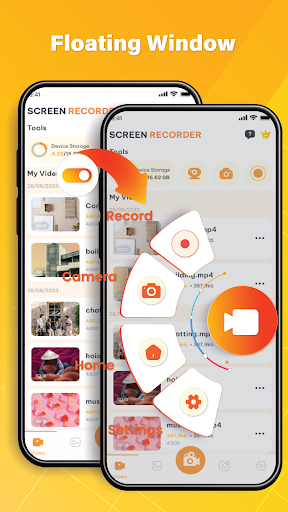
2. Easy to Use: With a user-friendly interface, the app allows quick and straightforward recording, making it accessible even for users with minimal technical expertise.
3. Versatile Recording Options: The app provides flexibility with multiple recording options like screen capture, webcam integration, and system sound recording, catering to diverse recording needs for different scenarios.
Con
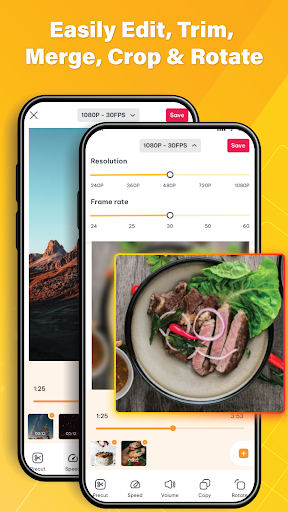
1. Limited Editing Features: Screen Recorder - Recorder may lack advanced editing tools, restricting users to basic edits and potentially necessitating another app for more sophisticated video editing requirements.
2. Watermarks: The free version often includes watermarks on recordings, which can be intrusive and unprofessional-looking, requiring a purchase to remove them.
3. Performance Impact: Running the application, especially on lower-end devices, can lead to system lag or dropped frames during recording, affecting both the recording quality and device usability.


