
CustomCrosshair
for Windows- Name CustomCrosshair
- Category Utilities & tools
- Downloads 92,000,000+
- Developer Ole Urbigkeit
- Available on PC
- OS Windows 10 version 17763.0 or higher
- Architecture x86, x64
- Keyboard Integrated Keyboard
- Mouse Integrated Mouse
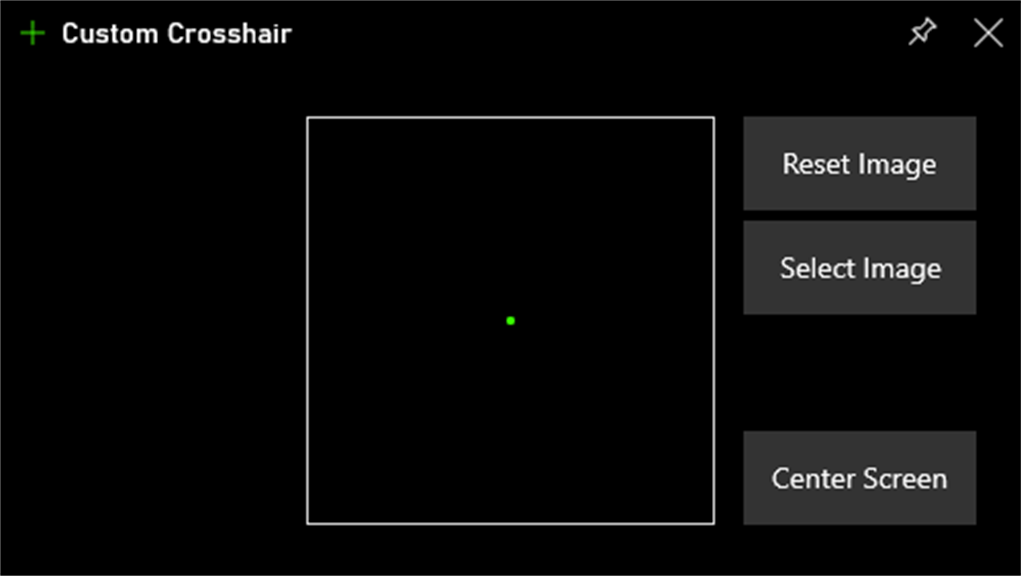
Pros
1. Enhanced Precision: CustomCrosshair software allows you to create a customizable crosshair overlay, improving your aiming accuracy in PC games, helping you hit targets with greater precision.
2. Increased Visibility: With CustomCrosshair, you can choose from a variety of crosshair styles and colors, ensuring optimal visibility against different game backgrounds and increasing your overall awareness on the screen.
3. Easy to Use: CustomCrosshair is user-friendly software that offers a simple and intuitive interface. It allows you to quickly and effortlessly customize your crosshair settings, making it easy for both beginners and experienced gamers to enhance their gaming experience.
Cons
1. Limited Compatibility: CustomCrosshair software is only compatible with certain PC games, limiting its usability. Users may find it frustrating when their favorite games do not support the software, making it difficult to customize their crosshair in those games.
2. Software Updates: CustomCrosshair software may require frequent updates to maintain compatibility with new game releases or system updates. These updates could be time-consuming and may interrupt gameplay, causing inconvenience for users.
3. In-game Ban Risks: Some games consider the use of third-party software like CustomCrosshair as cheating or against their terms of service. Users risk being banned from their favorite games if they use this software, which may deter players from utilizing its features.


