
Dropbox (beta)
for Windows- Name Dropbox (beta)
- Category Productivity
- Downloads 76,000,000+
- Developer Dropbox Inc.
- Available on PC
- OS Windows 10 version 19044.0 or higher
- Architecture x64, Arm64
Pros
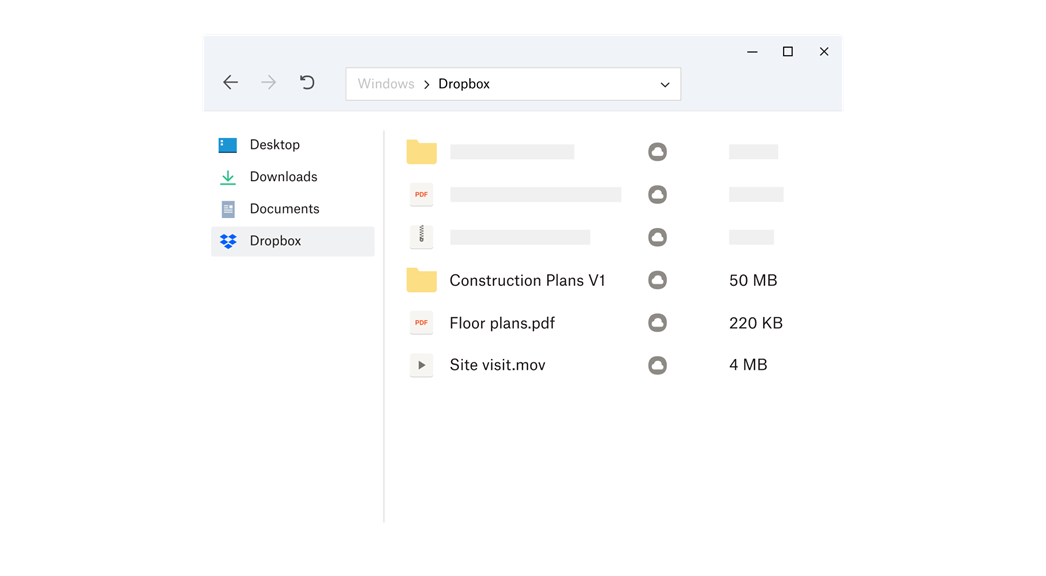
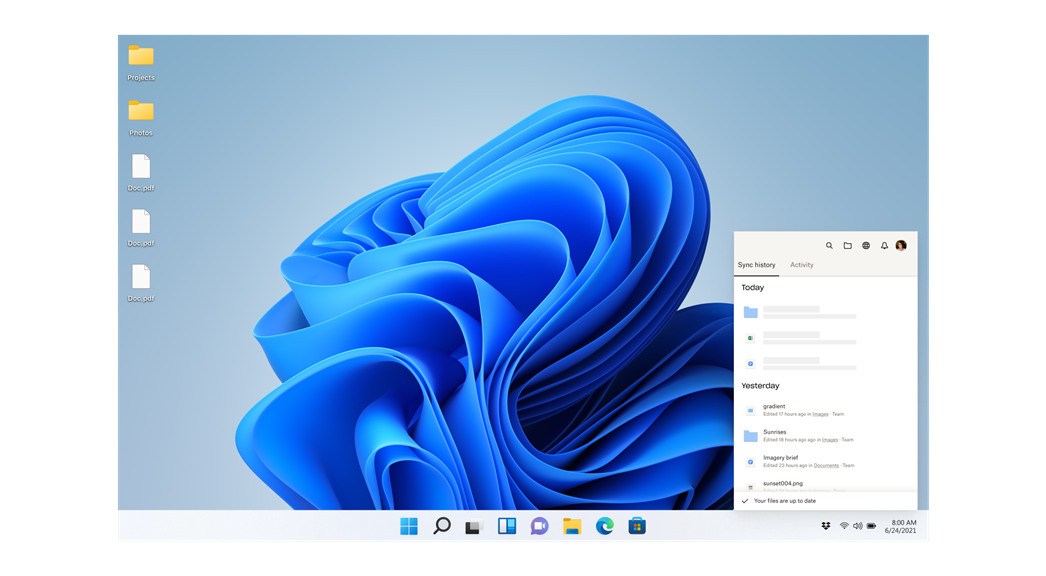
1. Effortless Synchronization: Dropbox (beta) provides seamless file syncing across devices, ensuring that your latest work is always at your fingertips, no matter where you are or which device you're using.
2. Early Access to Features: By using the beta version, you'll experience the newest features and improvements before they're released to the wider public, allowing you to stay ahead of the curve.
3. Feedback Influence: Participating in the beta program gives you the opportunity to provide direct feedback to Dropbox developers, potentially influencing the development and refinement of new features and overall user experience.
Cons
1. Limited Free Storage: Dropbox (beta) provides only 2 GB of free storage, which may be insufficient for users with larger data storage needs, necessitating costly upgrades to access more space.
2. Privacy Concerns: As a cloud service, Dropbox (beta) may pose privacy risks, with potential vulnerabilities that could lead to unauthorized access to sensitive information stored in user accounts.
3. Bandwidth Usage: Dropbox (beta) can consume significant amounts of bandwidth while syncing files across devices, which could slow down Internet connections and lead to additional charges for users with metered or capped data plans.


