
Intel® Graphics Command Center (Beta)
for Windows- Name Intel® Graphics Command Center (Beta)
- Category Business
- Downloads 110,000,000+
- Developer INTEL CORP
- Available on PC, Mobile, Surface Hub, HoloLens
- OS Windows 10 version 17134.0 or higher
- Architecture x64
- Keyboard Integrated Keyboard
- Mouse Integrated Mouse
- DirectX Not specified
Pros
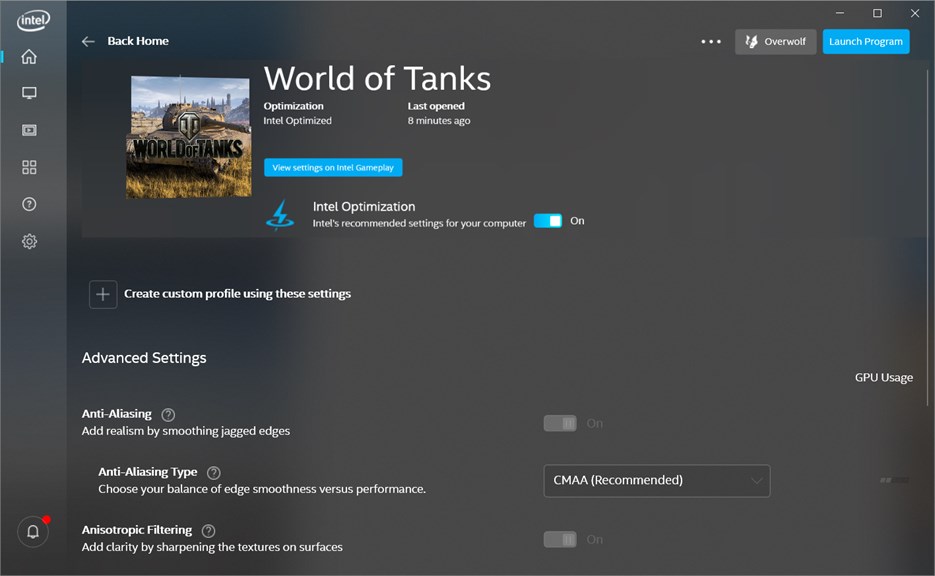
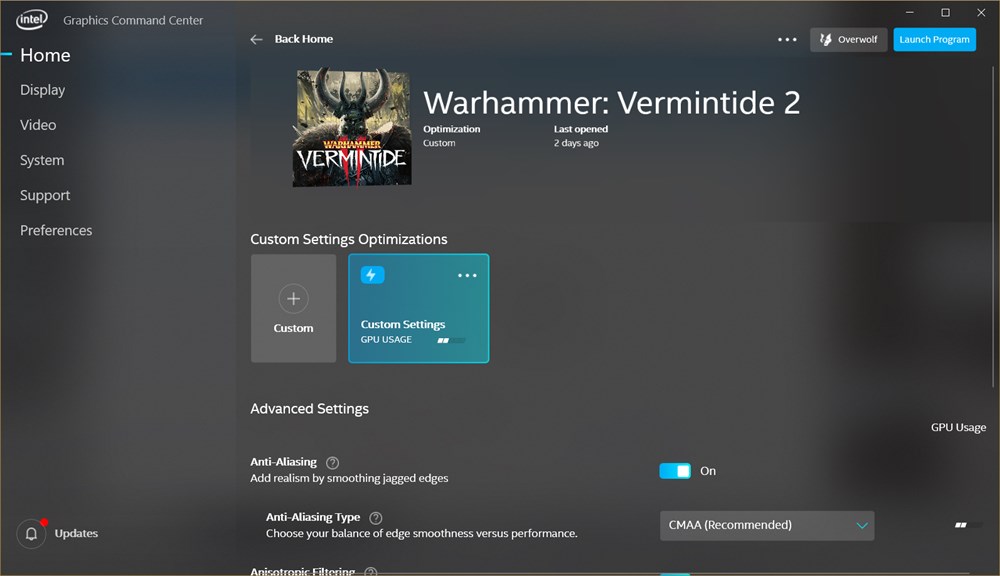
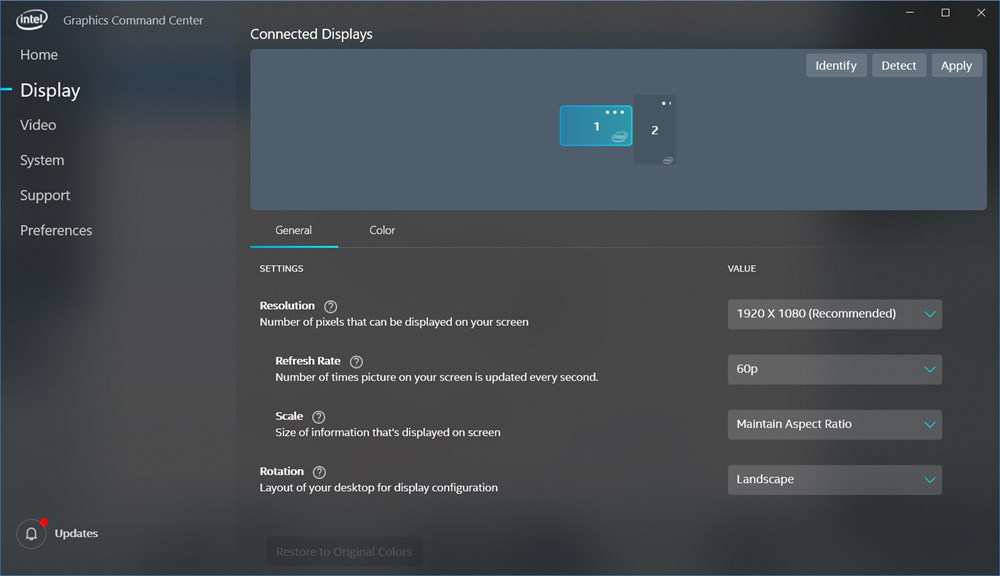
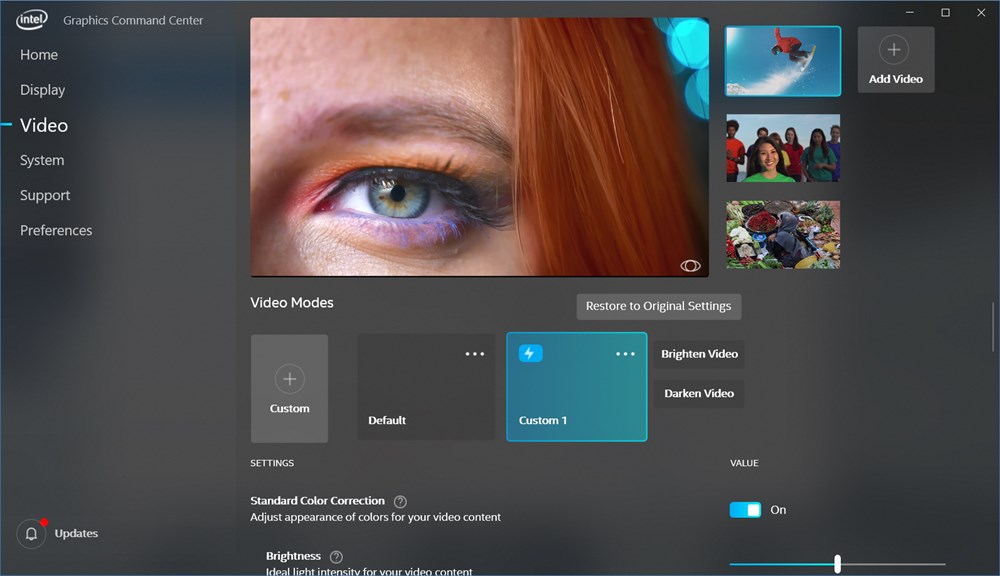
1. Customization: The Intel® Graphics Command Center allows users to fine-tune their visual experience with customizable display settings, offering control over aspects like color calibration, refresh rates, and resolution to ensure optimal graphics performance tailored to individual preferences.
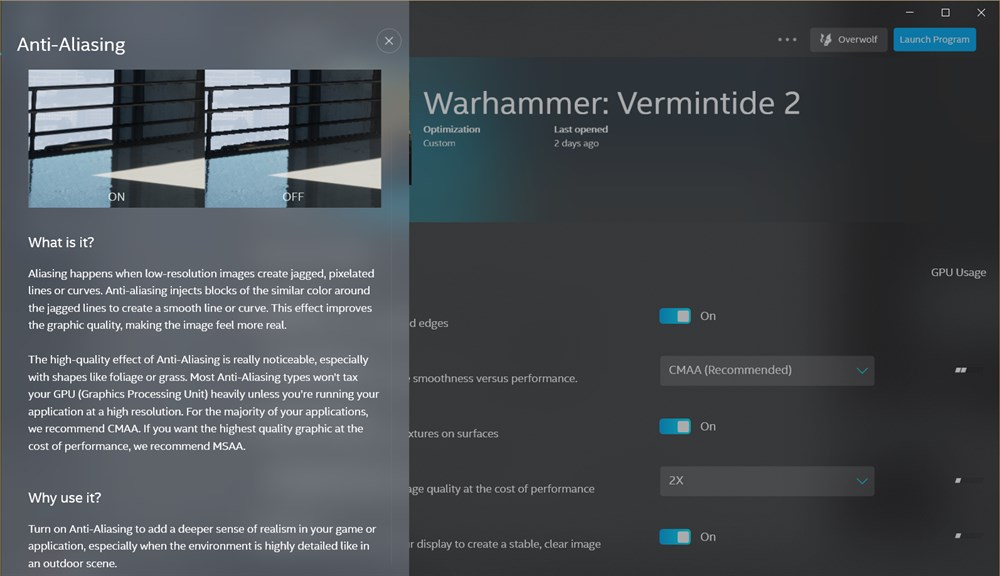
2. Simplified Interface: With an intuitive and user-friendly interface, the software simplifies the process of adjusting graphics settings, enabling even those with limited technical knowledge to enhance their visual experience easily.
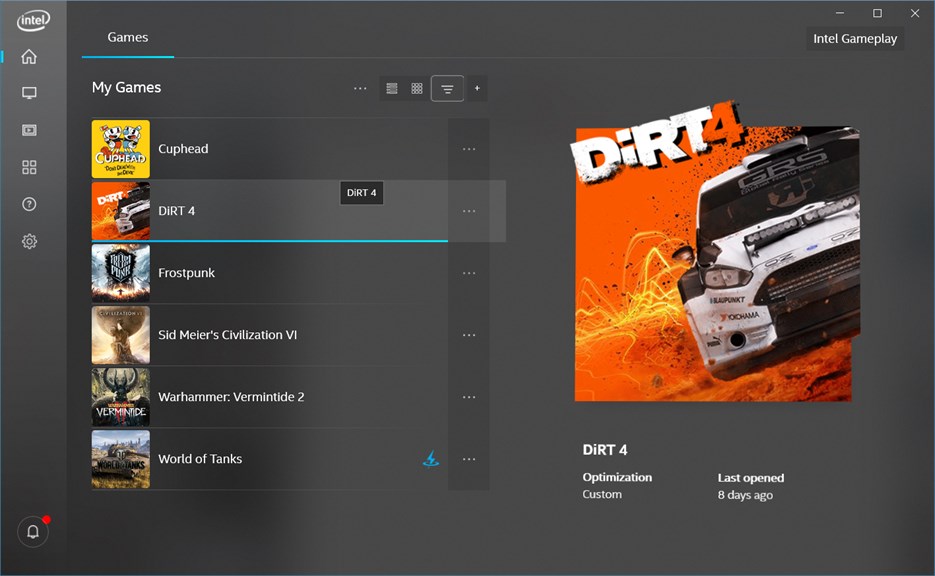
3. Optimization: The software includes automatic game optimization features, where it detects and applies the best graphics settings for supported games, improving performance without the need for manual adjustments.
Cons
1. Limited Hardware Support: The Intel Graphics Command Center (Beta) primarily supports newer Intel graphics hardware, potentially excluding users with older Intel GPUs from utilizing its features and optimizations, leading to a restricted user base.
2. Potentially Unstable: As a beta software, it may contain bugs and stability issues that could lead to crashes or suboptimal performance, impacting user experience and productivity while these issues are being resolved.
3. Sparse Advanced Features: Compared to competitor software, the command center might lack advanced tweaking options for power users, limiting the ability to fine-tune graphics settings and system performance for specific needs or preferences.


