
Lumin PDF - Sign and Edit PDF Documents
for Windows- Name Lumin PDF - Sign and Edit PDF Documents
- Category Productivity
- Downloads 27,000,000+
- Developer Nitrolabs Limited
- Available on PC
- OS Windows 10 version 19041.0 or higher
- Architecture neutral
- Keyboard Not specified

Pros
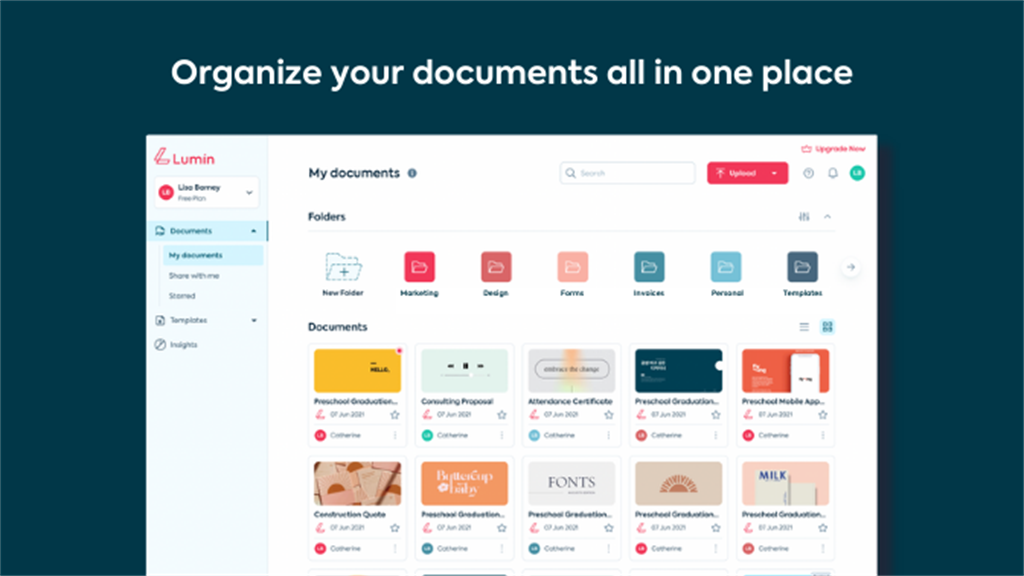
1. Cloud Integration: Lumin PDF allows seamless integration with cloud services like Google Drive and Dropbox, enabling easy access and sync of documents across multiple devices without the need to manually transfer files.
2. Collaboration Tools: The software offers real-time collaboration features, allowing multiple users to comment, highlight, and edit PDF documents together, enhancing teamwork and productivity.
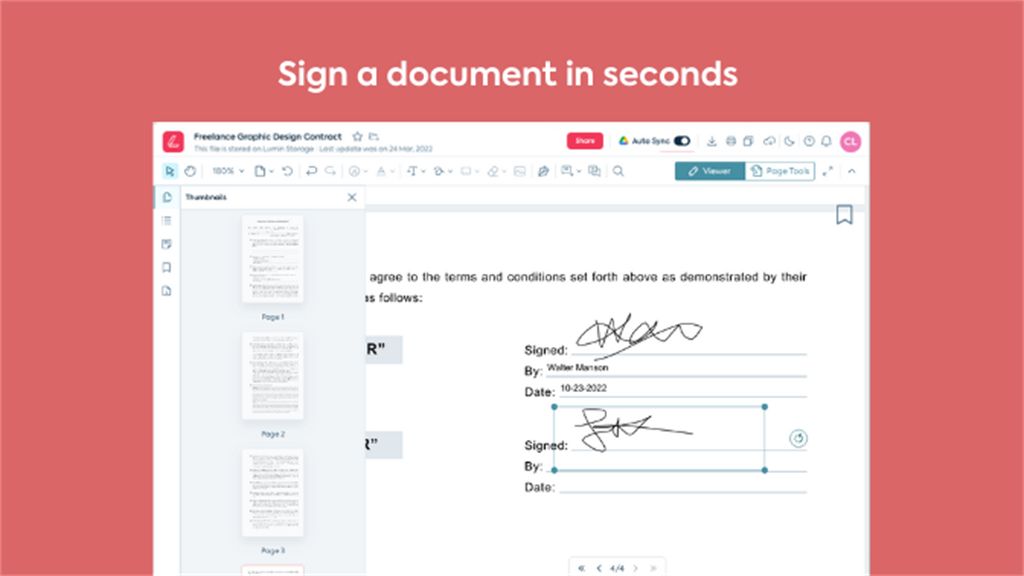
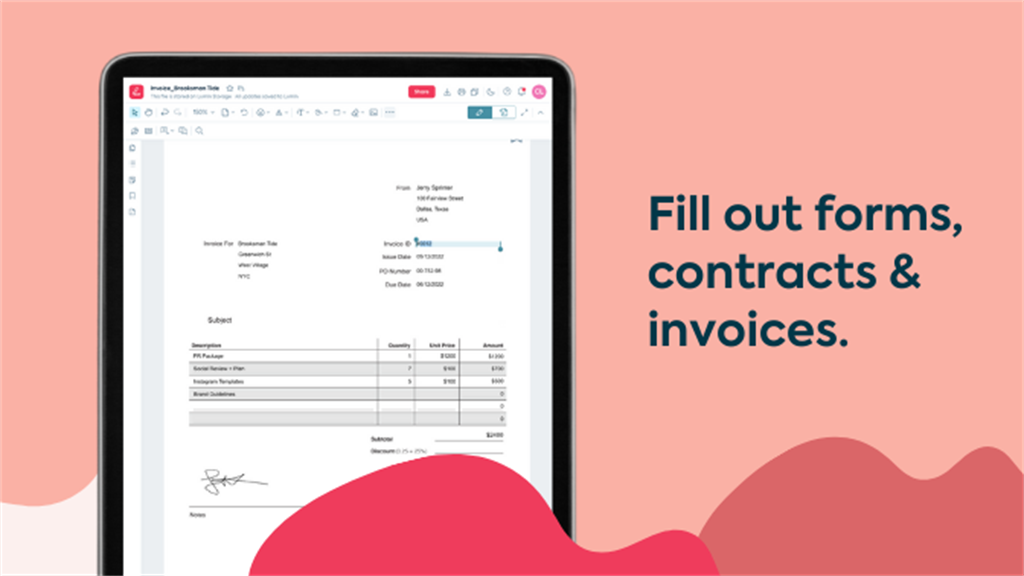
3. Extensive Editing Options: Lumin PDF includes a wide array of editing tools, ranging from text editing and annotations to adding images and signatures, providing a comprehensive solution for modifying PDF documents without requiring additional software.
Cons
1. Limited Free Features: Lumin PDF requires a subscription for access to its full range of features, with the free version offering limited functionality, potentially necessitating an upgrade for comprehensive PDF editing capabilities.
2. Performance Issues: Some users report sluggish performance and slow loading times, particularly when working with large or complex PDF files, which can hinder productivity and efficiency.
3. Incompatibility Concerns: Lumin PDF may not be fully compatible with all operating systems or other software, leading to potential issues with file formatting or integration when working across different platforms or with various document management systems.


