
My Files-X Free
for Windows- Name My Files-X Free
- Category Productivity
- Downloads 57,000,000+
- Developer Neolyon Devs
- Available on PC
- OS Windows 10 version 17763.0 or higher
- Architecture x64
- Keyboard Integrated Keyboard
- Mouse Integrated Mouse
- DirectX DirectX 12 API, Hardware Feature Level 11
- Memory Not specified
- Video Memory Not specified
- Processor Intel or AMD
- Graphics Processor Nvidia, Intel or AMD
- Notes Windows 10 October Update 2018 (1809) 32 (x86) or x64 bit
Pros
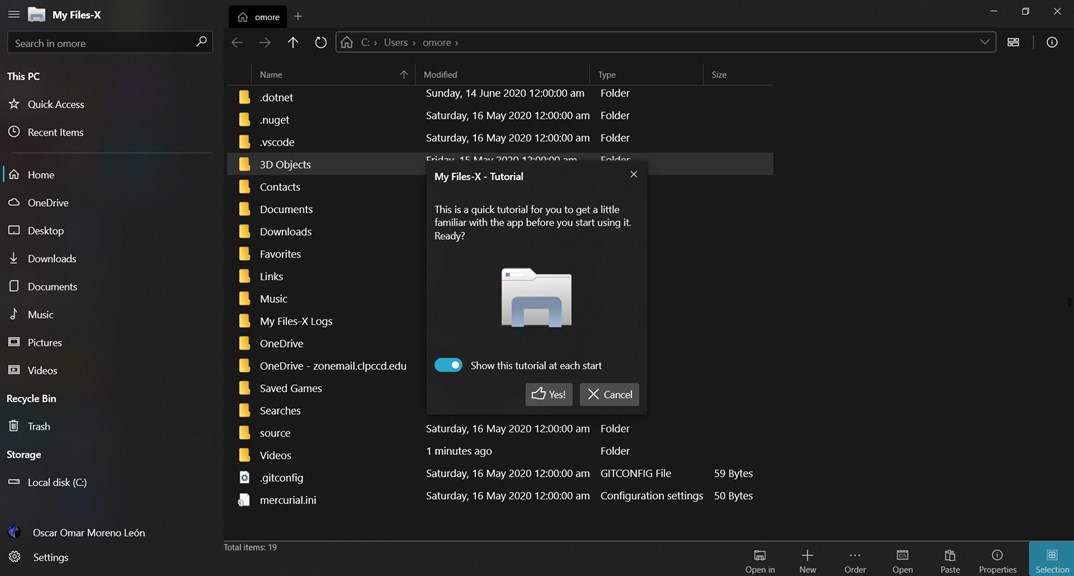
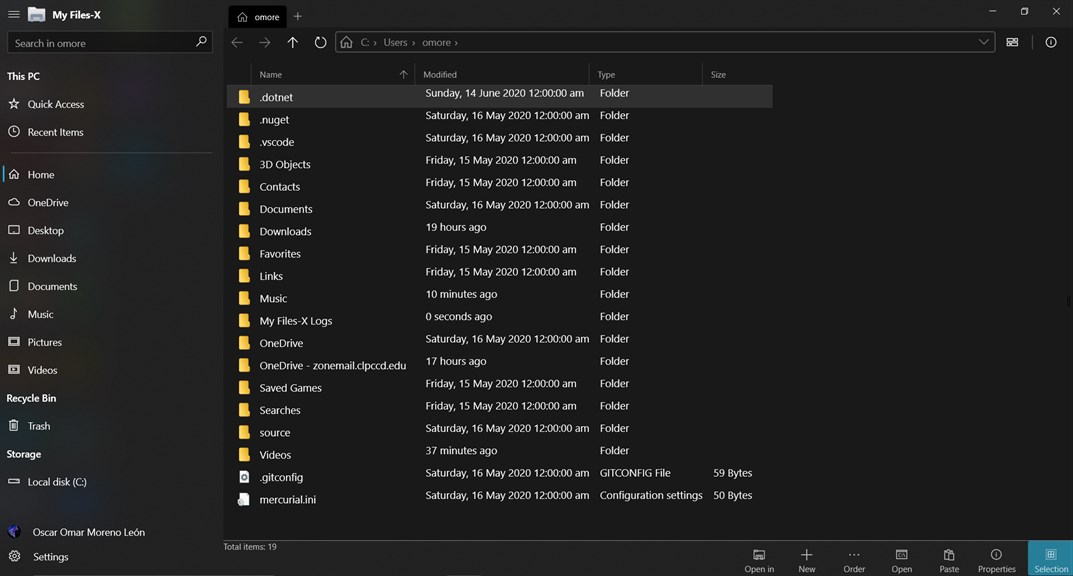
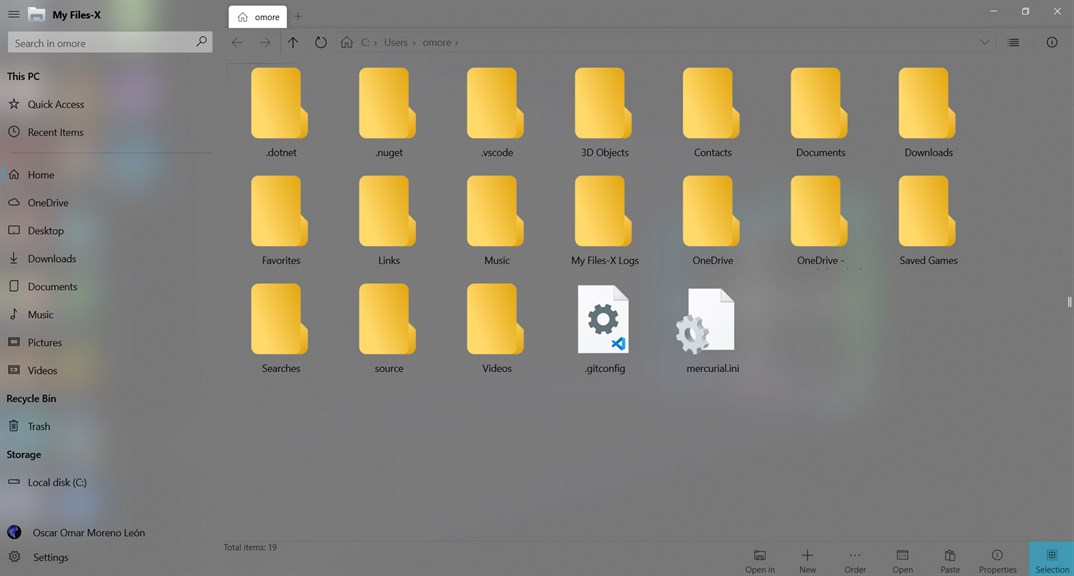
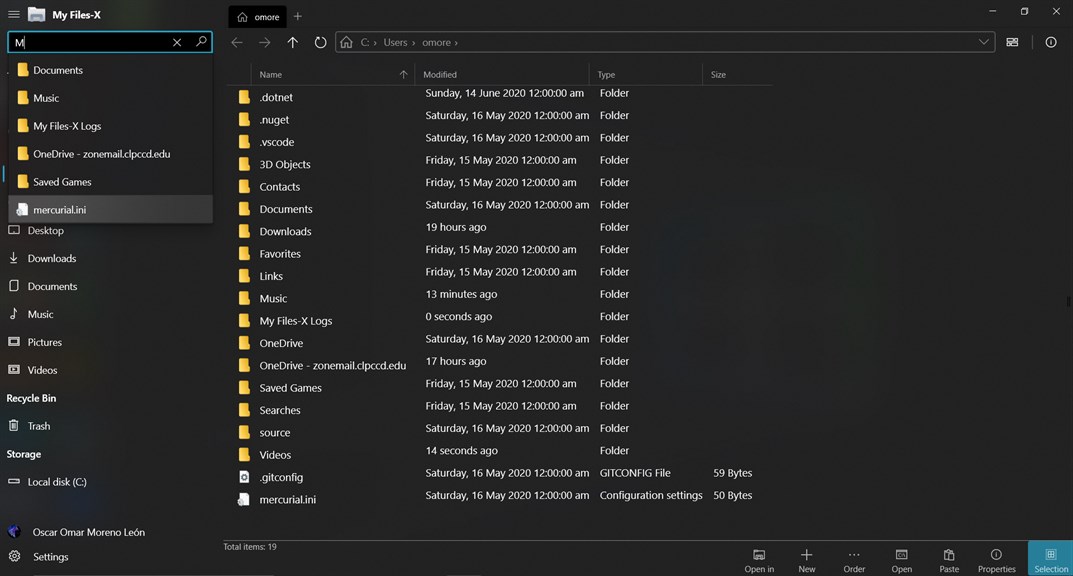
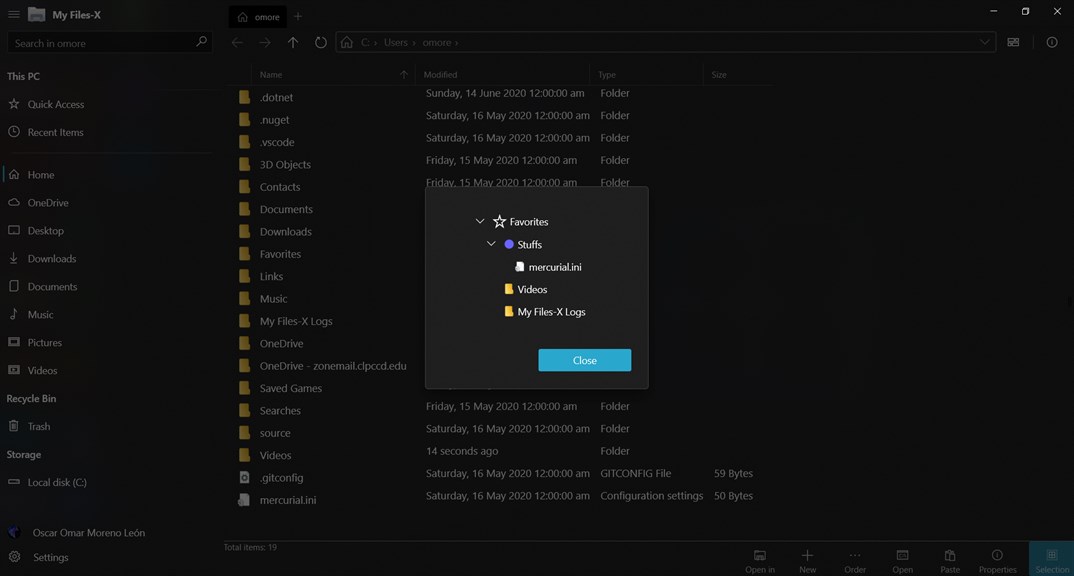
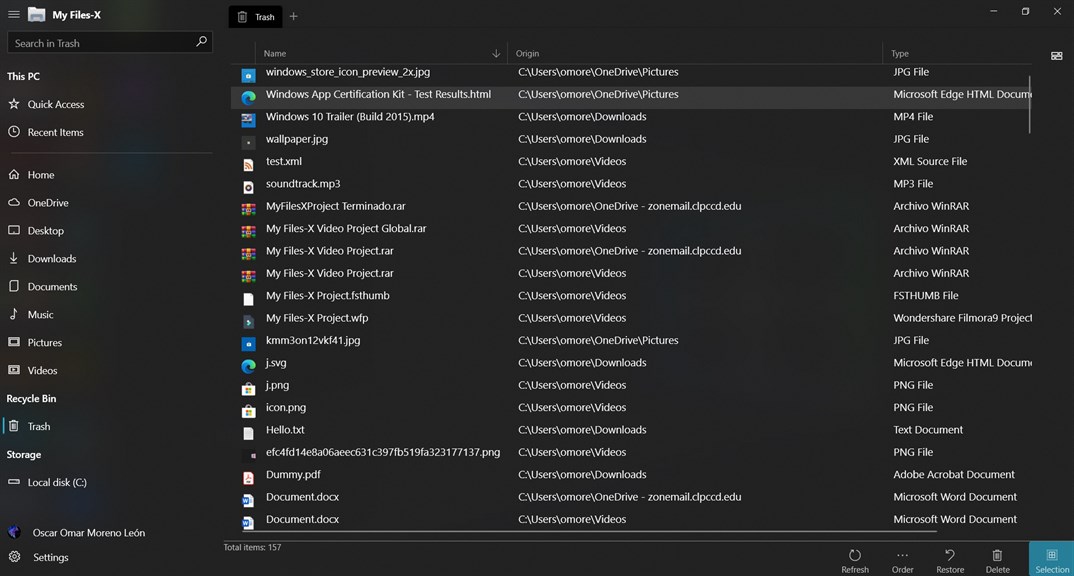
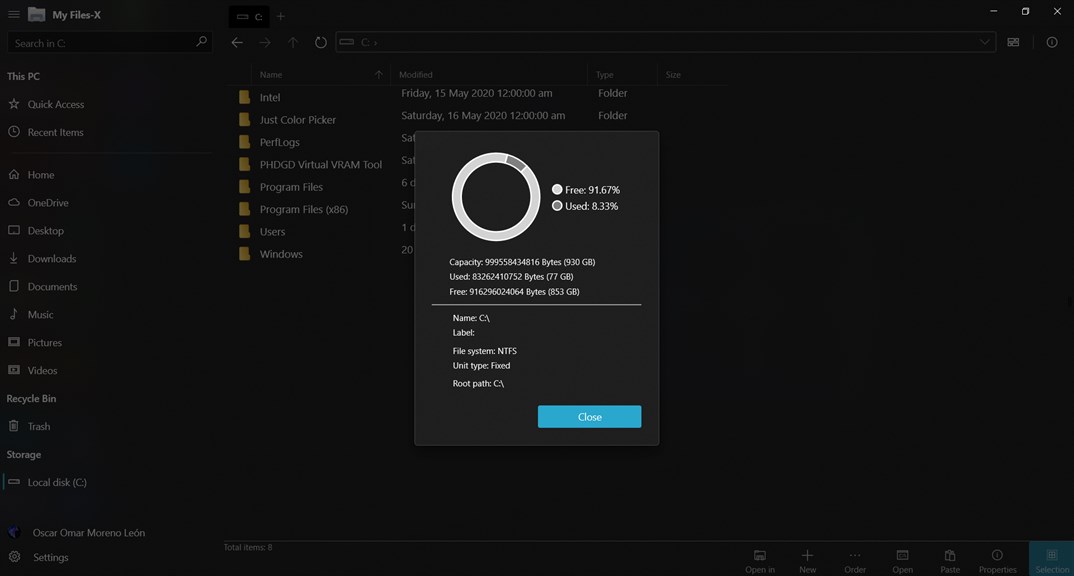
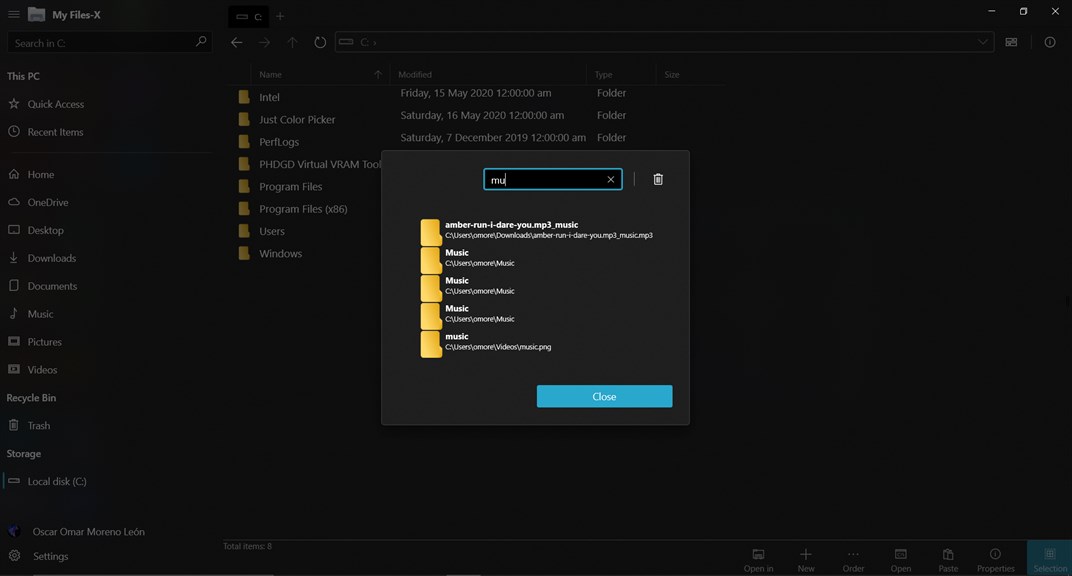
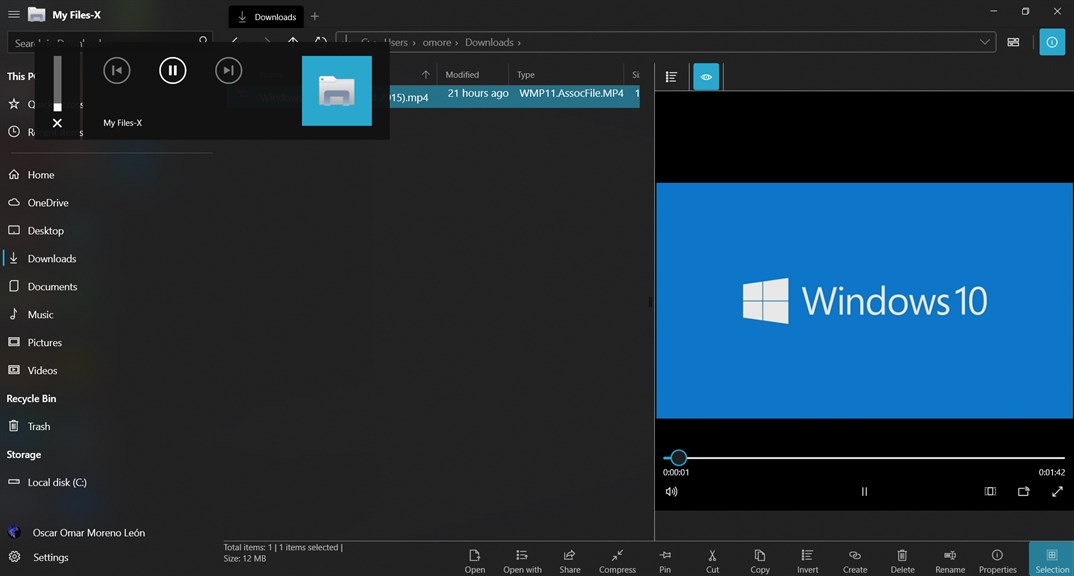
1. **Versatile File Management**: My Files-X Free enables users to organize and manage their files efficiently, offering features like copy, move, delete, and rename, streamlining file operations for a better user experience.
2. **User-Friendly Interface**: The software boasts an intuitive and easy-to-navigate interface, making it accessible for users of all skill levels to locate and manage their files with minimal learning curve.
3. **Cost-Effective Solution**: As a free tool, My Files-X provides essential file management capabilities without the need for investment, making it an ideal choice for users seeking a functional yet economical file organization option.
Cons
1. Limited Features: My Files-X Free version offers minimal functionality, potentially lacking advanced features available in paid or alternative software, which may be necessary for comprehensive file management tasks.
2. Advertisements: The free version may include intrusive ads, which can disrupt user experience and workflow while interacting with the application.
3. Compatibility Issues: My Files-X Free might not be fully compatible with all file formats or operating systems, leading to challenges in viewing or managing certain files or using the software on some PCs.


