
OfficeSuite Office Pack & PDF Editor
for Windows- Name OfficeSuite Office Pack & PDF Editor
- Category Productivity
- Downloads 71,000,000+
- Developer MobiSystems
- Available on PC, Mobile, Surface Hub
- OS Windows 10 version 17763.0 or higher
- Memory 1 GB
- Processor 1 GHz or faster, 2-core
Pros
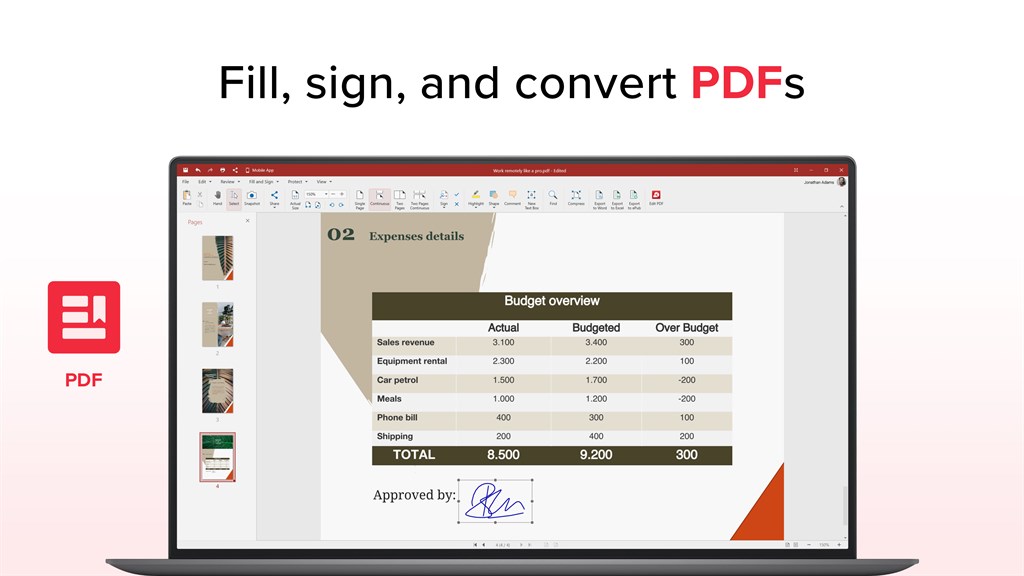
1. Compatibility: OfficeSuite is highly compatible with various formats including Microsoft Office (Word, PowerPoint, Excel), PDFs, and other common formats, ensuring seamless document handling and exchange across different software ecosystems.
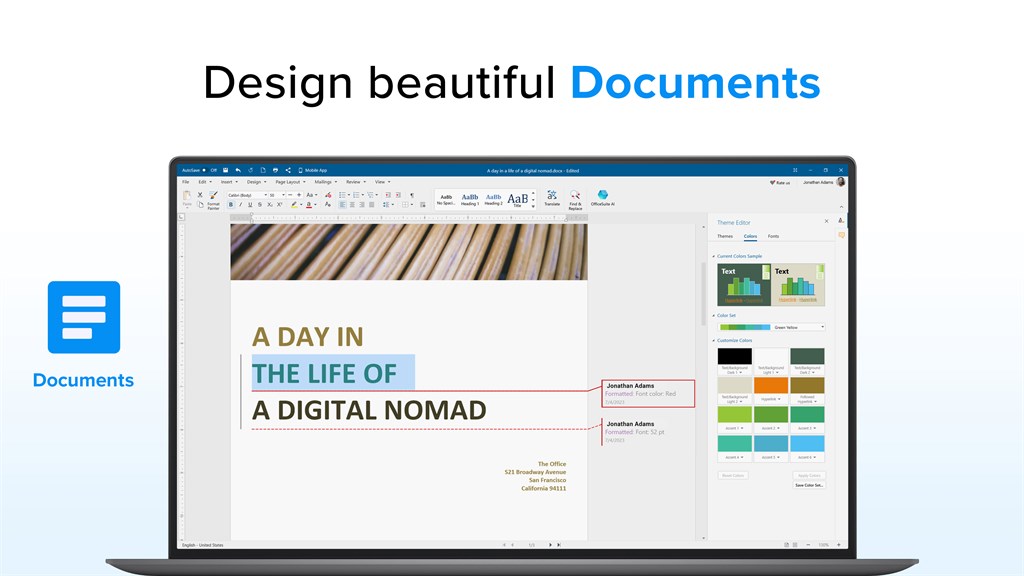
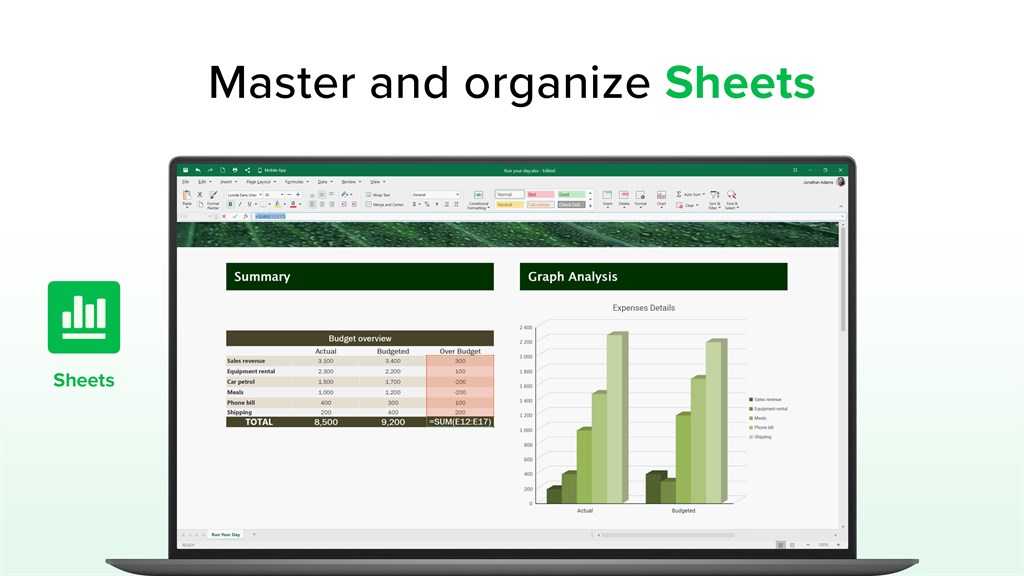
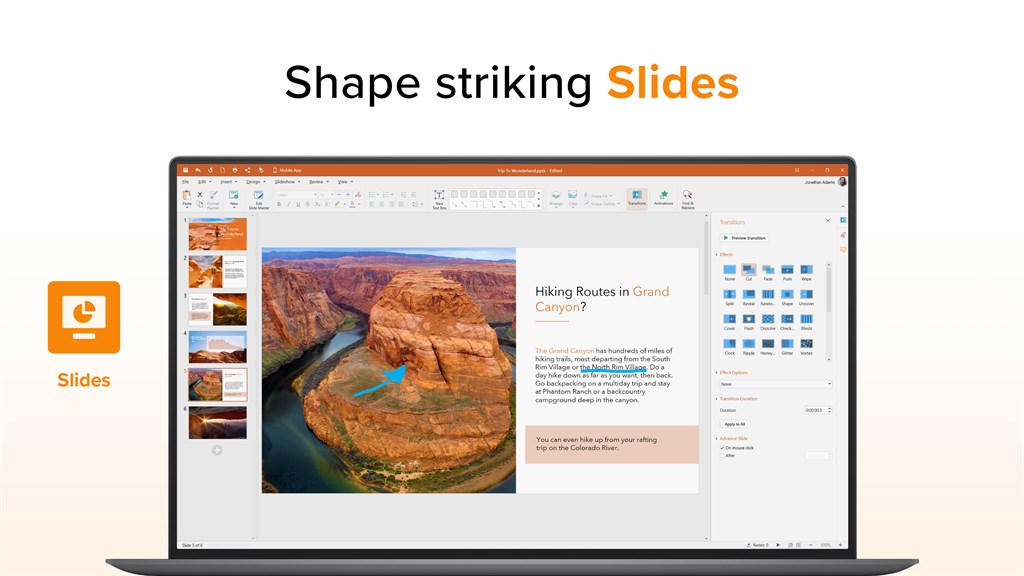
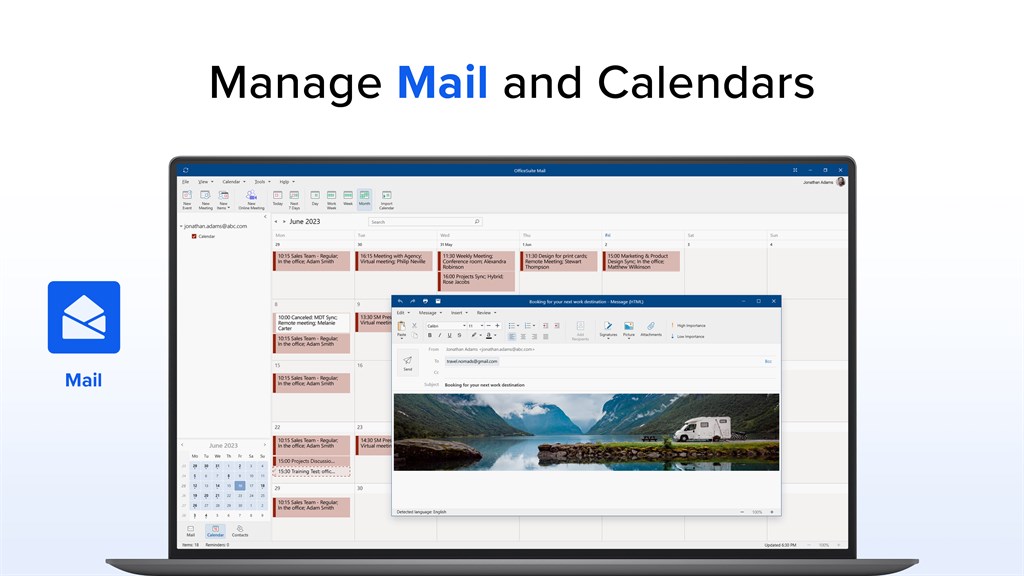
2. All-in-one Functionality: It combines word processing, spreadsheet editing, presentation tools, and a PDF reader/editor in one package, reducing the need for multiple software and streamlining productivity.
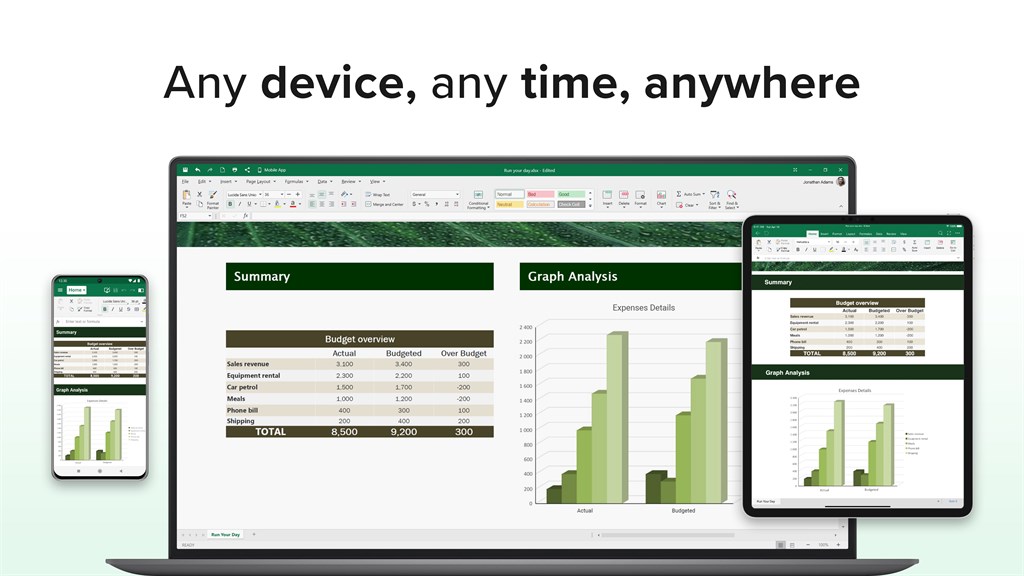
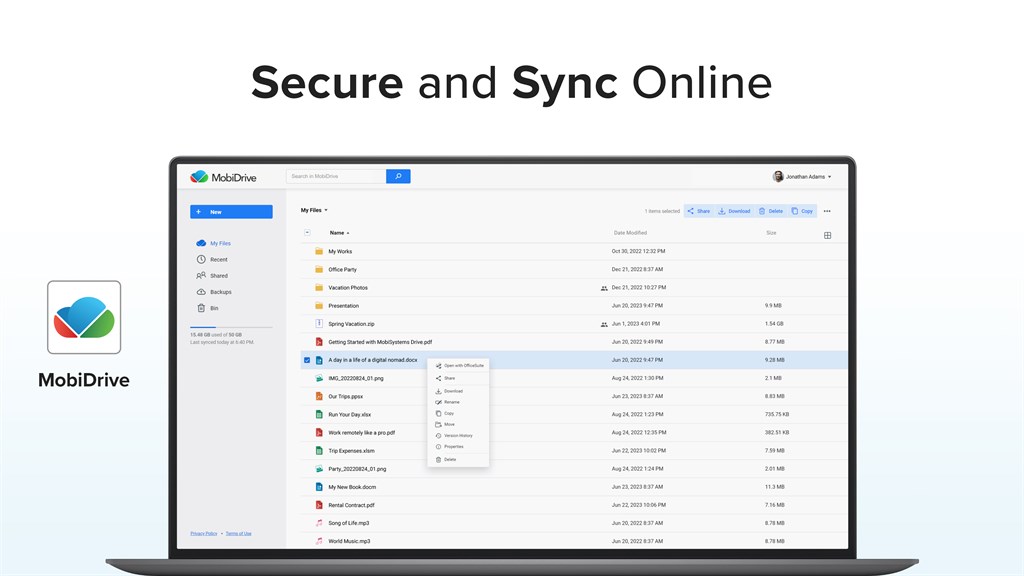
3. Cross-Platform Use: With OfficeSuite, you can work across different devices and platforms like PC, mobile, and tablet with cloud support, enabling you to access and edit your documents from anywhere at any time.
Cons
1. Limited Advanced Features: OfficeSuite may not offer as comprehensive or sophisticated features compared to industry-standard software like Microsoft Office, especially for advanced users who require extensive formatting, macros, or database management capabilities.
2. Compatibility Issues: While OfficeSuite is designed to be compatible with major file formats, users might encounter formatting discrepancies or issues when opening or saving documents in formats native to other productivity suites like MS Office or Google Docs.
3. Cost: While it provides a free version, the full feature set of OfficeSuite is behind a paywall, and some users might find the subscription cost unjustified, especially if they are accustomed to the free alternatives available like Google Docs or OpenOffice that offer a broad range of features without a subscription fee.


