
Photo Transfer App - Photos & Videos
for Windows- Name Photo Transfer App - Photos & Videos
- Category Photo & video
- Downloads 75,000,000+
- Developer Mobileware Studio
- Available on PC
- OS Windows 10 version 14316.0 or higher
- Architecture x64
Pros
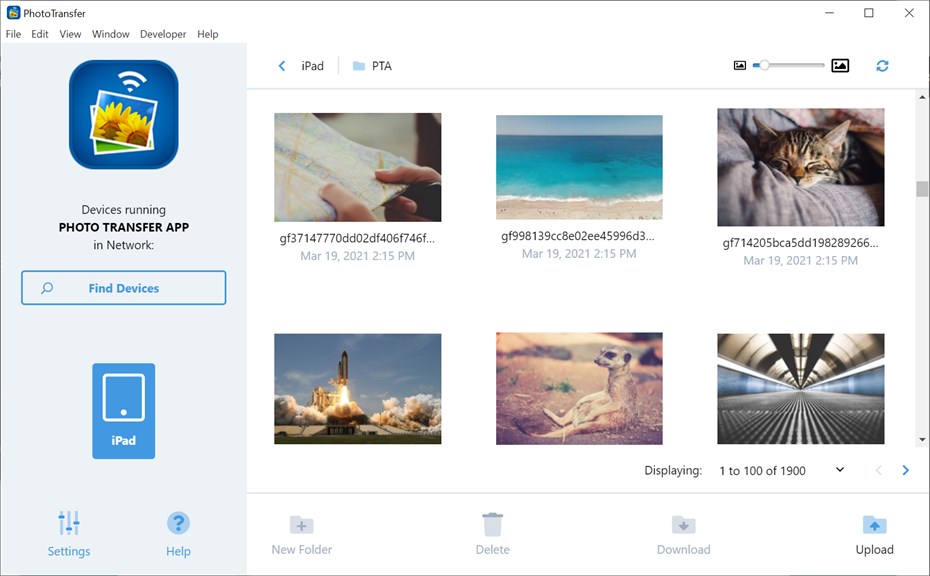
1. Easy Photo & Video Sharing: Enables seamless transfer of photos and videos between your PC and mobile devices without the need for cables, using Wi-Fi.
2. Cross-Platform Compatibility: Supports multiple platforms, including iOS and Android, allowing for flexible sharing across different types of devices.
3. Backup and Organization: Facilitates efficient photo and video backup from phones/tablets to your PC, assisting in organizing and safekeeping your precious memories.
Cons
1. Limited Free Version: The Photo Transfer App offers limited features in its free version, requiring users to purchase the full version to unlock its complete functionality, including transferring higher quality photos and videos without restrictions.
2. Compatibility Issues: Some users have reported that the software does not always work seamlessly across different operating systems or with certain devices, leading to errors or difficulties in transferring their media.
3. No Advanced Features: The app primarily focuses on basic photo and video transfers and lacks advanced features such as photo editing, file management, or cloud integration that are offered by some competitive programs.


