
Scanner - Quick and Easy Document Scanning
for Windows- Name Scanner - Quick and Easy Document Scanning
- Category Utilities & tools
- Downloads 100,000,000+
- Developer Simon Knuth
- Available on PC
- OS Windows 10 version 18362.0 or higher
- Architecture x86, x64, Arm64
Pros
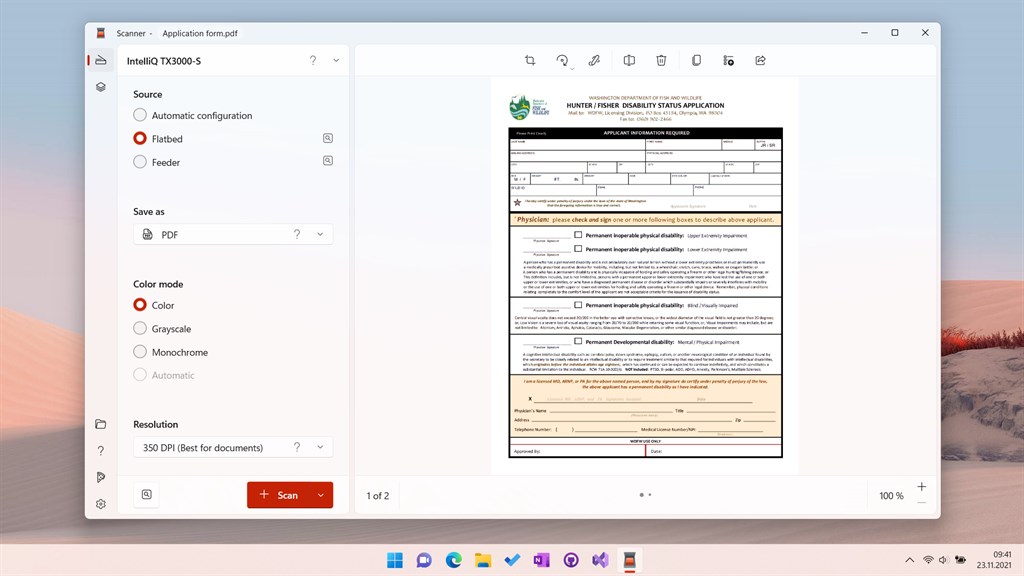
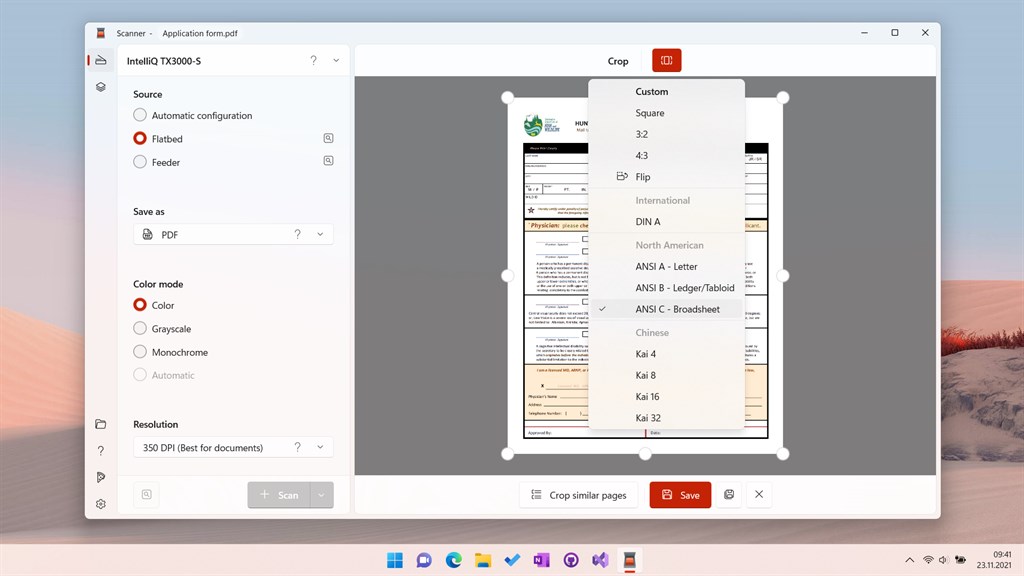
1. Efficiency: Scanner - Quick and Easy Document Scanning software for PC allows for seamless and fast scanning of documents, eliminating the need for manual scanning and saving valuable time.
2. Convenience: With this software, you can easily convert physical documents into digital files, making it easier to organize and store important information on your computer without the hassle of handling physical paper.
3. Accuracy: This software ensures high-quality scanning results, capturing every detail of your documents and producing clear and legible digital copies that are essential for important tasks such as archival, sharing, or printing.
Cons
1. Limited File Format Compatibility: Scanner - Quick and Easy Document Scanning software for PC may have limited support for various file formats, restricting the user's ability to save or export scanned documents in their desired format.
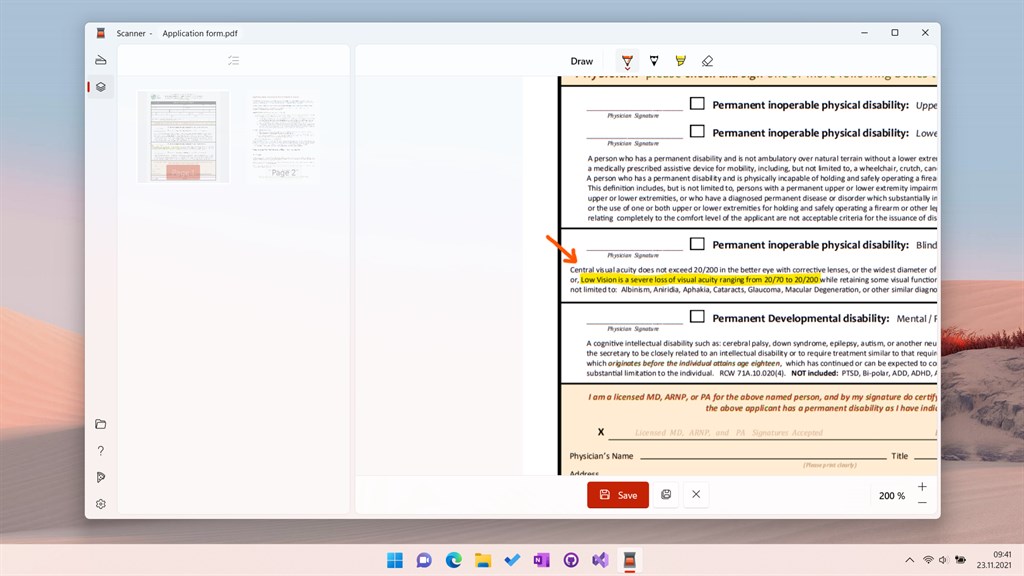
2. Lack of Advanced Editing Features: This software may lack advanced editing features, such as optical character recognition (OCR) or image enhancement options. Users may need to rely on additional editing software to modify or process scanned documents.
3. Dependence on Hardware Quality: The performance of the scanning software can be affected by the quality and capability of the connected scanner hardware. Users with lower-quality or outdated scanners may experience slower scanning speeds or lower accuracy in the scanned images.


