
TurboWarp
for Windows- Name TurboWarp
- Category Developer tools
- Downloads 61,000,000+
- Developer Thomas Weber
- Available on PC
- OS Windows 10 version 14316.0 or higher
- Keyboard Not specified
- Mouse Not specified
- Camera Not specified
- Memory Not specified
Pros
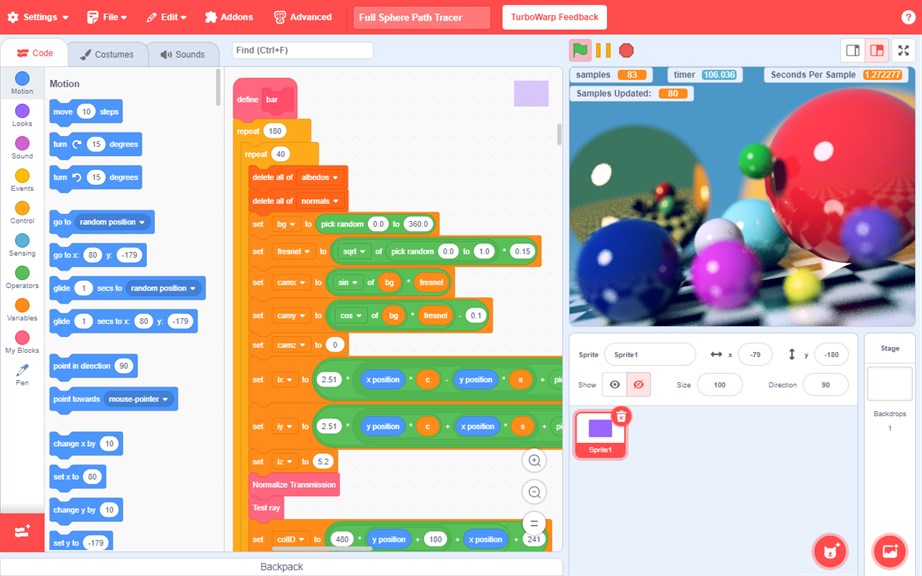
1. TurboWarp enhances Scratch project performance by running them faster and more efficiently, which leads to improved user experience and decreases wait times for project loading and execution.
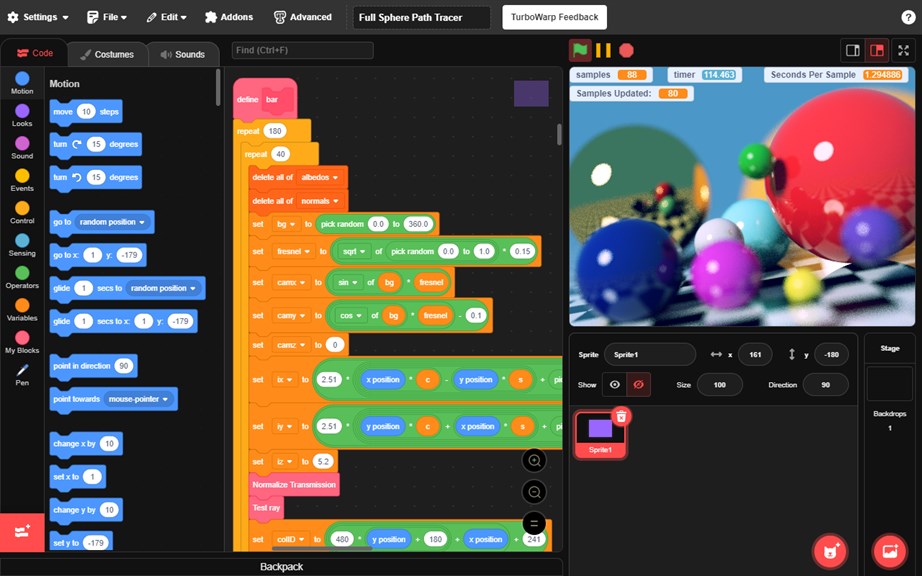
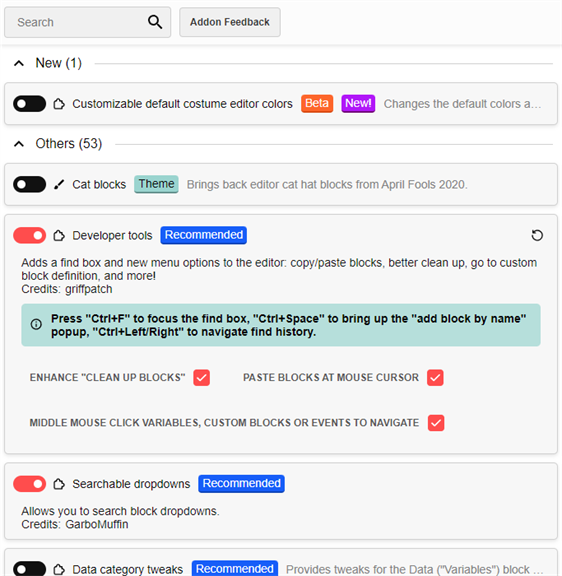
2. It offers additional features not found in standard Scratch, such as custom blocks and experimental optimizations, allowing for greater creativity and experimentation with projects.
3. TurboWarm is an open-source platform, making it accessible to everyone for free, and allows users to view and modify the source code to learn from it or tailor it to their specific needs.
Cons
1. Compatibility Issues: TurboWarp may not fully support all Scratch project features, leading to compatibility problems that result in glitches or missing functionality in imported projects.
2. Performance Variances: While TurboWarp is optimized for speed, performance can vary depending on the user's hardware, potentially leading to lag or choppy execution on less powerful PCs.
3. Limited Support: As an open-source project, TurboWarp's user support is community-driven and might not be as extensive or responsive as commercial software, potentially leaving users without assistance for troubleshooting issues.


