
Windows Configuration Designer
for Windows- Name Windows Configuration Designer
- Category Utilities & tools
- Downloads 16,000,000+
- Developer Microsoft Corporation
- Available on PC
- OS Windows 10 version 18362.0 or higher
- Architecture x86
- Keyboard Integrated Keyboard
- Mouse Integrated Mouse
Pros
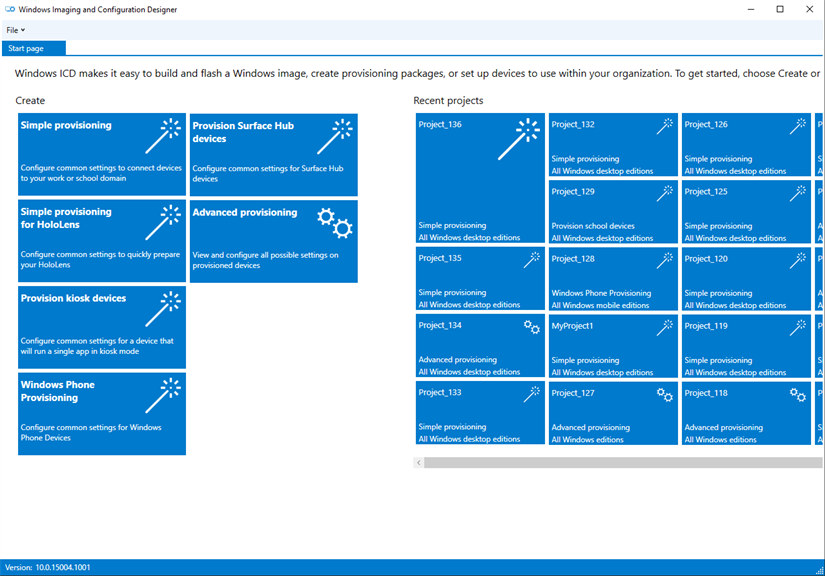
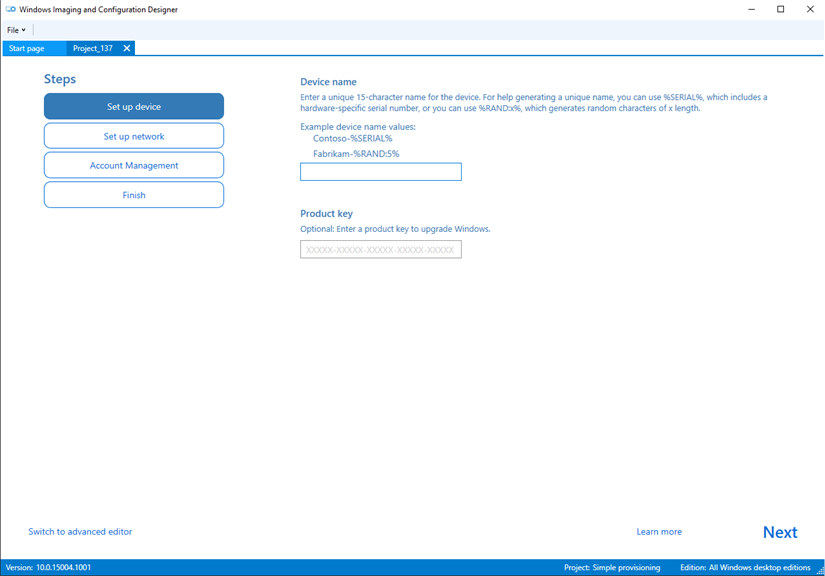
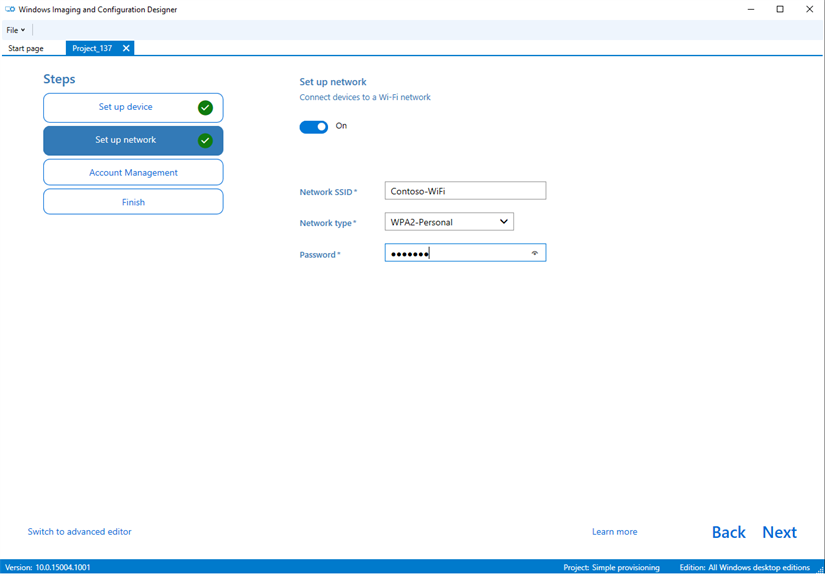
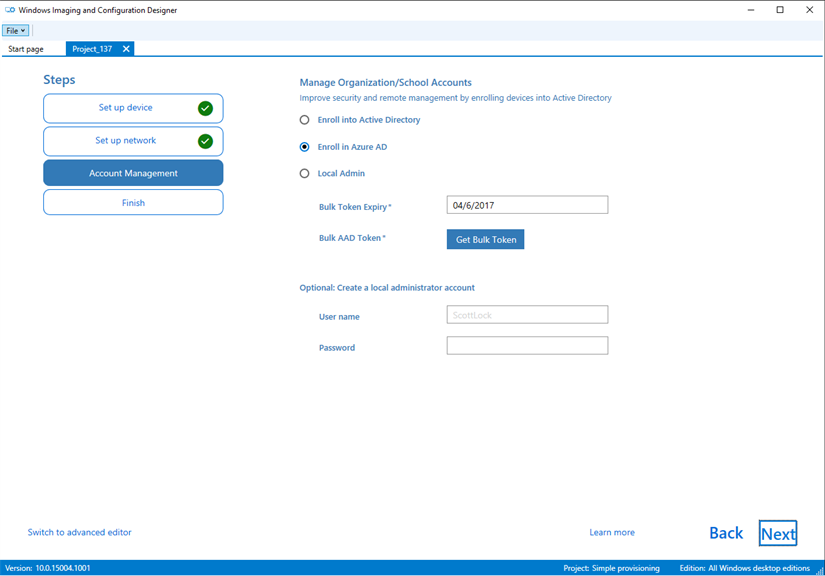
1. Streamlined Configuration: Windows Configuration Designer simplifies the process of configuring multiple PCs, allowing you to create customized setups by selecting specific settings, applications, and policies tailored to the needs of your organization.
2. Quick Deployment: With the ability to create provisioning packages, you rapidly deploy configurations to new devices without manual setup, speeding up the process of getting PCs ready for users.
3. Reduced IT Workload: It automates the application of settings, reduces the need for IT intervention in the initial setup, and maintenance of PCs, freeing up IT resources for other tasks.
Cons
1. **Limited Customization Scope**: Windows Configuration Designer focuses on basic provisioning and may not offer granular control for advanced configurations, potentially requiring additional tools or manual setup for complex enterprise environments.
2. **Complexity for Beginners**: The interface and procedural requirements can be overwhelming for novice users, leading to a steep learning curve and the potential for misconfiguration if not properly understood.
3. **Compatibility Issues**: The software may not support all features for different versions of Windows or specific hardware, leading to limited functionality and the need for alternative solutions for comprehensive system configuration tasks.


