
Wondershare Dr.Fone - Mobile Device Management
for Windows- Name Wondershare Dr.Fone - Mobile Device Management
- Category Utilities & tools
- Downloads 102,000,000+
- Developer WONDERSHARE GLOBAL LIMITED
- Available on PC
- Architecture x86
- OS Windows 10 version 0.0 or higher
- Touch Integrated Touch
- Keyboard Integrated Keyboard
- Memory 1 GB



Pros
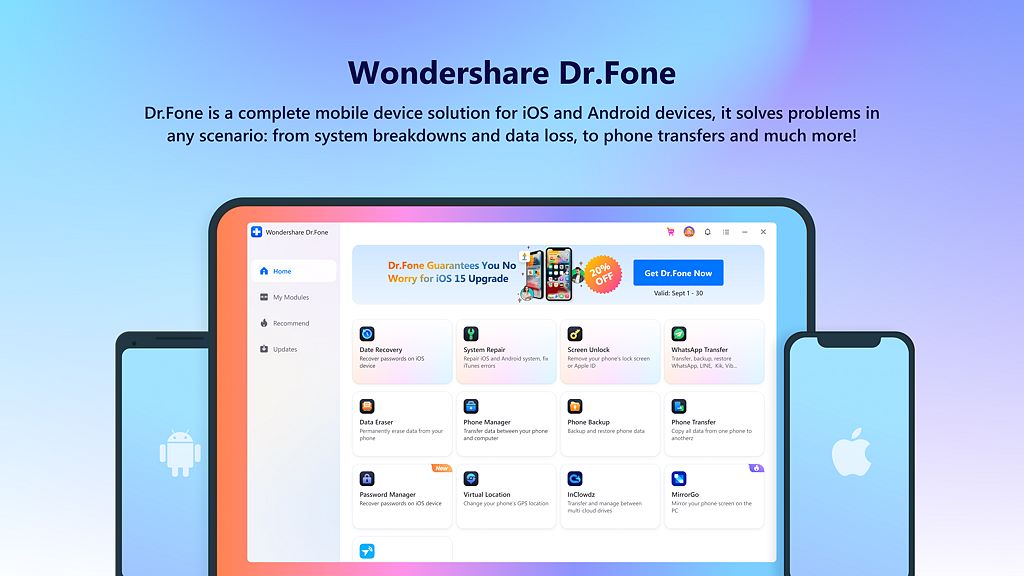
1. Data Recovery: Wondershare Dr.Fone enables users to recover lost or deleted data, such as contacts, messages, and photos, directly from their mobile device, offering a straightforward solution to restore important information without requiring extensive technical knowledge.
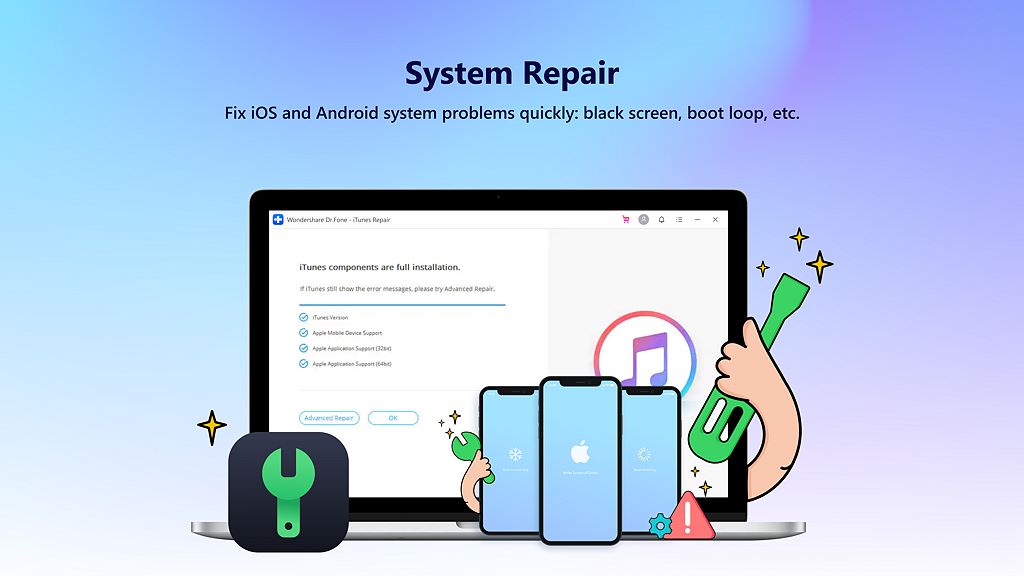
2. System Repair: It provides tools to fix various iOS and Android system issues like black screens, boot loops, and app crashes, without risking data loss, ensuring devices remain functional and reliable.
3. Device Unlock: The software offers the capability to bypass screen locks, including pattern, PIN, password, and fingerprint, on most mobile devices, granting access when users are locked out of their phones due to forgotten credentials or malfunctioning sensors.
Cons
1. Cost: Wondershare Dr.Fone is relatively expensive compared to some of its competitors, which may be prohibitive for individual users or small businesses on a tight budget.
2. Learning Curve: Some users find the interface and multitude of features overwhelming, necessitating a learning period to effectively utilize the software.
3. Compatibility Issues: While Dr.Fone supports a wide range of devices, there may be occasional compatibility problems with certain smartphone models or operating system versions, potentially limiting its utility for some users.


