
WSA Sideloader
for Windows- Name WSA Sideloader
- Category Utilities & tools
- Downloads 29,000,000+
- Developer Ahnaf Mahmud
- Available on PC
- OS Windows 11 version 22000.0 or higher
- Architecture x64, Arm64
- Memory 8 GB
- Notes Windows Subsystem for Android
Pros
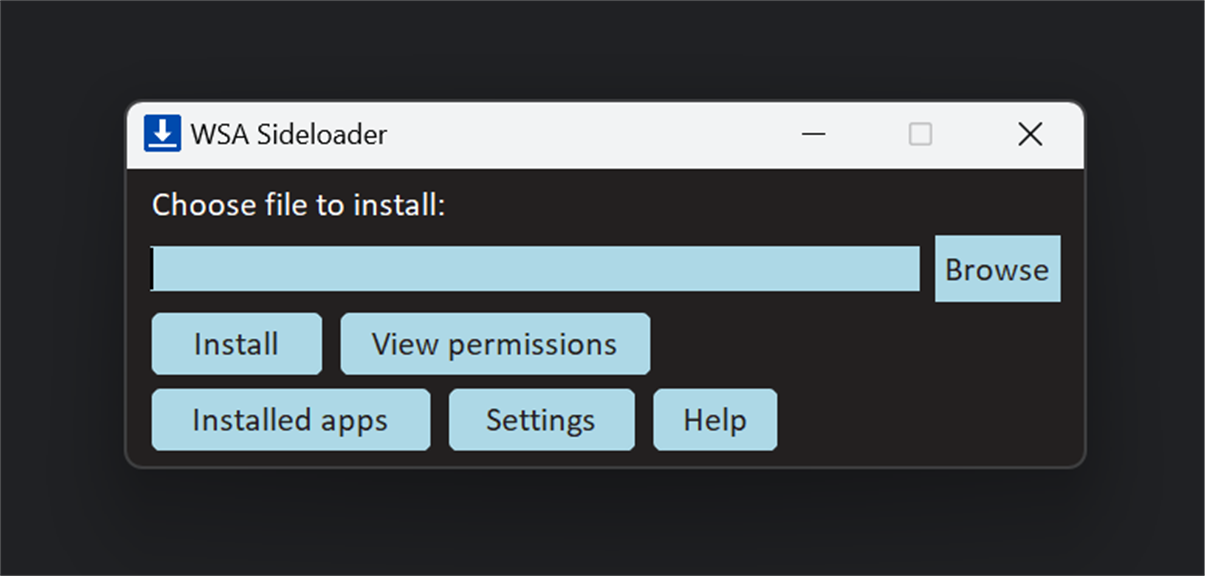
1. Easy Installation of Android Apps: WSA Sideloader allows users to install Android APKs directly onto their Windows PC, bypassing the need for an Android emulator and streamlining the app installation process.
2. Integration with Windows Subsystem for Android: The software works in conjunction with the Windows Subsystem for Android, providing a stable and optimized environment for running Android applications on a Windows machine.
3. Simplified App Management: Users can easily manage their sideloaded Android applications, including updates and deletions, without complex commands or developer tools, enhancing the user experience for those unfamiliar with technical processes.
Cons
1. Limited App Availability: WSA Sideloader allows the side-loading of Android apps onto Windows systems, but some apps may not be available or compatible due to differences in the operating systems or hardware requirements.
2. Performance Issues: Side-loaded apps may not perform optimally on a PC as they are originally designed for Android hardware, leading to potential lag or crashes.
3. Security Risks: Side-loading apps can expose your system to security vulnerabilities, as it often bypasses official app store vetting processes, increasing the risk of installing malicious software.


