Amazon Alexa
- 2.35K
- 4.1
- Installs
- 940.00M
- Version
- Varies with device

Screenshots


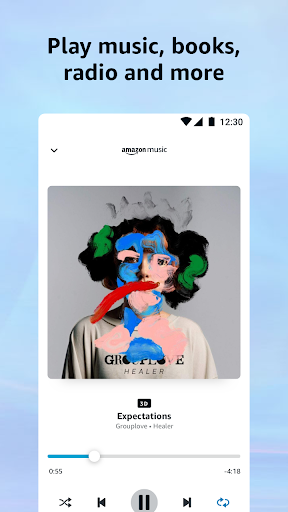

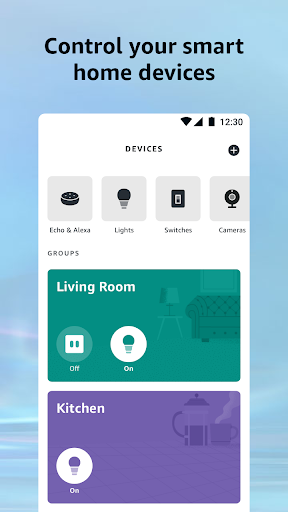
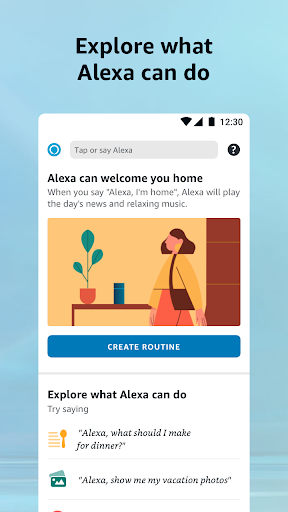
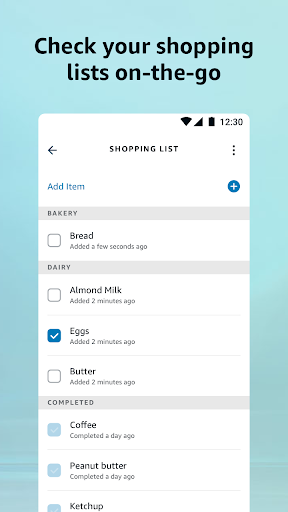
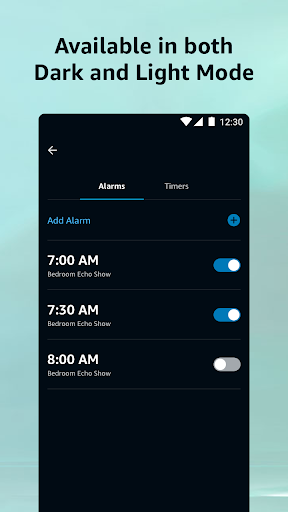


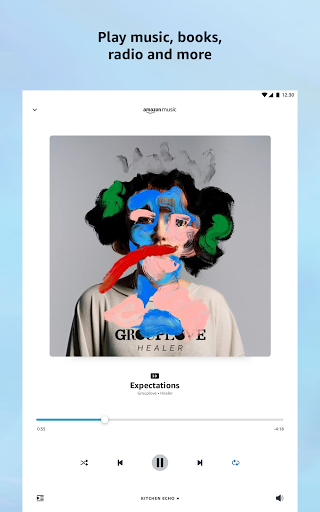

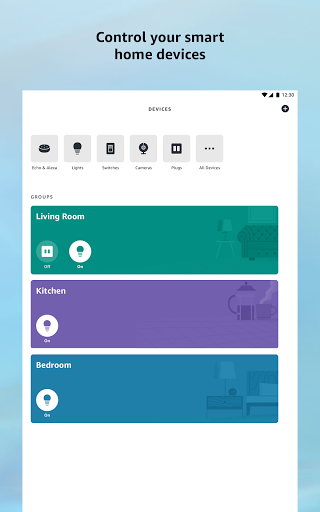
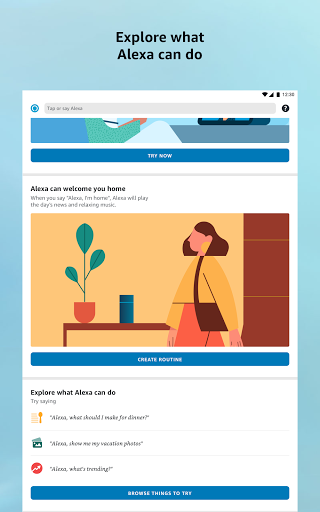
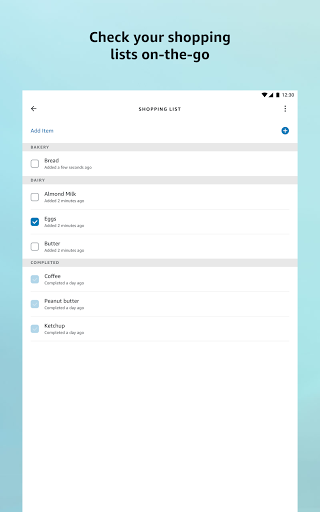
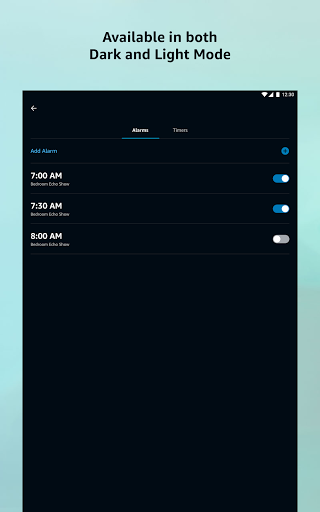
Amazon Alexa is designed by Amazon Mobile LLC to manage your device with Alexa, communicate through Amazon Echo, and manage your music, alarms, shopping lists, and more on the go.
Amazon Alexa app is now available both for Android and iOS users. For Alexa device owners, this app allows you to set up and control your Alexa device remotely. It plays music, show weather conditions, answer questions, create lists, and more.
Latest Update: Spotlight on Routines, Multi‑Room Audio, Drop‑In and Guard
This update highlights Alexa’s most valued experiences—smoother routine triggers and scheduling, improved multi‑room audio grouping, clearer Drop‑In/announcement flows and more reliable Guard/reminder alerts—while addressing user feedback about awkward follow‑up responses and frequent shopping prompts. The release tightens conversational context and reduces intrusive upsell cues so everyday Alexa interactions feel more natural and less cluttered.
Features
It is a companion to your Amazon Echo, Dot (setup, remote control, and enhanced features.)
Enjoy hands-free music streaming experience with the app
Read news feeds on the latest events about sports, entertainment, and more areas.
It can be used as a virtual assistant which can pick up the user's voice from 7 feet away.
It will inform users of the weather, set alarms and answer questions.
Make video calls to family and friends who have an Echo Show or the Alexa App.
More
Alexa is stored in the cloud, and it will continually learn and update more functionality with time passing by. The more you use Alexa, the more it adapts to your frequently used vocabulary and personal preferences.
How to give your voice command?
Before you use the voice commands, you need to let the digital assistant identify you. Once she recognizes your voice, you can control her by commanding as follows:
Clicking “More” and then “Skills & Games”
Press “Enable to use” in the individual view to make it know you
Start with her name “Alexa” Commanding as “Alexa, play music for yoga.” “Alexa, volume up.”


