Sticker Maker
- 2.35K
- 4.2
- Installs
- 580.00M
- Version
- Varies with device

Screenshots
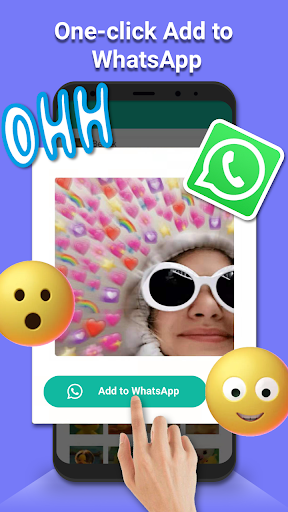
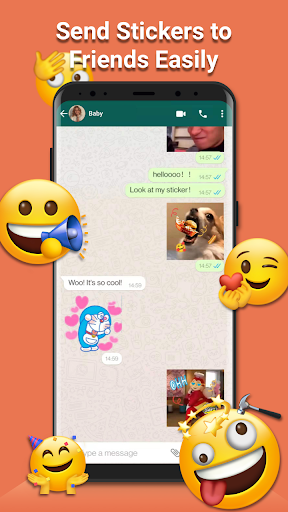
Sticker Maker for WAStickerApps, WhatsApp. Stickers –Create your personal stickers packs!
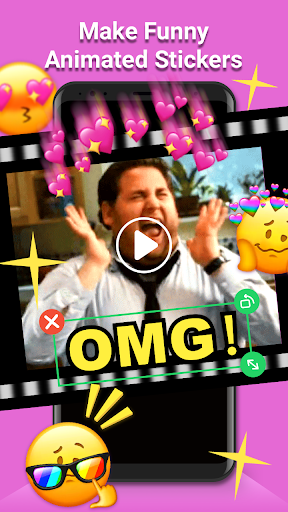
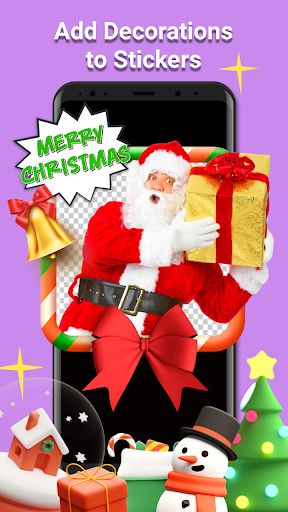
Sticker Maker-Make Sticker for WhatsApp stickers is your personal sticker maker application. Select an image, add decorations or text, save it and add it to WasApp. Including thousands of trending Stickers ,GIFs, Memes and Emojis all. Using Sticker Maker-Make Sticker for WhatsApp stickers will make chatting with your friends more fun !
How to Use the Sticker Maker-Make Sticker for WhatsApp stickers
1. Download the Sticker Maker-Make Sticker for WhatsApp stickers by tapping INSTALL from Google Play and open it.
2. Select your sticker and click the ‘add’ button.
3. Open your chatting app and send it.
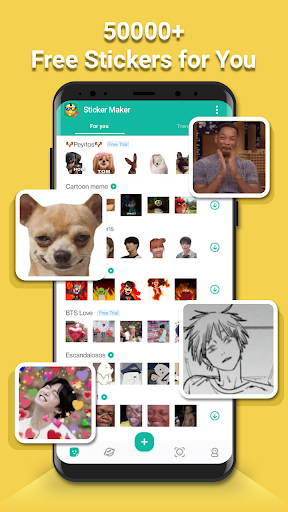
Thousands of popular stickers
We have a global top designer team creating original stickers.
We provide the most cutting-edge personalized content in the world, so that you can communicate with others in a humorous and edgy manner
The constant update of sticker content is the sticker app you can't live without.
Create your own DIY Stickers in just a few easy steps
1. Open DIY Sticker editor
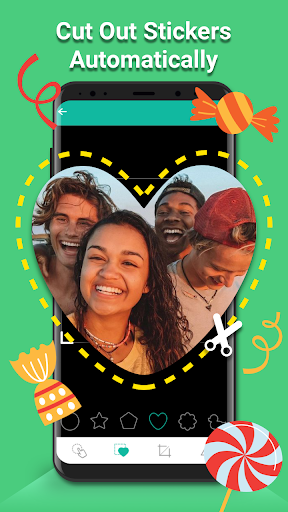
2. Add photos with hand crop feature
3. Add Text and sticker(Coming soon)
4. Save to your own packs and add it
5. Have more fun
Don't worry about privacy and security
We will never collect your personal info and collect the photos you set as HD wallpapers. Only you can own or remove your stickers, we do not make any backup.
Note
Please make sure you’re already using the latest version of WhatsApp or set our keyboard to default that supports stickers.Installing Sticker Maker-Make Sticker for WhatsApp stickers will make chatting with your friends even more fun!
Contact us


