MapXplorer
- 1.90K
- 4.4
- Installs
- 210.00M
- Version
- Varies with device

Screenshots





Pro
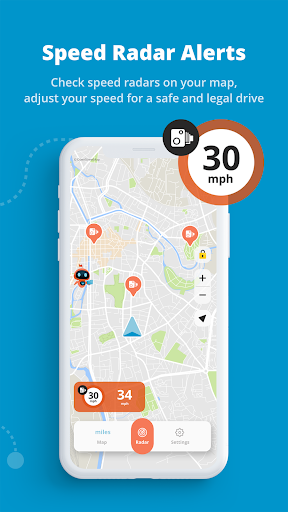
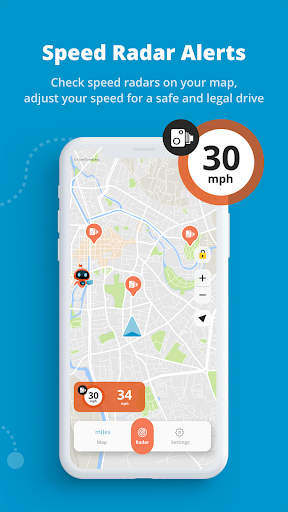
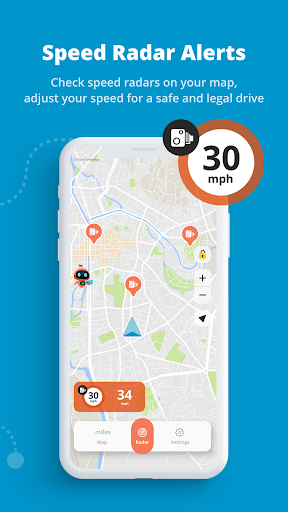
1. Real-Time Radar: MapXplorer includes a live radar feature, providing users with the ability to detect nearby objects, obstacles, or conditions, enhancing safety and situational awareness during navigation.
2. Heads-Up Display: The app offers a HUD option, allowing drivers to project navigational information onto the windshield, reducing distraction and keeping their eyes on the road.
3. GPS Accuracy: With precise GPS technology, MapXplorer offers reliable and accurate real-time positioning and directions, ensuring users reach their destinations efficiently with minimal errors or deviations.
Con
1. Limited Compatibility: MapXplorer may not be compatible with all devices or car models, potentially excluding users who do not have the latest technology.
2. Potential Distractions: The HUD feature can be a visual distraction, increasing the risk of accidents if a driver focuses too much on the display.
3. Learning Curve: First-time users may find the interface and features of MapXplorer complex, requiring a learning period that can deter users seeking a simple, straightforward navigation experience.


