Samsung Music
- 1.34K
- 4.7
- Installs
- 210.00M
- Version
- Varies with device

Screenshots
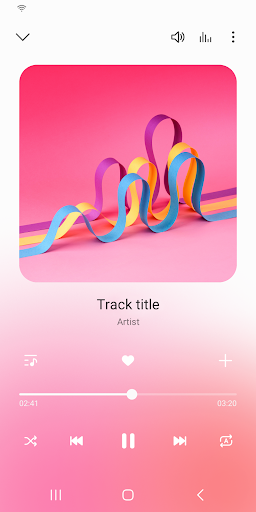
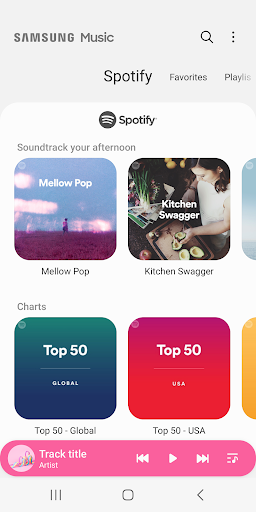
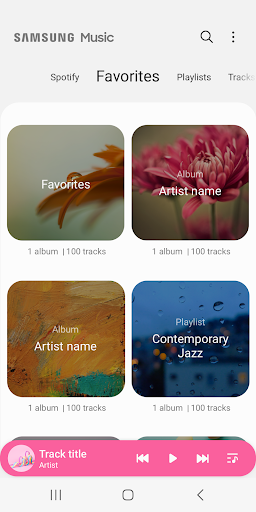
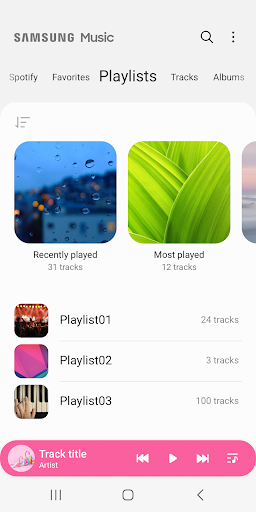
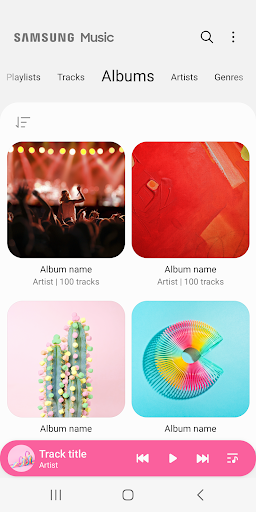
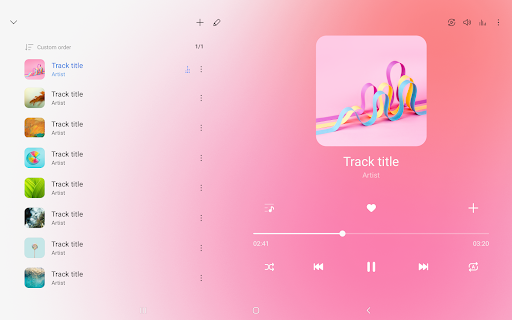
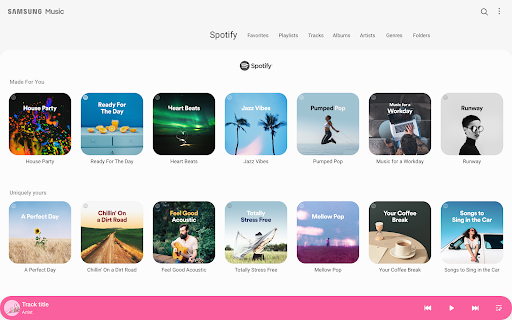
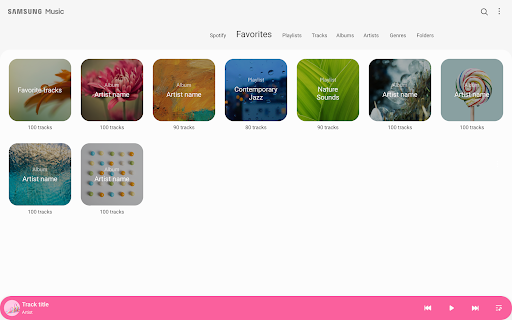
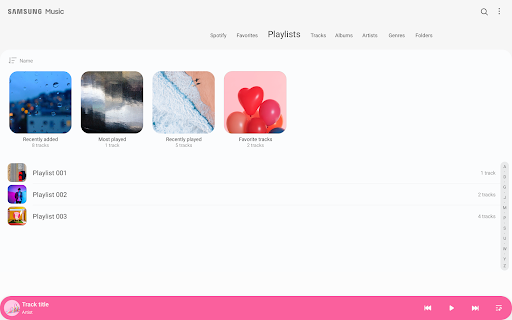
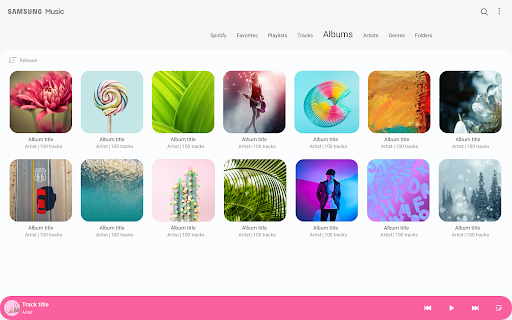
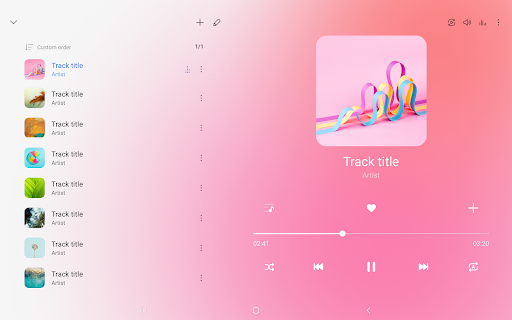


Samsung Music is optimized for Samsung android device and provides a powerful music play functionality and the best user interface.
Key Features
1. Supports playback of various sound formats such as MP3, WMA, AAC, FLAC.
2. Helps to effectively manage song lists by categories.(Track,Album,Artist,Genre,Folder,Composer)
3. Supports a new user experience that easily interact with Samsung smart devices like Tablet,TV(DLNA,Screen mirroring),Wearable.
4. Provides a clean and intuitive user interface.
5. The Samsung music shows recommendation of playlists from Spotify. You can find Spotify recommendation music by Spotify tab and search Spotify music you’ll love.
(The Spotify tab is only available in countries where Spotify is on service.)
What is FLAC?
FLAC is an audio coding format similar to MP3 & AAC, but lossless, meaning that audio is compressed in FLAC without any loss in quality.
Required App Permissions
Below mandatory permission is required for basic features of Samsung Music.
Even if optional permission are denied, basic features may work properly.
[Mandatory Permission]
1. STORAGE permission :
- Allows the player to write,modify,delete to SD card.
- Allows the player to read data from SD card.
[Optional Permission]
2. MICROPHONE permission : Galaxy S4, Note3, Note4 only
- Allows to control the player with voice commands which are listening, not recording.
ex : PLAY,PAUSE,NEXT,PREVIOUS,VOLUME UP,VOLUME DOWN
3. PHONE permission : Korean devices only.
- Verify your phone when using the music service.


