Cast Phone to TV
- 1.60K
- 4.7
- Installs
- 50.00M
- Version
- Varies with device

Screenshots






Pro
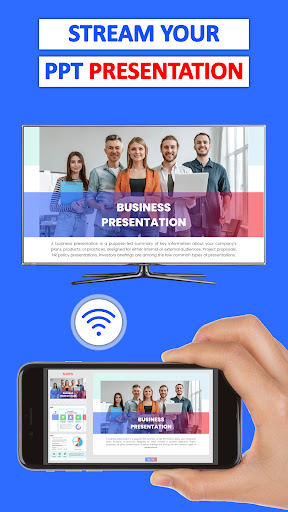
1. Ease of Use: The Cast Phone to TV, Chromecast app offers a straightforward user interface, allowing users to quickly connect their device and stream content to their TV without complex setup procedures.
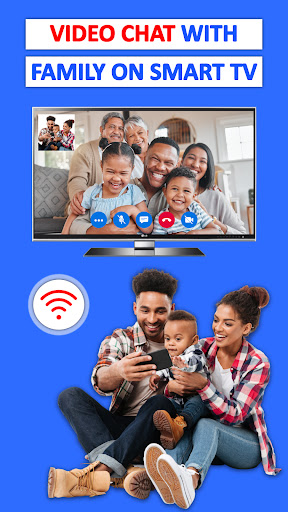
2. Versatility: It supports a wide range of content types, including photos, videos, and music, allowing users to enjoy various media on a larger screen seamlessly.
3. Wireless Convenience: By enabling the wireless casting of media from a phone to a TV, it eliminates the clutter of cables, providing a clean and convenient streaming experience without the need for physical connections.
Con
1. Limited App Support: Some mobile apps may not be compatible with the Cast Phone to TV, Chromecast feature, restricting the content you can stream to your TV.
2. Network Dependency: Casting content requires a stable Wi-Fi network. Poor network conditions can lead to lag, buffering, and intermittent connection issues during streaming.
3. Device Battery Drain: Using your phone to cast content can consume significant battery life, requiring more frequent charging and potentially reducing the overall battery lifespan.


