
AT&T AllAccess
for Windows- Name AT&T AllAccess
- Category Utilities & tools
- Downloads 84,000,000+
- Developer AT&T Services Inc
- Available on PC, Mobile
- OS Windows 10 version 14393.0 or higher
- Notes Windows 10 or higher;x86 x64 ARM required;AT&T compatible deice and SIM
Pros
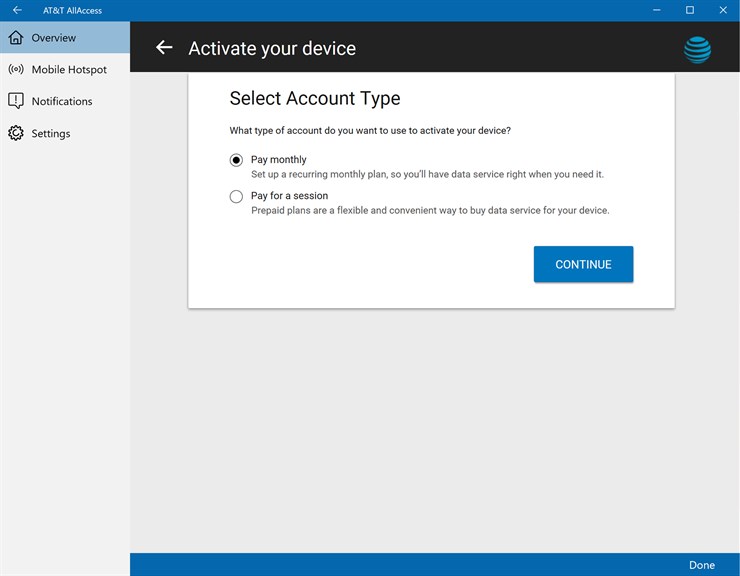
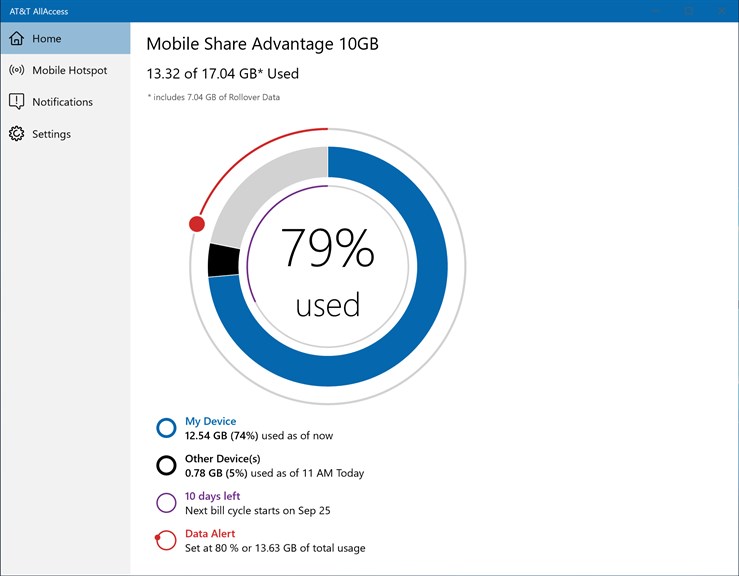
1. Connectivity Management: AT&T AllAccess allows users to monitor their data usage and network connection, providing real-time insights to manage their plans effectively and avoid overage charges.
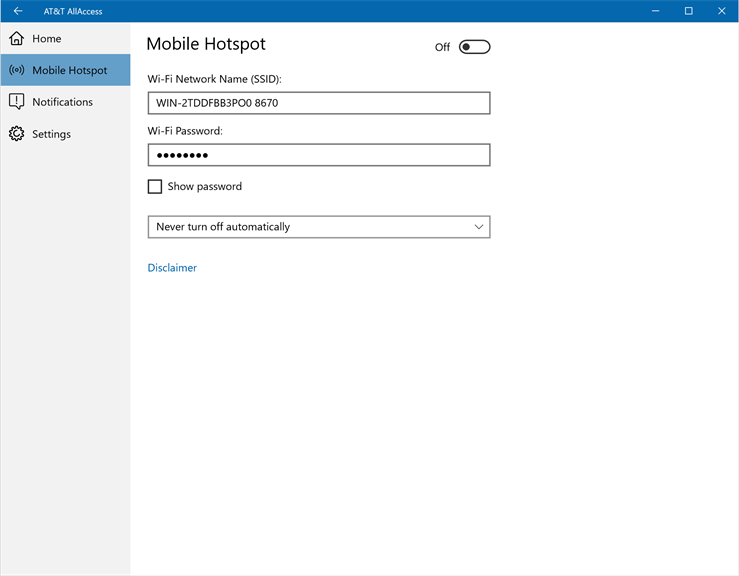
2. Wi-Fi Hotspot Capability: The software enables your PC to serve as a Wi-Fi hotspot, allowing you to share your AT&T mobile data connection with other devices, which is particularly useful when traditional Wi-Fi is unavailable.
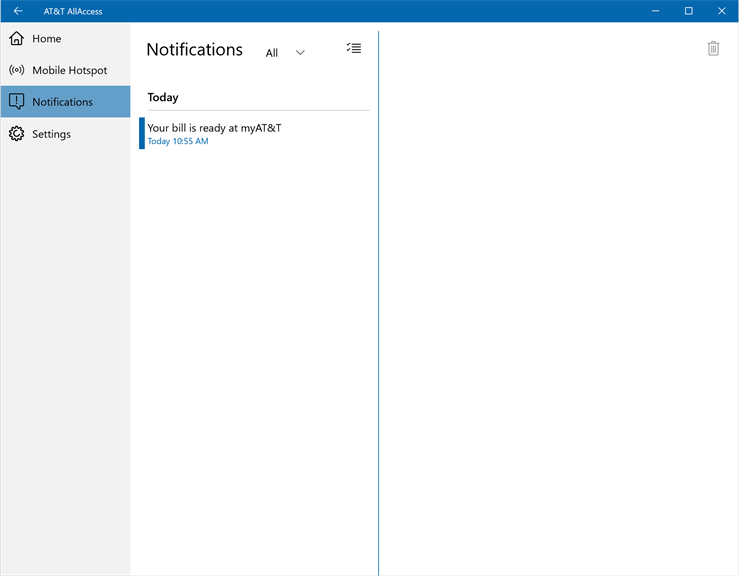
3. Software Updates: It automatically checks for software updates, ensuring your device has the latest features and security enhancements, keeping your connection stable and secure.
Cons
1. Limited Compatibility: AT&T AllAccess software may not be compatible with all PC configurations or operating systems, limiting its use to a specific range of computers and potentially excluding users with non-supported devices from accessing its features.
2. Resource Consumption: The software can be resource-intensive, running in the background and consuming system memory and processing power, which could slow down older or less powerful PCs and impact overall performance.
3. Software Bugs and Stability Issues: Users may experience bugs or stability issues with AT&T AllAccess, leading to crashes or unexpected behavior which can disrupt internet connectivity and require troubleshooting, potentially causing inconvenience and downtime.


