
Second Screen
for Windows- Name Second Screen
- Category Utilities & tools
- Downloads 34,000,000+
- Developer Samsung Electronics Co, Ltd.
- Available on PC
- OS Windows 10 version 19041.0 or higher
- Architecture x86, x64, Arm64
Pros
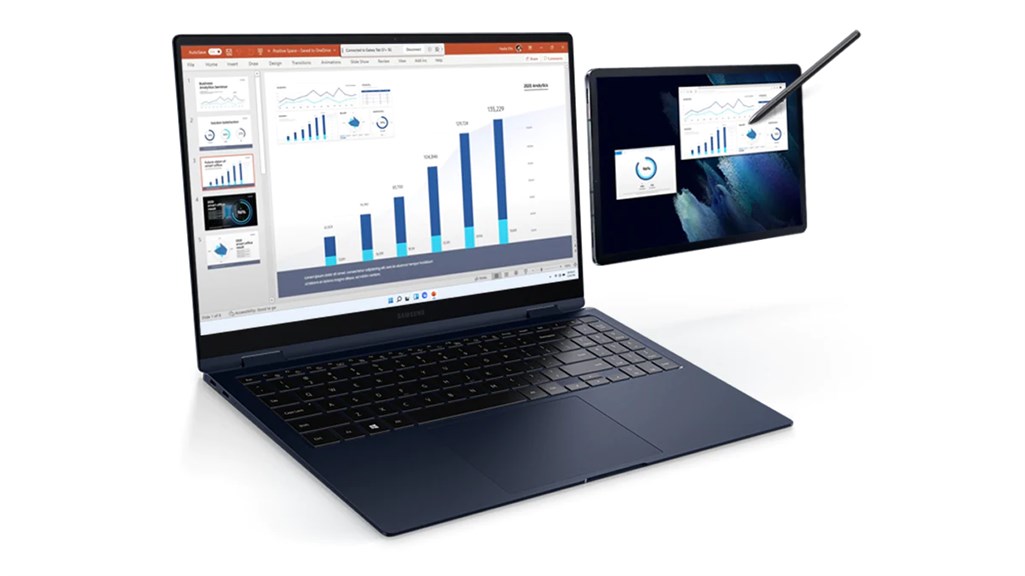
1. Increased productivity: The Second Screen software for PC allows you to use your smartphone or tablet as an additional screen, providing extra screen real estate for multitasking. This enables you to work more efficiently by allowing you to have multiple apps or documents open simultaneously.
2. Enhanced collaboration: With the Second Screen software, you can easily share your PC screen with others on your mobile device, making it ideal for collaborative work. This feature facilitates seamless communication and enables real-time collaboration with colleagues or clients.
3. Improved convenience: The software enables you to control your PC from your mobile device, eliminating the need to constantly switch between devices. This provides greater convenience and flexibility, allowing you to access your PC remotely and perform tasks efficiently from anywhere within your network.
Cons
1. Limited compatibility: The Second Screen software for PC may have limited compatibility with certain operating systems or hardware configurations, which can restrict its usability for a wide range of users.
2. Display limitations: The software's screen mirroring functionality may suffer from display lag or decreased resolution, impacting the overall visual experience when using the second screen.
3. Resource-heavy: Running the software may consume significant system resources, causing slower performance or even crashes on lower-end PCs, making it less suitable for those with limited processing power.


