
spacedesk
for Windows- Name spacedesk
- Category Productivity
- Downloads 92,000,000+
- Developer datronicsoft Technology GmbH
- Available on PC, Mobile
- OS Windows 10 version 19041.0 or higher
- Architecture x86, x64
- Mouse Integrated Mouse
- DirectX Version 11
- Memory 2 GB
Pros
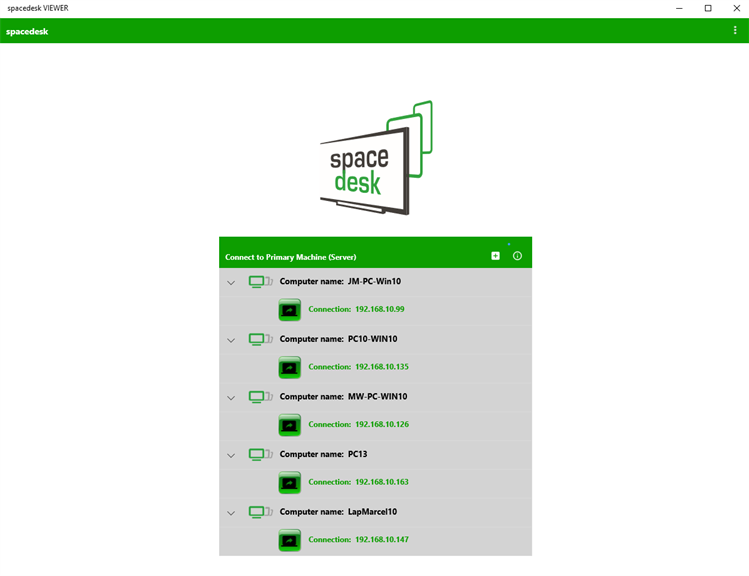
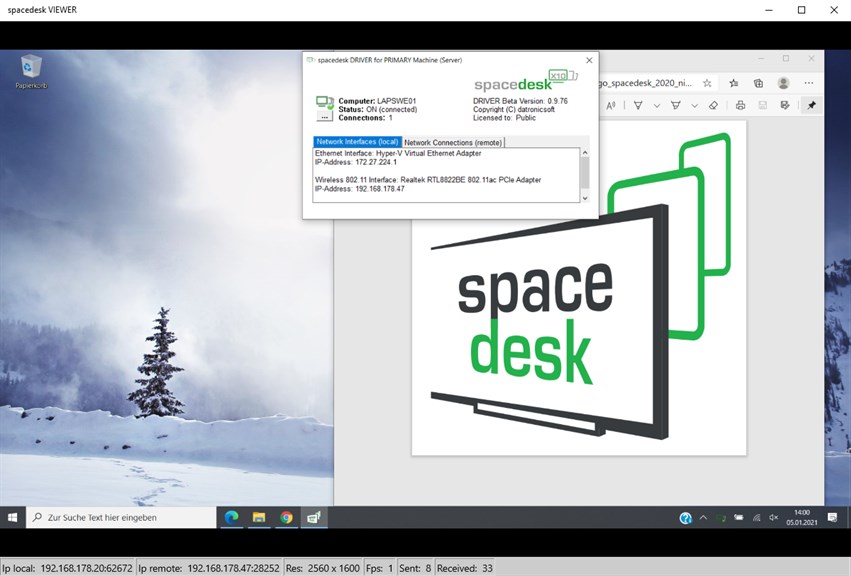
1. Multi-Monitor Extension: Spacedesk expands your workspace by allowing additional monitors through network-connected devices, enhancing multitasking capabilities by providing more screen real estate for various applications.
2. Cost-Efficient: Utilizing existing hardware like laptops, tablets, or smartphones as extra displays eliminates the need to purchase additional monitors, offering a budget-friendly multi-display solution.
3. Platform Versatility: The software supports a variety of clients, including Windows, iOS, and Android devices, thereby enabling cross-platform connectivity for a seamless multi-monitor setup across different operating systems.
Cons
1. Performance Impact: Spacedesk can consume considerable system resources when active. This impact is especially noticeable on less powerful PCs, potentially leading to reduced overall performance or lag, especially when running resource-intensive applications.
2. Network Dependency: Since Spacedesk relies on a network connection to function, any instability or slowness in the network can lead to disconnections or lag between the primary machine and secondary displays.
3. Limited Features: While Spacedesk provides basic multiple-monitor support, it lacks some advanced features found in native solutions or more sophisticated software, such as high refresh rate support, color calibration, and detailed display configurations.


