
Yubico Authenticator
for Windows- Name Yubico Authenticator
- Category Utilities & tools
- Downloads 99,000,000+
- Developer Yubico AB
- Available on PC
- OS Windows 10 version 17763.0 or higher
- Architecture x64

Pros
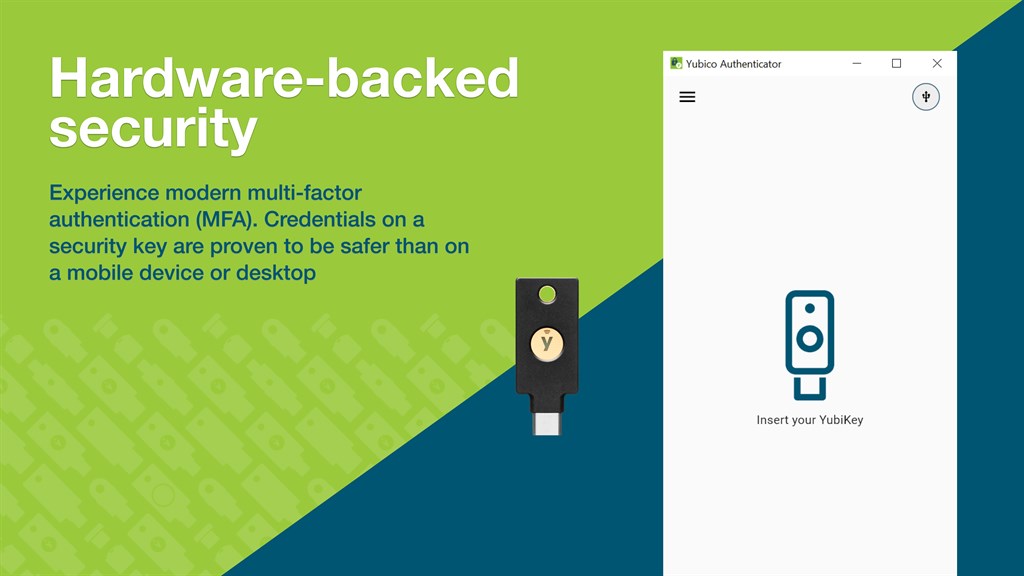
1. Touch Authentication: Yubico Authenticator allows the user to simply touch their YubiKey to generate a One-Time Password (OTP), providing an easy and secure second-factor authentication method without relying on mobile devices.
2. Multi-protocol Support: The software supports various authentication protocols such as Yubico OTP, OATH-TOTP, and OATH-HOTP, accommodating a wide range of services and enhancing versatility in two-factor authentication setups.
3. Offline Capability: Yubico Authenticator generates codes without needing an active internet connection, enabling secure access to accounts and services even when online connectivity is unavailable, thus ensuring uninterrupted productivity.
Cons
1. Platform Limitation: Yubico Authenticator for PC requires a physical YubiKey to function, so users without the hardware token cannot utilize the software, which limits its accessibility and convenience to those who have the necessary device.
2. Dependency on YubiKey: Because it relies on the YubiKey, if the physical token is lost or damaged, users lose access to their accounts secured by the Yubico Authenticator until they replace the hardware, potentially causing significant inconvenience and security risks.
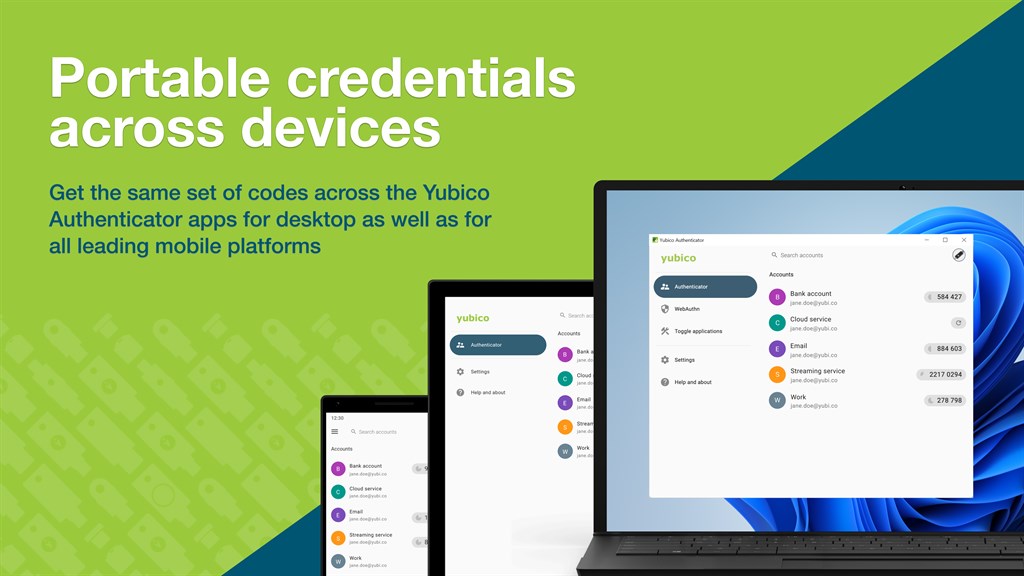
3. No Cloud Synchronization: Unlike some other authenticator apps, Yubico Authenticator doesn’t offer cloud sync features, meaning that it doesn’t automatically back up credential data across devices. This lack of synchronization can be inconvenient for users managing multiple devices and poses data recovery issues if the YubiKey is lost.


