Screen Recorder
- 2.34K
- 4.4
- Installs
- 960.00M
- Version
- Varies with device

Screenshots

Screen Recorder with Audio
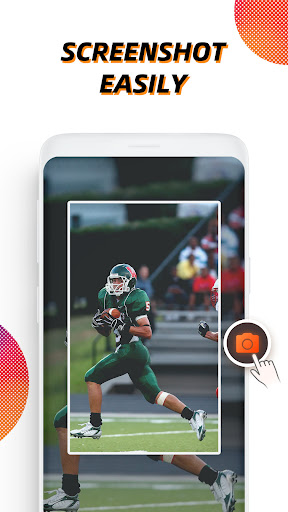
Vidma Screen Recorder helps you record & take screenshots with ease.
Vidma Screen Recorder makes screen recording more accessible than ever. Record, pause, resume, and screenshot any time with the handy record button. It's never too late to catch a live show again!
Why choose Vidma Screen Recorder?
- NO root needed, NO recording time limit
- Stable & Smooth video recorder
- Screen record with audio & no glitches
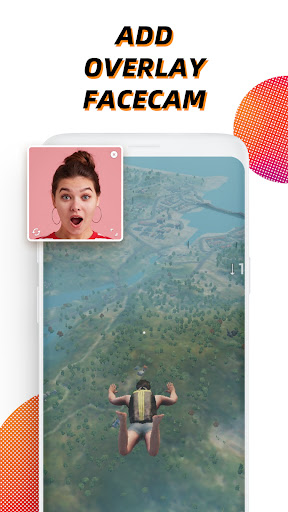
- Video recorder with face camera
- Screen video recorder without FPS drops
- Easy screen recorder app with customizable shortcuts
- Supports internal sound recording for Android 10 and up systems
Powerful Video Recorder
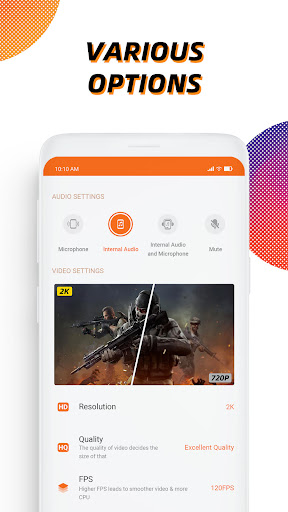
- Clear sound screen recorder: screen record with audio and microphone
- Brush tool: enable the brush on the toolbar and add marks on your screen
- Customizable and professional options: record screen in high quality (up to 2K resolution, 60fps)
- Video recorder without lag: running smoothly and stably on Android devices
- Video recorder without root: No need to root for screen recording
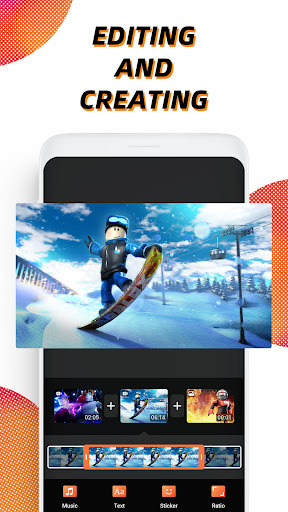
- Level up your recordings with professional video editing tools
Recording Tips for You
- For the most seamless recording experience, enable the floating button before you begin.
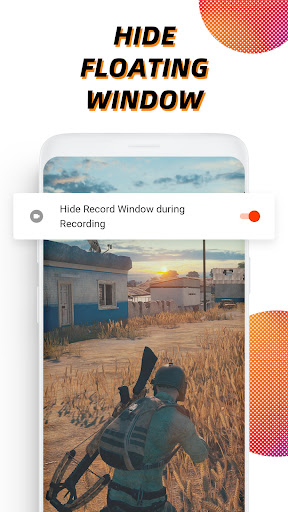
- The record button can be disabled if necessary. You can turn it off or adjust its opacity in Settings.
- You can stop video recording instantly by shaking your Android device.
Screen Recorder, Editor
- Quick edit: rotate, cut, and crop videos
- Video trimmer: remove the unwanted part of your recordings
- Add music: it will make your video sound more engaging
- Change speed: Slow down or speed up your screen recording
Most recording features in this screen recorder are totally free to use. Yet you can unblock more powerful video editing tools with Vidma Premium.
Disclaimer:
- Vidma Video Recorder is not affiliated with any social media platforms.
- Screen recording features are offered for non-commercial and personal use only.
- Users shall be solely responsible for any intellectual property infringement arising from the recording.
- Vidma Video Recorder will never collect personal data from users without permission. All the recorded files are saved locally on your device. They cannot be accessed by us or by any third party.


