BBC Sounds
- 1.87K
- 4.5
- Installs
- 560.00M
- Version
- Varies with device

Screenshots

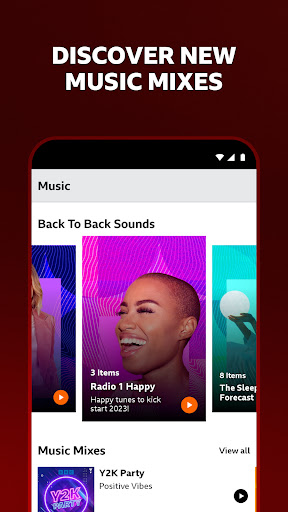


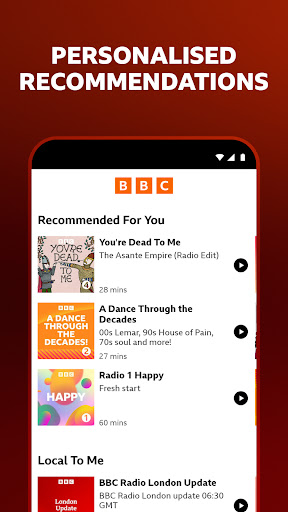
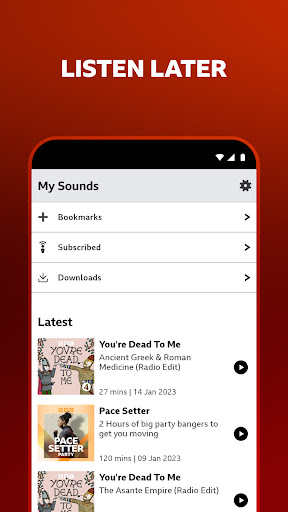

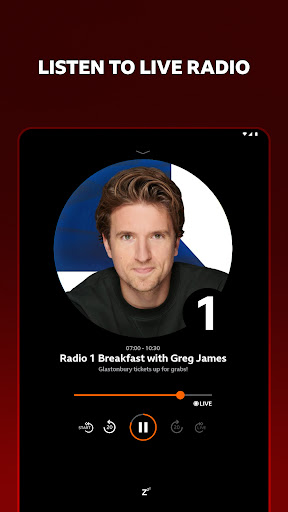



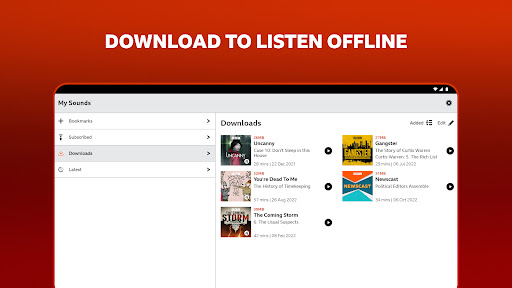
BBC Sounds is the new way to listen to BBC audio – your favourite programmes, podcasts, radio stations and music all in one place.
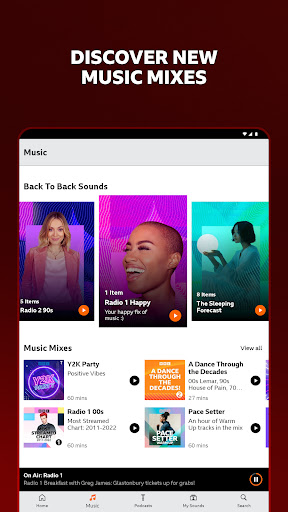
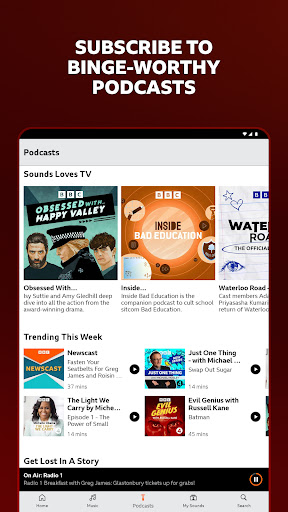
Explore a wide variety of new podcasts, music mixes and live sets. Listen live to BBC radio stations. Catch up or listen again to your favourite BBC radio shows.
Features include:
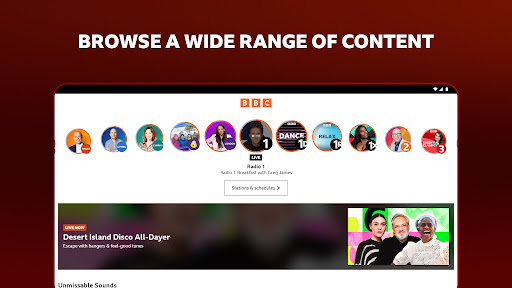
‐ Listen live to all BBC Radio stations
‐ Pause and rewind live radio, see past and future station schedules
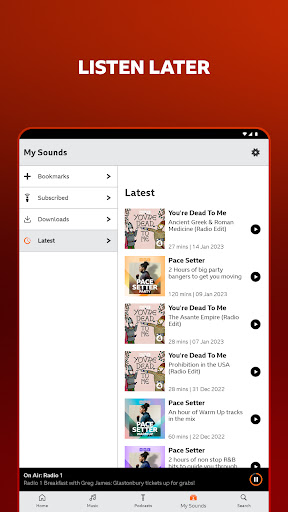
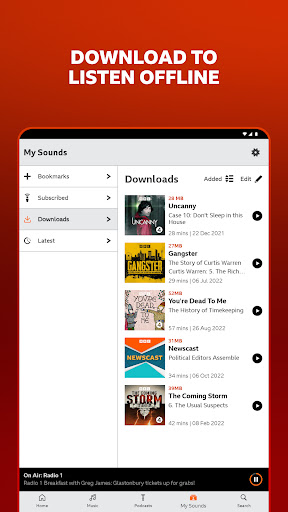
‐ Download and listen to your shows on the go
‐ Continue listening from where you left off on any device
‐ Autoplay multiple episodes of series or podcasts or all your downloads (optional)
‐ Subscribe to BBC podcasts, mixes and programmes
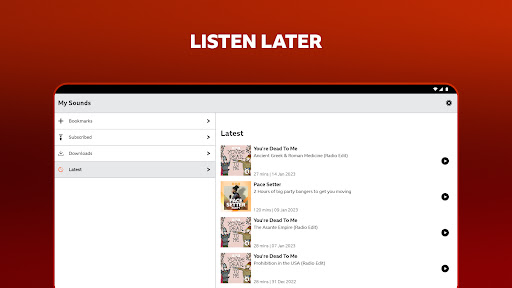
‐ See the latest episodes from your favourite programmes and podcasts in one handy list
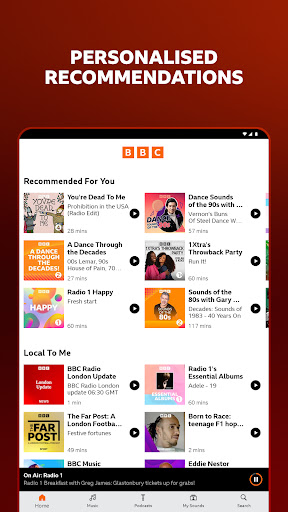
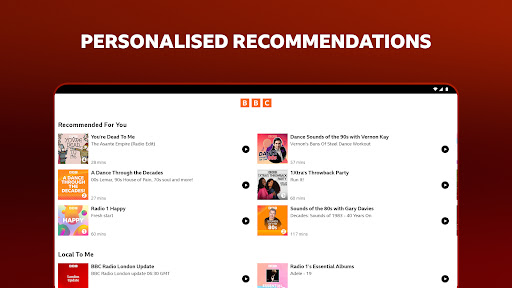
‐ Get personalised recommendations to discover new audio you’ll love
‐ Send music tracks you like to Apple Music and Spotify
‐ Browse by speech and music categories
‐ Sleep Timer
When using the Android Auto enabled version of BBC Sounds, it is your responsibility to always follow safe driving practices (i.e. don’t be distracted and focus on the road at all times). Comply with all relevant laws, traffic regulations and road signs.
To give you the best personalised experience, this app tracks what you’ve listened to on BBC Sounds and how long you’ve listened to programmes for. It also tracks when you add something to Bookmarks or Subscriptions. You can switch this feature off by signing into your BBC account and turning off “Allow Personalisation”, more information can be found here https://www.bbc.co.uk/usingthebbc/account/about-your-personalisation-settings/.
The BBC uses technologies similar to cookies to measure audience behaviour. You can switch this off using the Share Statistics toggle in the app's Settings screen.
Our third party “data processor” AppsFlyer automatically collects below information for attribution and analysis purpose.
‐ Your device information, such as device type, OS version
‐ IP address to determine your location
‐ Activity data, such as time when you downloaded this app
‐ Which sites referred you to download and use this app
We also use this data together with your BBC account data to improve BBC Sounds service. You can “opt out” from AppsFlyer tracking by filling the “Forget My Device” form in this link https://www.appsflyer.com/optout
For more information about how and why we use information about you, please visit the BBC Sounds App Privacy Notice. https://www.bbc.co.uk/sounds/help/questions/about-bbc-sounds-and-our-policies/sounds-app-privacy-notice
To read the BBC’s Privacy Policy go to http://www.bbc.co.uk/privacy/
If you install this app you accept the BBC Terms of Use at http://www.bbc.co.uk/terms/
The app is published by BBC Media AT (BBC Media Applications Technologies Limited) which is a wholly owned subsidiary of the BBC (British Broadcasting Corporation).
Full details of BBC Media AT are available on the Companies House website at: http://data.companieshouse.gov.uk/doc/company/07100235 BBC © 2020
The BBC is not responsible for the content of external sites. Read about our approach to external linking: http://www.bbc.co.uk/help/web/links/


