Chevron
- 1.71K
- 4.1
- Installs
- 790.00M
- Version
- Varies with device

Screenshots
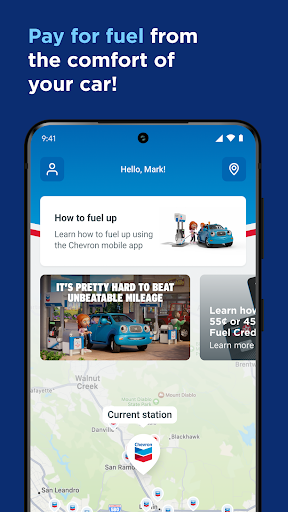





Use your smartphone and the Chevron app to pay for fuel from the comfort of your driver’s seat for a fast and simple experience at the pump!
It’s simple to do:
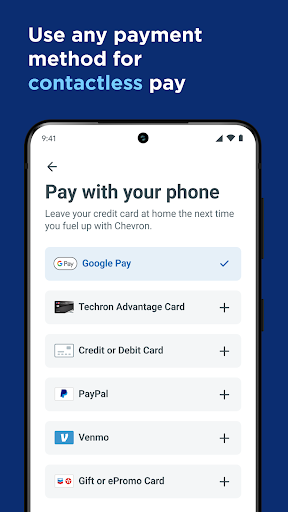
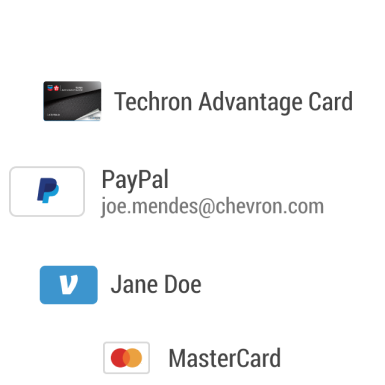
• Before heading to the station, sign up and create a user account for mobile payments and link your PayPal account, Venmo account, Chevron and Texaco Techron Advantage® Card, or credit card to your user account Then, find a station that is processing mobile payments through the station locator feature
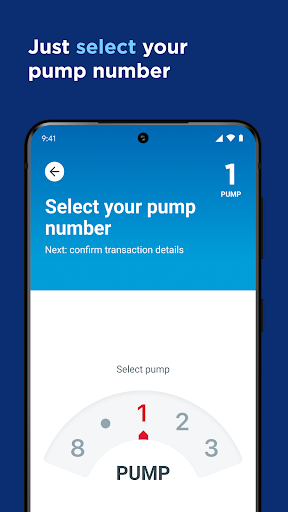
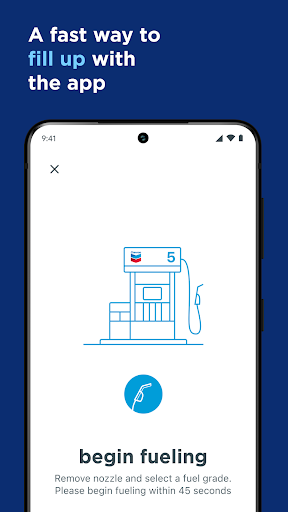
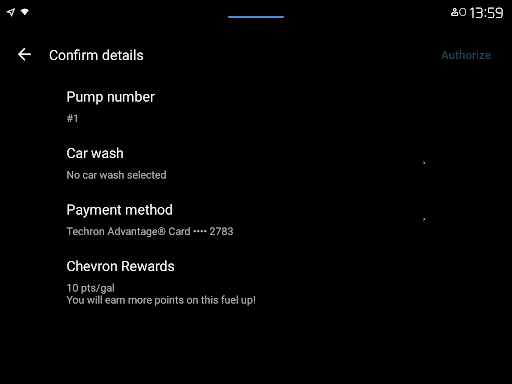
• At the station, use the app on your phone to reserve the pump and select your payment method from your driver’s seat
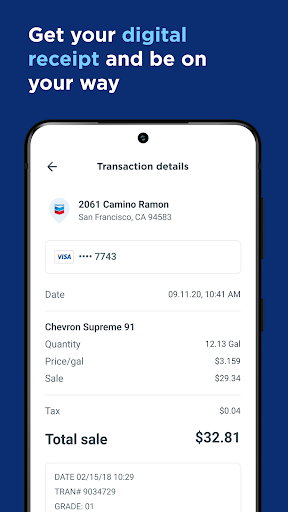
• When prompted, fill up at the pump and go. Your receipt will be waiting for you on your phone!
Additional features to help keep you going:
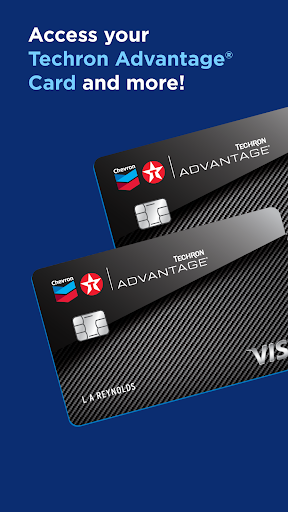
• Check your balance and make payments to your Techron Advantage® Card account that earns ongoing 3c per gallon in Fuel Credits on every fill-up, every time (see application for details)
• Redeem earned Gas Rewards on your fill-up where available
• Use a Chevron or Texaco Gift Cards as a payment method at the pump
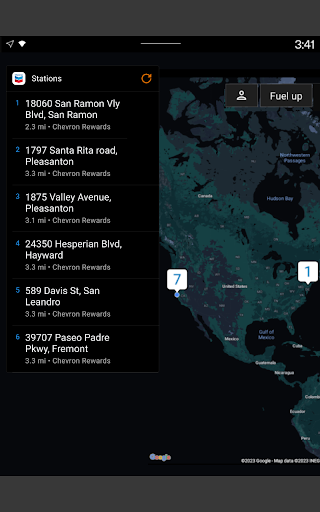
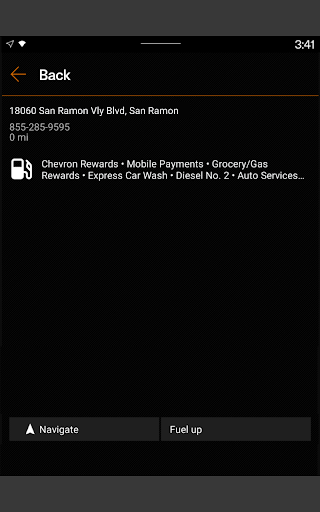
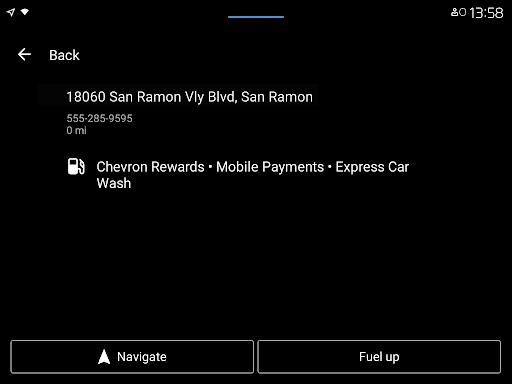
• Find a Chevron or Texaco station and easily view services offered, like Mobile Payment
• Filter through other station offerings such as Car Wash, Diesel, Amazon Lockers and more
• View in-app receipts for Mobile Payments
• Provide feedback for a station or service
• Use your WearOS device to fuel up


